1. Creation of a map
To begin the creation of your map, open Google Map in your browser: https://www.google.fr/maps/
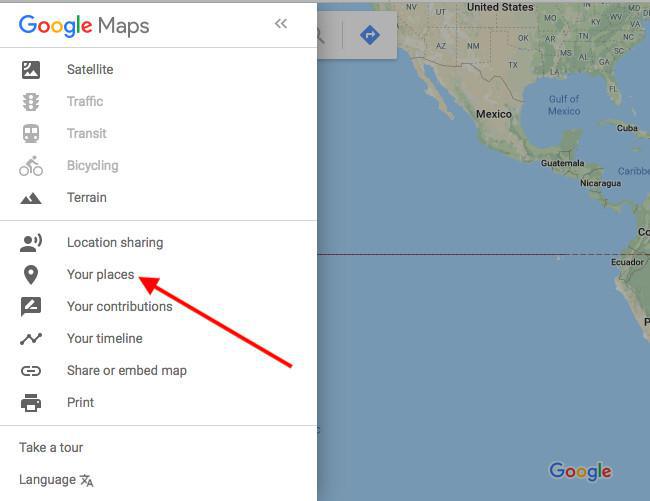
In the menu, click on "Your places".
In the menu, click on "Your places".
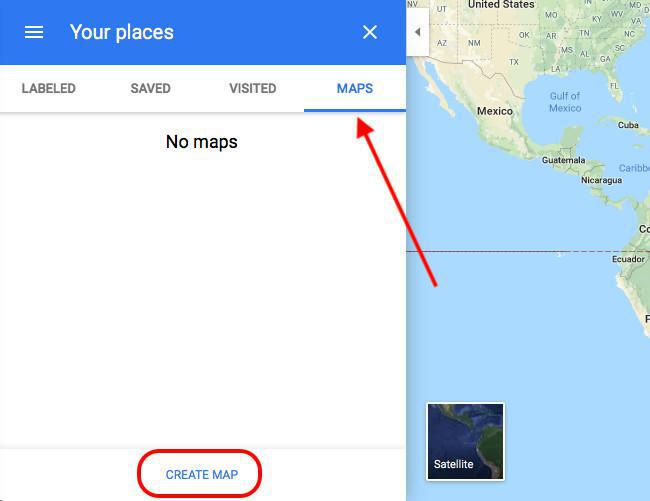
Click on the Maps tab and select "Create a map" at the bottom of the page.
2. Attention
Once you are here, you have access to all the features allowing you to create your map.
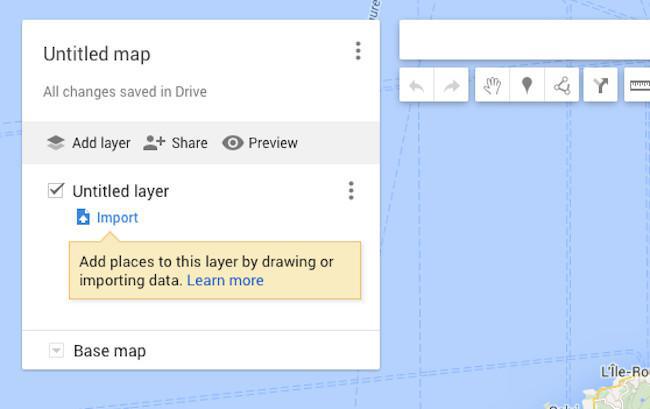
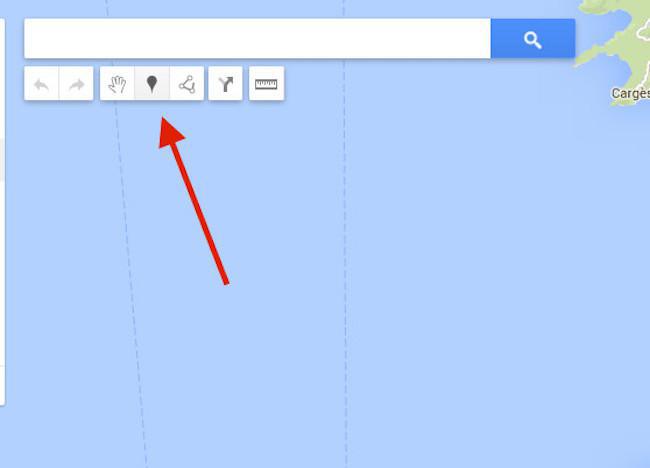
You can now add points on your map by clicking on the dedicated icon.
3. Export the KML file of the map
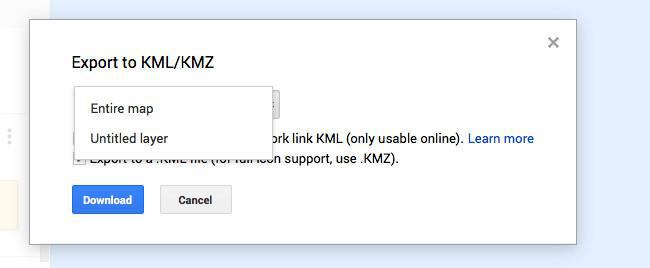
Once your points are created, you can now export your KML file. Click on the icon near the title and choose "Export to KML/KMZ".
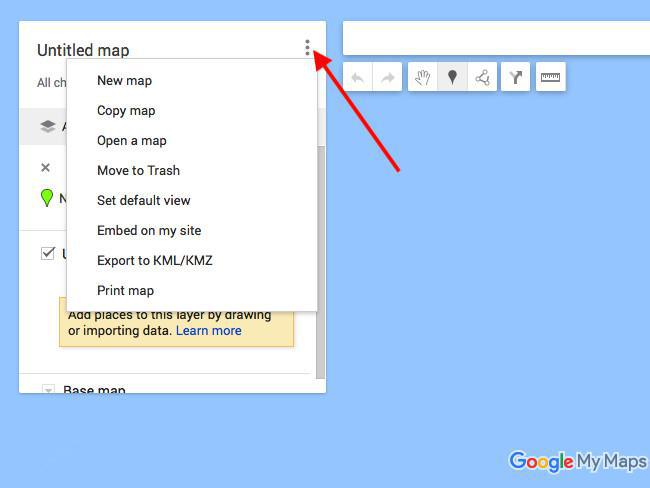
Choose then to export the layer of your map without forgetting to check the "Export to a .KML file (for full icon support, use .KMZ)" box.