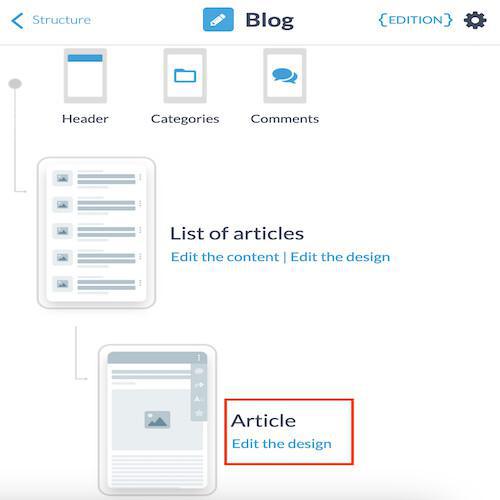
1. From the left menu, go to My app > Structure
2. Click the three dots next to the section on "Modify design"
3. Click on "Edit design" on Article
2. Click the three dots next to the section on "Modify design"
3. Click on "Edit design" on Article
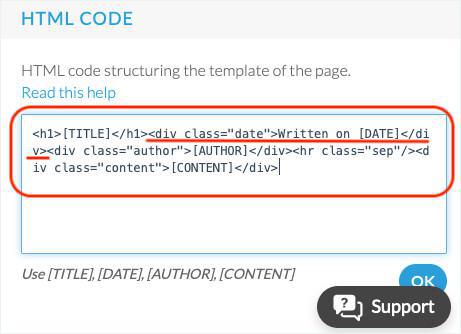
Scroll down to the bottom of the page, to the HTML Code field.
1. Delete the date
1. Delete exactly the portion of the code <div class="date">Written on [DATE]</div> in the HTML Code field
2. Click OK.
2. Click OK.
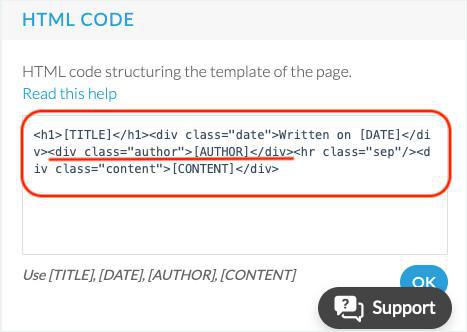
2. Delete the author
1. Delete exactly the portion of code <div class="author">[AUTHOR]</div> in the HTML Code field
2. Click OK.
2. Click OK.