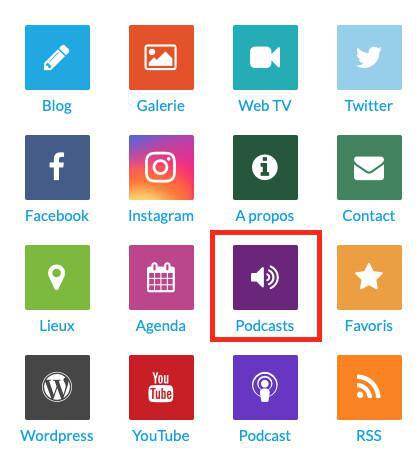
You can add a podcast from iTunes and connect it to the podcast connector.
1. On iTunes
Open iTunes, select Music, and go to iTunes Store.
Once you are here, click on Music on the right, and then select Podcasts.
Once you are here, click on Music on the right, and then select Podcasts.
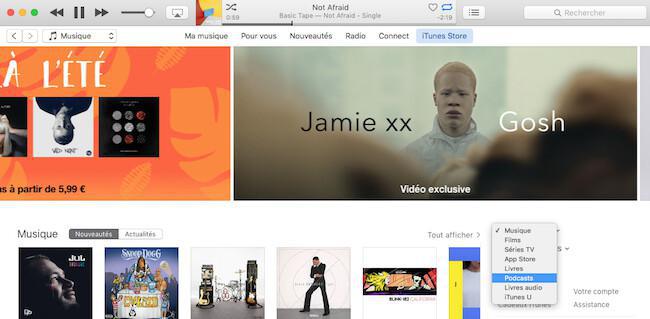
Now you can browse the podcast that you want to link in the search bar.
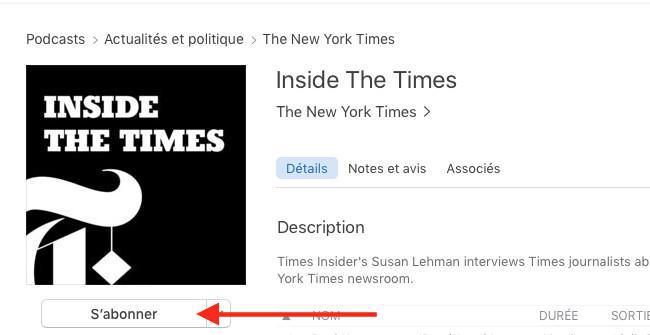
Once it's done, select it and click on "Subscribe".
Once it's done, select it and click on "Subscribe".
Now go in "My podcasts" and select the podcast subscribes.
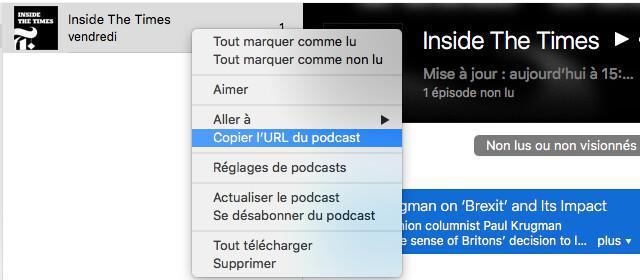
Select it, then right click on it, and click on copy podcast URL.
Select it, then right click on it, and click on copy podcast URL.
2. On the Back office
Now open the Left swipe menu My App > Structure > + Add a section > Podcasts. You can also check how to create sections online help.
- Add a title to your section
- Paste the URL of your podcast
- Click on "Add".
Your section is now ready.
- Add a title to your section
- Paste the URL of your podcast
- Click on "Add".
Your section is now ready.