GBTC: Publish your app with easeDiscover GoodBarber Takes Care and simplify the app publication process for both the App Store and Google Play. Let us handle the technical details for you.Learn more about GBTC
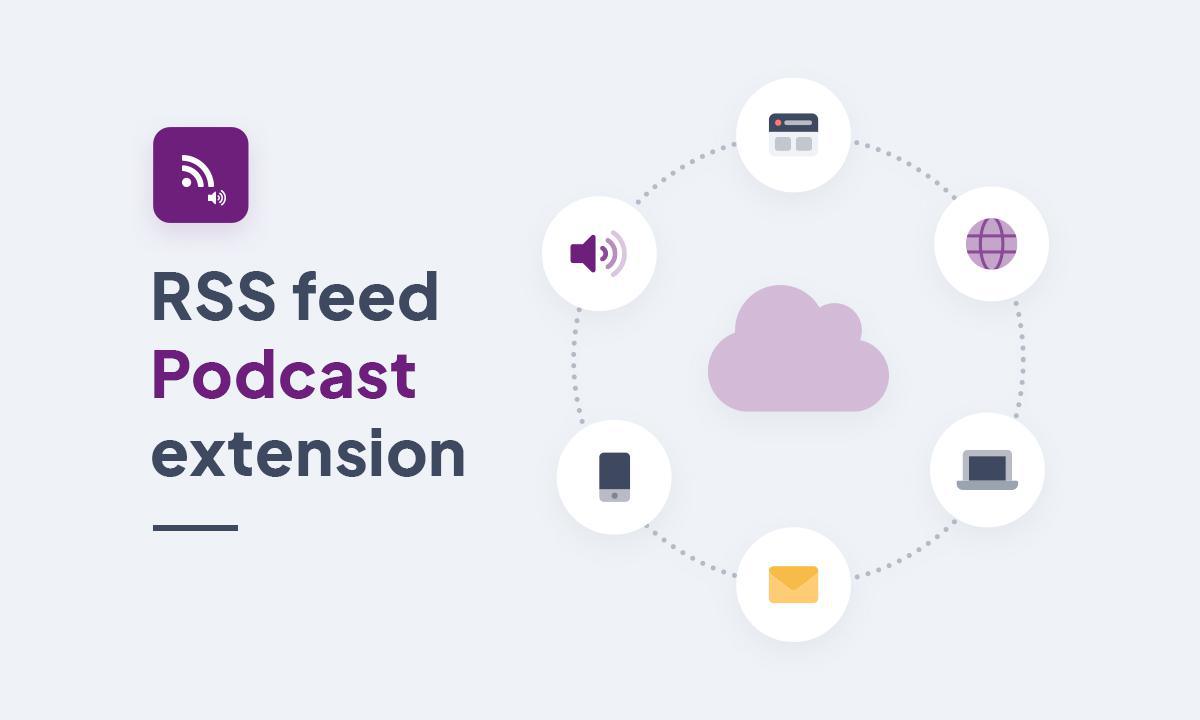
With this latest extension, you can extend the reach of your audio content by making it available on external platforms.
With this option, distributing your podcasts on external platforms and sites becomes child's play, enabling you to reach a wider audience.
Your content feed is generated and updated automatically, so all you have to do is choose the distribution platforms and insert the link in your GoodBarber back office. By generating content feeds for different sections of your GoodBarber application, you can easily distribute your content to the external platforms of your choice, not only considerably increasing its visibility, but also simplifying the management of multi-site publications. RSS feeds offer exciting new ways of distributing your podcasts!
Everything is done to make your life easier: feed generation is just a click away, and insertion on external platforms is just as easy. You save time every step of the way. Your podcast episodes are published instantly on all platforms, guaranteeing rapid and effective distribution of your content. Autonomy is the key here. Feeds are automatically generated and updated, eliminating the need for constant maintenance. So you can concentrate on content creation, safe in the knowledge that distribution is managed seamlessly.
This smart strategy helps to increase your visibility and attract a wide audience.
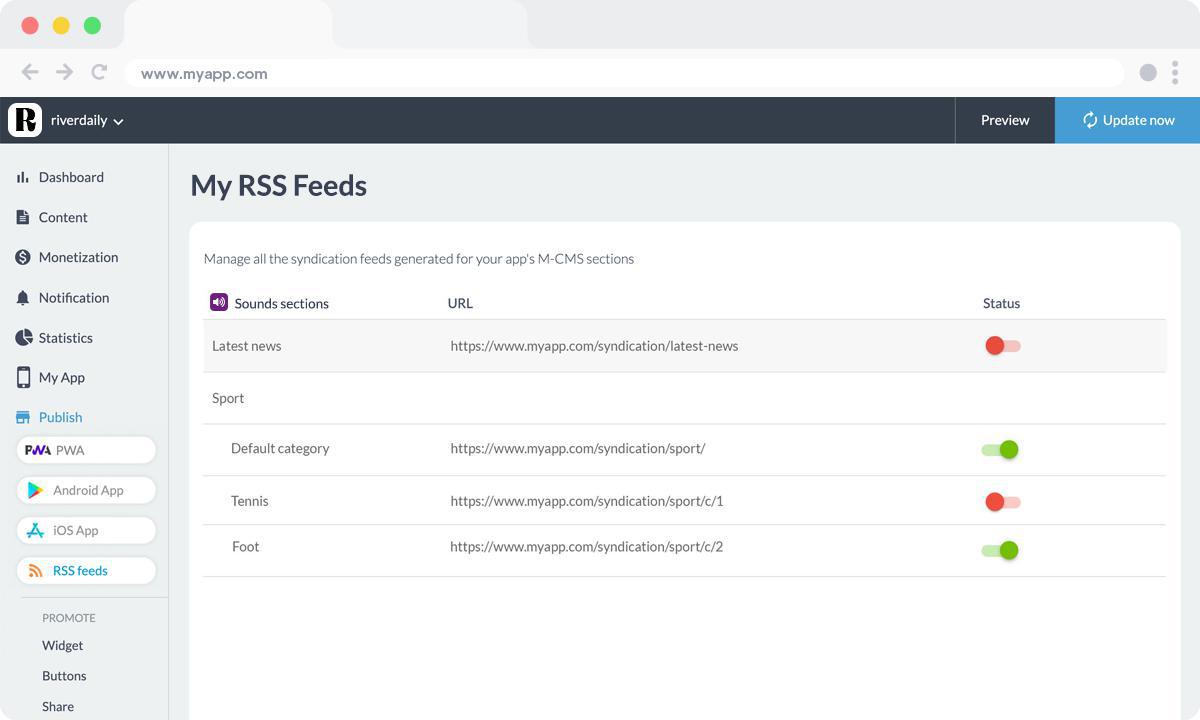
To install this extension, go to your application's back office and search for the "Flux RSS Podcast" extension in the Extension Store. Simply click on "Install", and a new menu entitled "My RSS Feeds" will appear. In this menu, you can manage all the feeds generated for your podcast series and individual episodes. You can choose to broadcast your entire collection or specifically select the episodes to be included in the Podcast RSS feed.
Now you're ready to integrate your RSS Podcast feed on your external platforms!
In Structure, the "Add a section" button opens a window that starts with a question: "What do you want to add?". Below it, the list gathers everything GoodBarber can add to an app, grouped by what each entry does to it: what adds a section, what fills a section from a service you already use, what works in the background without adding a screen, and what enriches a section already in place. Ideas to build with the AI Extension Builder have a group of their own.
The short version. Zeffy Events and Zeffy Campaigns are two extensions of GoodBarber, the no-code app builder, that read a nonprofit's campaigns on Zeffy. Zeffy Events fills a Calendar section with upcoming events, one entry per date when an event runs on several dates, each with a button that opens its Zeffy ticketing page in the app. Zeffy Campaigns fills an Article section with donation forms, peer-to-peer fundraisers and memberships: memberships open in the app, donations open in the phone's browser. You connect them with your Zeffy API key. Both are free for Content apps: each section counts as one of the extensions included in your plan.Zeffy says more than 100,000 nonprofits have raised over $2 billion through its platform, in an article published on June 16, 2026. Here is how the two extensions play out for a youth theater company that sells its show and raises funds on Zeffy.
In GoodBarber, each color of your theme plays a role. On one of our apps, changing a single color repainted 95 settings at once, without opening a screen.
 eCommerce
 Memberships
 Chatbot
 Online Courses
 Bookings
 Travel guide
 Events
 Content Creators
 Pickup & Delivery
 Newspaper
 Radio
Radio Schools
 Faith
Faith Organizations
 Restaurant
 Grocery
 Custom apps
 Employee Communication

 NO CODE APP BUILDER
 TECHNOLOGY
 WHY GOODBARBER?
 Design
 PRODUCT RESOURCES
 TOPICS
 MOBILE APPS RESELLERS
 DISCOVER