 eCommerce
 Memberships
 Chatbot
 Online Courses
 Bookings
 Travel guide
 Events
 Content Creators
 Pickup & Delivery
 Newspaper
 Radio
Radio Schools
 Faith
Faith Organizations
 Restaurant
 Grocery
 Custom apps
 Employee Communication

 NO CODE APP BUILDER
 TECHNOLOGY
 WHY GOODBARBER?
 Design
 PRODUCT RESOURCES
 TOPICS
 MOBILE APPS RESELLERS
 DISCOVER
Build with GoodBarber
Public APIs, a hosted MCP server, open-source skills, Zapier and Make integrations, custom code and data tools. Whether you write code, automate without it, or hand the work to an AI agent, it all runs on the same app: yours.
claude mcp add goodbarber --transport http https://mcp.goodbarber.dev/mcp/sse{
"mcpServers": {
"goodbarber": {
"url": "https://mcp.goodbarber.dev/mcp/sse"
}
}
}Everything you need to build
Six entry points, one app. Pick the one that matches how you work.
Public APIs
REST APIs for content apps and eCommerce apps, plus the App API. Read and write users, products, orders, content and statistics from your own code.
See detailsMCP server
A hosted Model Context Protocol server. Claude, ChatGPT, Cursor and any MCP client manage your app by conversation, with OAuth sign-in and access scoped to one app.
See detailsSkills & plugin
44 open-source skills turn the MCP tools into complete workflows: best sellers, promo campaigns, editorial calendar, subscription audit. Packaged as a Claude Code plugin, usable in Cursor, Codex CLI and Gemini CLI too.
See detailsNo-code integrations
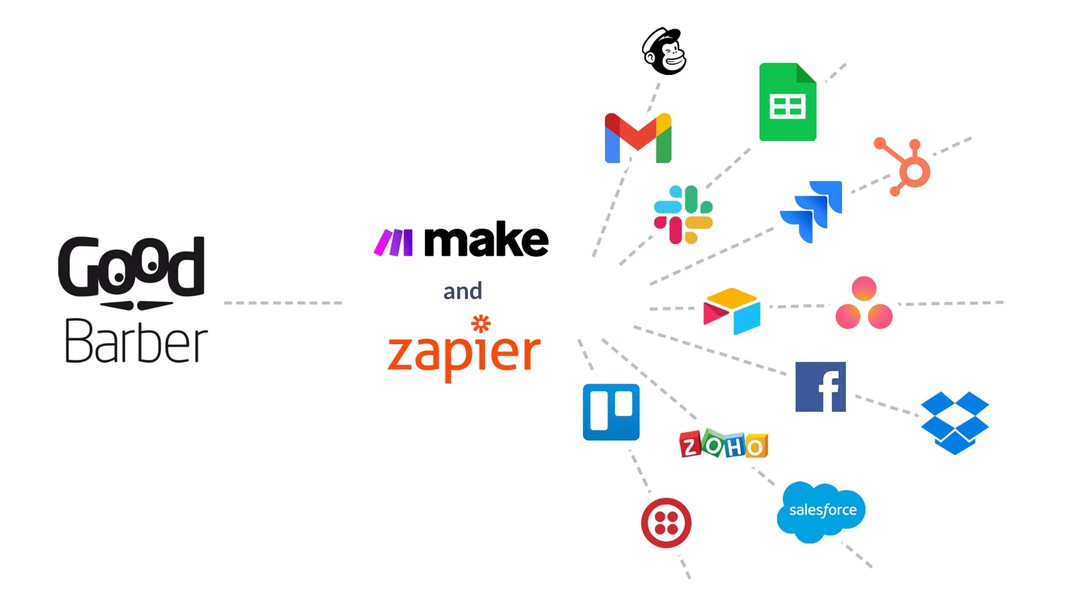
Zapier and Make connect your app to thousands of online services without writing code: a new user lands in Mailchimp, a new order becomes a row in Google Sheets.
See detailsCustom code & design
Build your own sections, menus and widgets with standard web languages, start from the examples on our GitHub, and edit the app's design configuration file for deeper customization.
See detailsData: feeds & CSV
Sync content from a third-party CMS into your app's native layouts with custom feeds, and import or export users, products, customers, orders and traffic statistics as CSV.
See detailsAI agents welcome
Agents are first-class users of GoodBarber. What you do in the back office, an assistant can do through one MCP connection, scoped to your app and nothing else.
Connect the MCP server
One click from the Claude connectors directory or the ChatGPT plugin directory, one command in Claude Code, or one URL in Cursor or VS Code. Sign in with an API key from your back office; OAuth takes care of the rest.
claude mcp add goodbarber --transport http https://mcp.goodbarber.dev/mcp/sseAdd the skills
Install the GoodBarber plugin in Claude Code, or copy the skills into the assistant you use. Each skill runs a complete workflow, from data retrieval to a formatted report.
git clone https://github.com/goodbarber/goodbarber-skills.git
claude --plugin-dir ./goodbarber-skillsAsk in plain language
“Schedule a push for tonight announcing the summer sale.” The agent picks the right tools, runs them against your app and reports back in the conversation.
GoodBarber MCP server
GoodBarber MCP exposes your app to AI assistants through the Model Context Protocol: 150 tools covering shop, orders, content, push notifications, customers and analytics, of which a session only sees those matching your app's features. Sign-in uses OAuth 2.0, every session is scoped to a single app, and the server speaks Streamable HTTP. It is listed in the official MCP registry.
shop-best-sellersshop-promo-campaignshop-stock-checkcms-article-publishcms-editorial-calendarcommunity-push-broadcastmembership-expiration-calendarmembership-subscription-audit
Open-source skills
A skill is an instruction file that teaches an assistant how to run a complete workflow with the MCP tools, from data retrieval to a formatted report. We publish 44 of them on GitHub, in the public domain, grouped by eCommerce, CMS, Community and Membership, and packaged as a Claude Code plugin.
Make your first call
Three steps from a GoodBarber account to a working integration.
Get an API key
In your app's back office, open the Public API / MCP server page and generate a key. Each key is tied to one app: that is the app your code or your assistant will manage.
Call the API
Use the key with the content, eCommerce or App API. The documentation lists every endpoint, so your first request is a matter of minutes.
Or hand it to an agent
Connect the MCP server with the same key and ask your assistant to do the work. No client code to write, no endpoint to learn.
No-code integrations+
Use GoodBarber integrations for Zapier and Make to automate workflows. You can plug your app to 1000+ of third party services.
Zapier
With the Zapier extension, you have the ability to connect your app to thousands of other online services. For example, when a new user creates an account in your GoodBarber app, Zapier can ask Mailchimp to add them to one of your audiences
Make
Make is the perfect extension to set up automations without having to code. For example, you could create a scenario that adds the email of your new users to a Salesforce campaign
Zapier (for eCommerce)
Zapier is a tool that helps you automate repetitive tasks between your GoodBarber app and other online services, without any coding. For example, when an order is placed in your GoodBarber app, Zapier can ask Google Sheet to create a new row in a spreadsheet.
Make (for eCommerce)
Connect your eCommerce app to Make and automate operations. For example, you could create a scenario that updates the stock of a product when a row is added to a Google Sheet table.
APIs+
Build with GoodBarber
For your Content app
Use our APIs to build a custom made workflow. You could for example make an integration that adds a user to a group when an email is added to a Google Sheet.
For your eCommerce app
With GoodBarber's APIs, build solutions around your eCommerce app to boost your business. For instance, when an order is placed in your GoodBarber app, you could automatically print it in your kitchen or in your warehouse.
Custom features+
Add your own custom features into your app
Create your own feature
Use our Custom sections to create customized features that are deeply integrated into your application. Menu, widget, navigation mode or full-fledged section, you can create your own elements from scratch, using common languages such as HTML, JS and CSS. We provide you with the GoodBarber App API, offering simplified access to interact with built-in parts of the app. The GoodBarber App API provides you with complete flexibility, unlocking a world of opportunities to tailor your application to your specific needs.
Code examples
Feed your creativity by exploring the practical examples available on our Github. These concrete examples will guide you in the creation of unique functionalities, offering you a constant source of inspiration.
Advanced design edition+
Go the extra mile in design customization
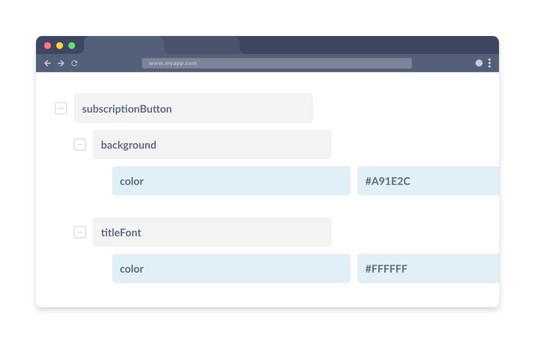
App design configuration file
Get a direct access to the configuration file of your app. You will be able to edit hidden parameters to make deep design customizations.
Content synchronization+
Build a custom connector to display content in your app
Custom content feeds
With a custom content feeds, you can synchronize the content you manage with a third party CMS into your app. The content is displayed into GoodBarber's native templates and benefits from all the features of your app.
Data import & export+
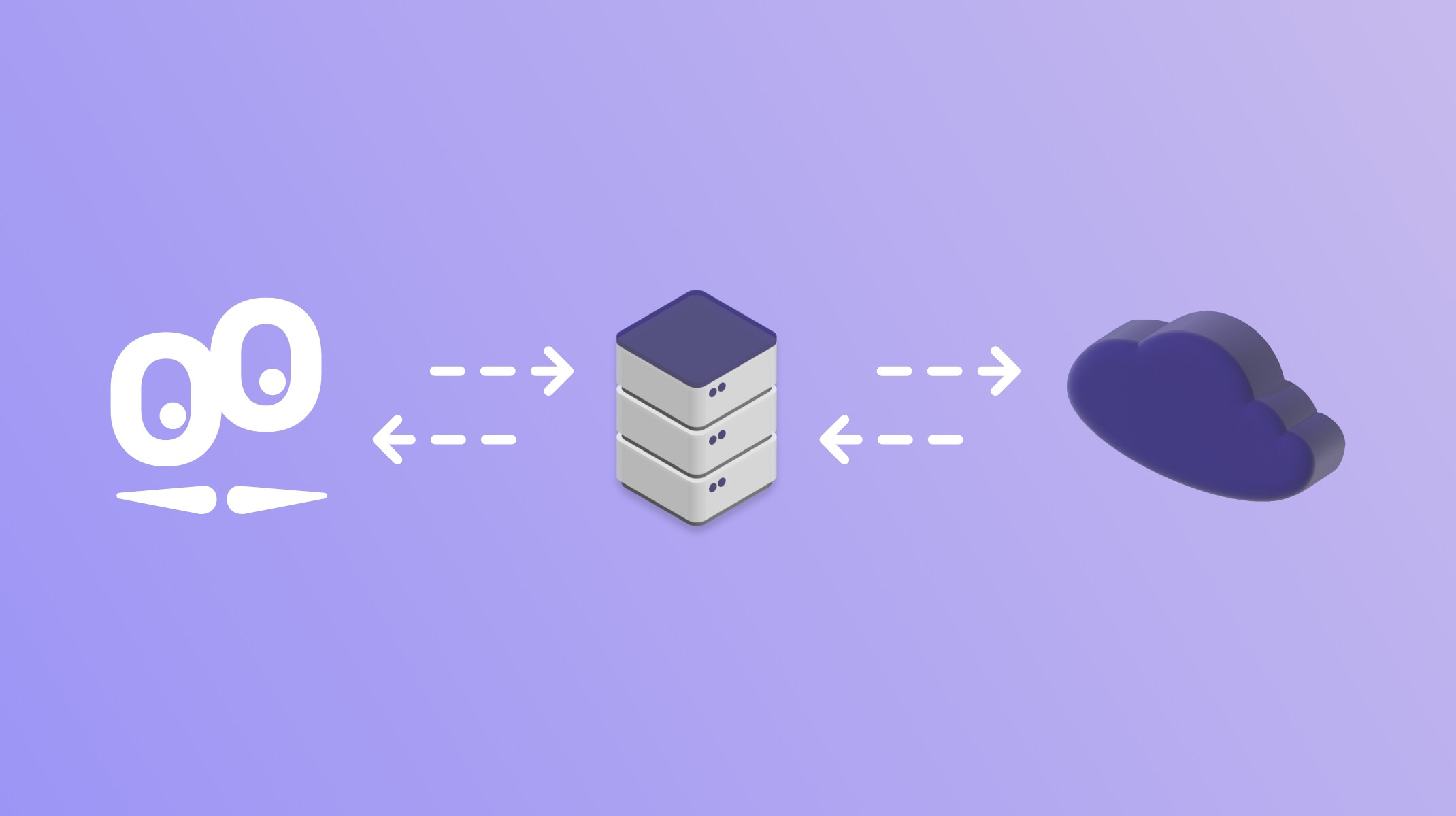
Use CSV imports and exports to ingest data within your app, manage or re-use your data outside GoodBarber
For your Content app
You can manage data related to your users (with the Authentication extension), as well as extract traffic statistics of your app.
For your eCommerce app
You can manage data related to your products, customers and orders of your shop, as well as extract traffic statistics of your app.
Hire our experts
If you are not a developer you can also hire our Service+ team.