GBTC: Publish your app with easeDiscover GoodBarber Takes Care and simplify the app publication process for both the App Store and Google Play. Let us handle the technical details for you.Learn more about GBTC
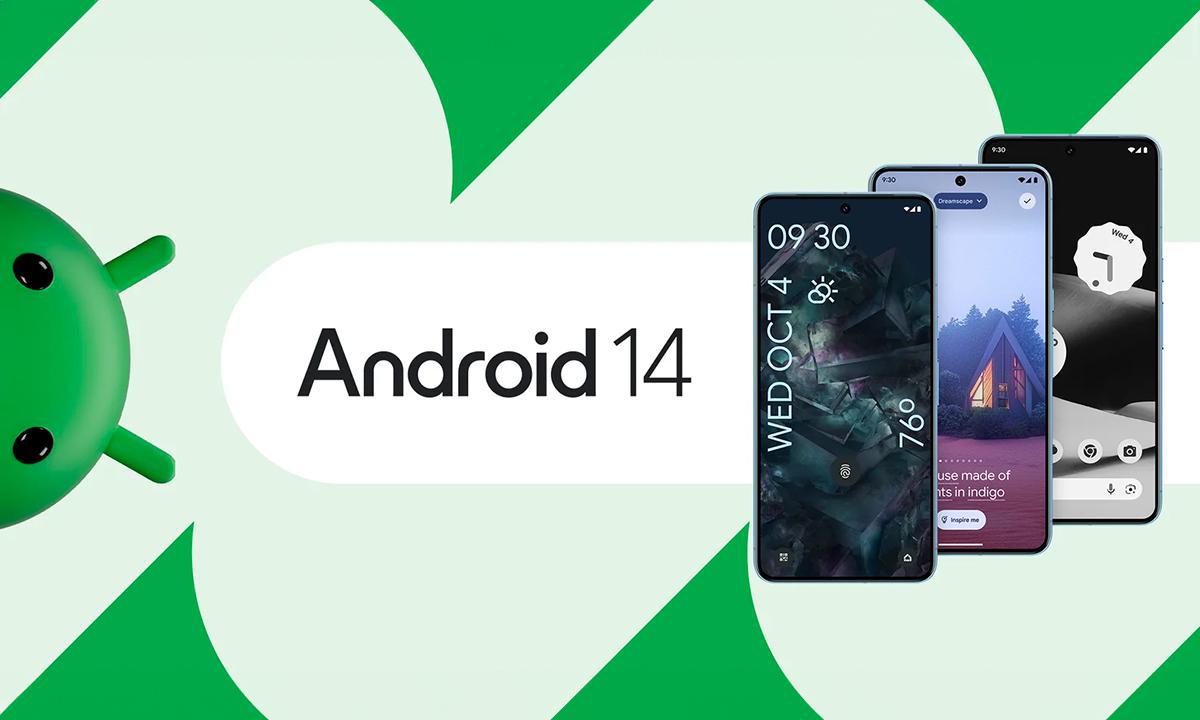
Each years, we are pleased to introduce a new version of the Android OS. It's an opportunity for users to have access to new functionalities, and for developers to learn to new APIs and offer new user experiences.
The release of Android 14 confirms a trend over the last few years, namely that the OS has matured : annual enhancements are more often not new customization possibilities, or the opportunity to surf on the latest buzzwords in the industry.
Nevertheless, Google's aim of delivering a premium OS is clear, and it was a pleasant surprise to see that the new version of the system is more resource-efficient, and that our phone's battery was less draines than usual bedtime.
This premium OS objective is felt above all by the developer, who each year must comply with new rules aimed most often at increasing the application's performance, but above all with regard to transparency with the user, a subject close to our hearts.
The end of the year is therefore the time when GoodBarber's Android developers update the engine to offer our customers peace of mind and the assurance that their applications respect Google's latest guidelines and have their place on the store. We've largely rethought our engine, and the historical approach we had to some of our features, to offer great technical possibilities in the future.
And now, after several week's work, it's time to deliver our version of the GoodBarber engine, now compatible with the latest version of the OS by Google : Android 14.
For those interested in the (big) impact migration has had on our work, here's the full documentation for developers.
Let's take a look at what's new for our GoodBarber applications.
A new photo picker for your users
Until recently, we used the phone's media gallery application when choosing a profile photo or video to submit in a form. Now, compatible phones (mainly Android 10+) display a media picker on top of the application. This integrated picker enhances the user experience.
Media access authorisation withdrawn
Permission to access the phone's storage space is no longer required for phones running Android 10 and higher. In fact, the GoodBarber team has modified media access management, enabling the user to select media via the new photo picker or capture an image via the system camera without having to resort to the pop-up requesting access to storage. All this is done in complete security, while respecting the user's privacy. Indeed, via the photo selector, the GoodBarber-generated application only has access to the media selected by the user, and not to all his documents !
Note:
Storage access permission is still required for certains actions on phones running Android 9 and older. However, it is no longer required to platform the profile photo change and media upload actions. If storage access authorization is granted, it will enable the user to find the media captured via the camera ( from the application) in the their photo gallery on these versions of OS released over 5 years ago now.
Safety
Security improvements have been made possible by the new APIs available with Android 14, when browsing, listening to music and many other actions and navigation.
Play Store
From now on, if you have activated the "background audio" option in the compilation settings on your Backoffice, you will need to provide the update on the store with a video showing this behaviour. To do this, we recommend that you follow the steps below for your video:
Play a sound in your application
Put your application in the background
Display the notification bar with the Player
Stop and restart the sound using the command on the notification
The short version. Zeffy Events and Zeffy Campaigns are two extensions of GoodBarber, the no-code app builder, that read a nonprofit's campaigns on Zeffy. Zeffy Events fills a Calendar section with upcoming events, one entry per date when an event runs on several dates, each with a button that opens its Zeffy ticketing page in the app. Zeffy Campaigns fills an Article section with donation forms, peer-to-peer fundraisers and memberships: memberships open in the app, donations open in the phone's browser. You connect them with your Zeffy API key. Both are free for Content apps: each section counts as one of the extensions included in your plan.Zeffy says more than 100,000 nonprofits have raised over $2 billion through its platform, in an article published on June 16, 2026. Here is how the two extensions play out for a youth theater company that sells its show and raises funds on Zeffy.
In GoodBarber, each color of your theme plays a role. On one of our apps, changing a single color repainted 95 settings at once, without opening a screen.
The short version. Planning Center is an extension of GoodBarber, the no-code app builder, that fills a Calendar section with the events a church publishes on Church Center over the next six months. Recurring events appear once per date, at their public times, in the church's time zone, with their image, location and description. When an event has a sign-up, a button opens the form in the app. You connect it by signing in with a Planning Center Calendar administrator account: there is no key to copy. It is free for Content apps: each section counts as one of the extensions included in your plan.Many churches already run their calendar in Planning Center: it counts 78,000 active churches and 4 million active users, according to its About page, consulted in October 2026. Here is how the extension plays out for a church with a weekly service and a youth retreat.
 eCommerce
 Memberships
 Chatbot
 Online Courses
 Bookings
 Travel guide
 Events
 Content Creators
 Pickup & Delivery
 Newspaper
 Radio
Radio Schools
 Faith
Faith Organizations
 Restaurant
 Grocery
 Custom apps
 Employee Communication

 NO CODE APP BUILDER
 TECHNOLOGY
 WHY GOODBARBER?
 Design
 PRODUCT RESOURCES
 TOPICS
 MOBILE APPS RESELLERS
 DISCOVER