 eCommerce
 Memberships
 Chatbot
 Online Courses
 Bookings
 Travel guide
 Events
 Content Creators
 Pickup & Delivery
 Newspaper
 Radio
Radio Schools
 Faith
Faith Organizations
 Restaurant
 Grocery
 Custom apps
 Employee Communication

 NO CODE APP BUILDER
 TECHNOLOGY
 WHY GOODBARBER?
 Design
 PRODUCT RESOURCES
 TOPICS
 MOBILE APPS RESELLERS
 DISCOVER
Google AMP - Accelerated Mobile Pages - Add-On

As you know, we strive to constantly develop our features and provide you with the tools to be successful.
After releasing the Google AMP - Mobile Accelerated Pages - Add-on.-on for Shopping App last December, we are now making this add-on available on Classic Apps as well.
The AMP (accelerated mobile page) format was created by Google with the aim of making it easier and faster to load web pages on mobile phones.
With this Add-On, you will be able to increase your visibility and drive more traffic.
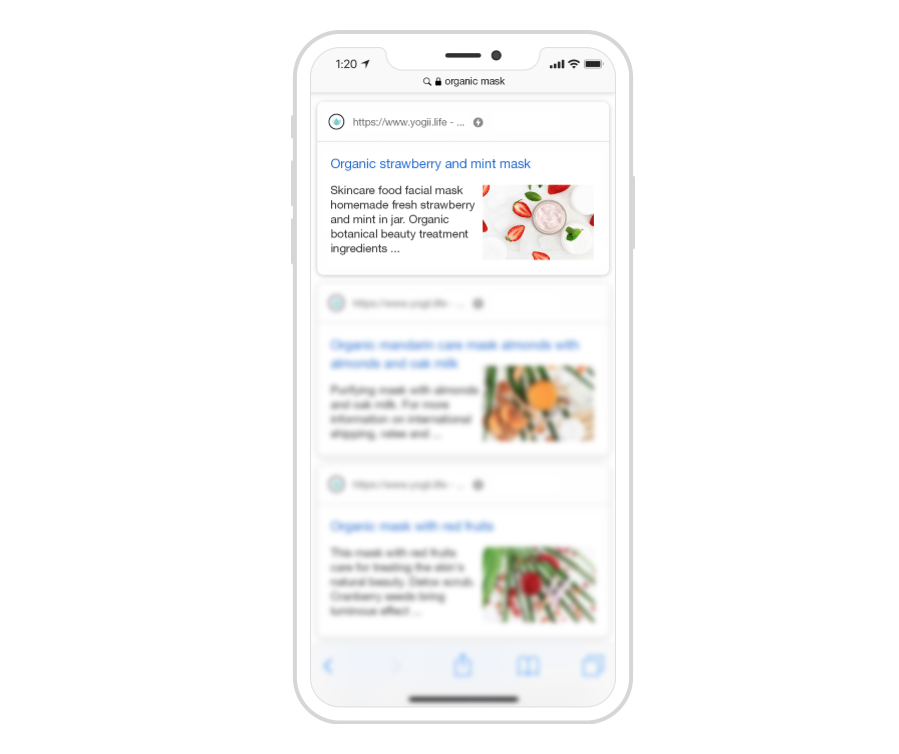
Indeed Google highlights pages using AMP technology in its search results. AMP pages appear either in the AMP carousel at the top of the first results page, or in traditional results, with the AMP label. You therefore greatly increase your visibility and your chances of traffic on your shop.
With this technology you ensure that your pages are loaded almost instantly resulting in a perfect user experience and increased customer retention.
- Shopping Apps: this technology is applied to all your product pages.
- Classic Apps: it is applied to all your content section, meaning your blog articles but also the following sections
- Maps
- Podcast
- Video
- About
Original article: 12/27/2019
Updated article: 09/10/2020


