GBTC: Publish your app with easeDiscover GoodBarber Takes Care and simplify the app publication process for both the App Store and Google Play. Let us handle the technical details for you.Learn more about GBTC
You are a small structure, and you don't want or need your app to be published on the App Store or the Google Play Store? It is possible to distribute your app internally, and we are going to tell you how.
Internal distribution
To distribute your app internally, the process is quite similar to a regular publication on the App Store or the Google Play Store.
What differs is that instead of submitting your app production file to the store, the distribution file (ipa or APK file) is distributed directly to your users.
For native apps, the distribution process differs between iOS and Android
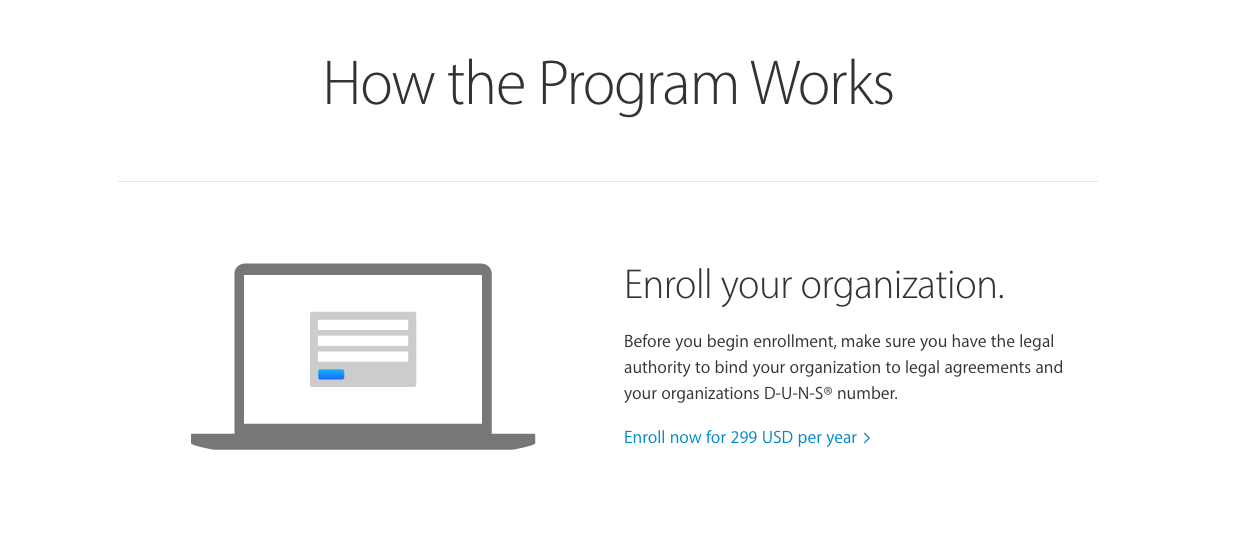
This account costs $299 a year and allows you to distribute your app out of the App Store.
Note that the Apple Enterprise Developer account is for the internal distribution of your application. It allows deployment within your company or organization, not distribution to the general public.
Distributing the Android version of your app
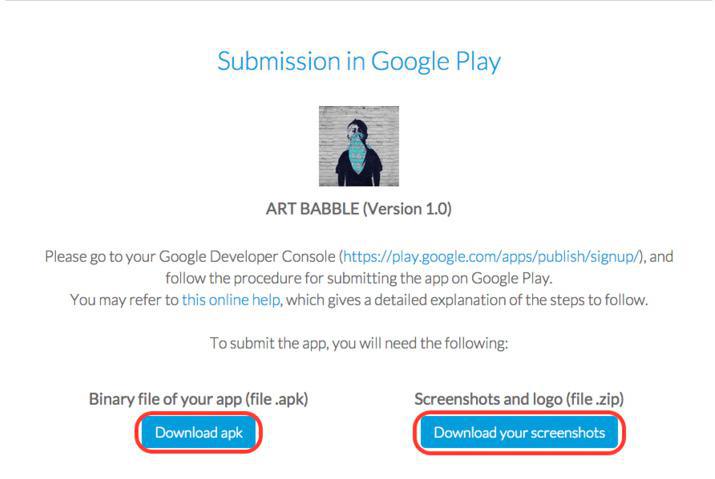
To distribute your Android app out of Google Play, it is even simpler: all you need to do is have your users download the APK production file (the file you get after validating your app on your GoodBarber platform).
Distribution on the Web
If you don't absolutely need to distribute a native version of your app, the Progressive Web App is meant for you.
The PWA version of your app is compatible with every smartphone, tablet or desktop.It may be a good and simple way of distributing your app and boosting your traffic.
To distribute your PWAS, all you need to do is give your users the URL. As simple as that! Don't forget your PWA is also indexed on the search engines and therefore very accessible.
Tempted by Progressive Web Apps? Don't hesitate anymore and think about customizing your URL by creating your own domain name .
On iPhone Duo, an app switches displays every time the phone opens or closes: the outer display, narrow and tall, then the inner display, as wide as a small tablet. Apple asks apps to treat that switch as a simple change of size, like a window being resized, and draws a rule from it: when the device opens or closes, people find what they left.A GoodBarber app follows that rule to the letter. When iPhone Duo opens or closes, it keeps its screens and lays them out again at their new size: the same screen, the same place, what's playing, what was typed into a form. The gesture changes the shape of the screen, never what you were doing.
 eCommerce
 Memberships
 Chatbot
 Online Courses
 Bookings
 Travel guide
 Events
 Content Creators
 Pickup & Delivery
 Newspaper
 Radio
 Schools
 Faith
 Organizations
 Restaurant
 Grocery
 Custom apps
 Employee Communication

 NO CODE APP BUILDER
 TECHNOLOGY
 WHY GOODBARBER?
 Design
 PRODUCT RESOURCES
 TOPICS
 MOBILE APPS RESELLERS
 DISCOVER