GBTC: Publish your app with easeDiscover GoodBarber Takes Care and simplify the app publication process for both the App Store and Google Play. Let us handle the technical details for you.Learn more about GBTC
It's always a matter of time... Well, for you as content creator, it's more a matter of sharing. Word of mouth is one of the primary things you research when you are starting an activity, and when going mobile you need to be sure that your content can be easily shared through every channel.
That's why it's important to have a native app with a deep connection to all the other apps installed on your phone (Facebook, Twitter, Whatsapp, SMS, etc..)—this will ensure that your users can share your content with their friends and be your best ambassadors.
Even the sharing has to be native
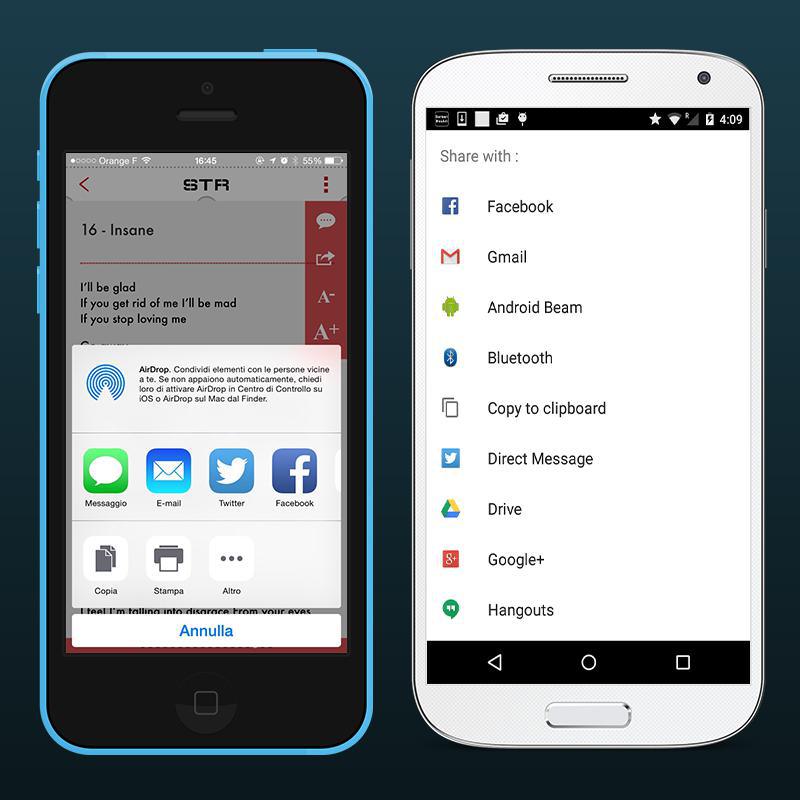
Not only does your app have to be native, but its sharing features do too. This will make it possible to send content not just to social networks, but via SMS or Whatsapp, to save it on Pocket, or share it again with your team on Asana.
The native sharing feature for iOS and Android will make your app smarter and more integrated with your users' lives.
How can I activate it?
The native sharing feature has been in production since version 4191 of the GoodBarber engine for iOS and 4168 for Android. So if your app has a revision number higher than these, the feature has already been integrated [You didn't notice?!?! WHAT???]. If not, you just need to generate a new version of your app by going to the menu Publish > Submission > iOS/Android > Build my application, and send an update to the stores.
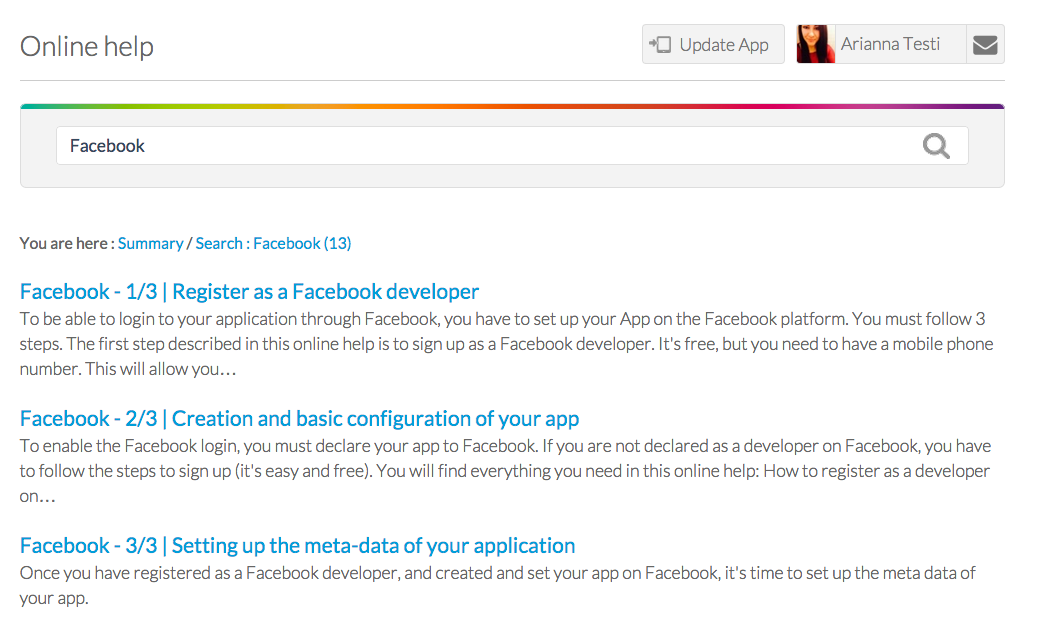
So let's get to the big great news, that will bring light and joy to everyone that has attempted the Facebook process to activate the publish_action to enable Facebook sharing. This was the Odyssey of almost all GoodBarber users... lost for months in the ocean of the Facebook developer interface, fingers crossed while clicking on "Send for review".
Well, my sweet and beautiful GoodBarbers, the days of being lost in the middle of the ocean are over. Now you just need to declare you app to Facebook, copy and paste some keys and it's done.
On iPhone Duo, an app switches displays every time the phone opens or closes: the outer display, narrow and tall, then the inner display, as wide as a small tablet. Apple asks apps to treat that switch as a simple change of size, like a window being resized, and draws a rule from it: when the device opens or closes, people find what they left.A GoodBarber app follows that rule to the letter. When iPhone Duo opens or closes, it keeps its screens and lays them out again at their new size: the same screen, the same place, what's playing, what was typed into a form. The gesture changes the shape of the screen, never what you were doing.
 eCommerce
 Memberships
 Chatbot
 Online Courses
 Bookings
 Travel guide
 Events
 Content Creators
 Pickup & Delivery
 Newspaper
 Radio
 Schools
 Faith
 Organizations
 Restaurant
 Grocery
 Custom apps
 Employee Communication


 NO CODE APP BUILDER
 TECHNOLOGY
 WHY GOODBARBER?
 Design
 PRODUCT RESOURCES
 TOPICS

 MOBILE APPS RESELLERS
 DISCOVER