GBTC: Publish your app with easeDiscover GoodBarber Takes Care and simplify the app publication process for both the App Store and Google Play. Let us handle the technical details for you.Learn more about GBTC
Our goal is to enable you to combine all of your content sources in one single application, and to offer an exciting and unique experience for your readers. Integrating Twitter with GoodBarber was planned on our roadmap . For several days, your back office Sources page has included a space for Twitter.
It’s extremely simple: you have to click twice.
Your live thread is displayed on the application, and the “Reply” and “Retweet” options are available.
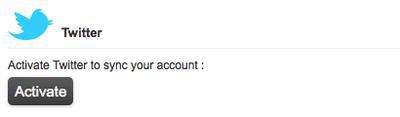
Just click on "Activate". GoodBarber will connect to Twitter. If you are already logged to Twitter, GoodBarber will be directly connected to your Twitter account. Otherwise, you will have to login.
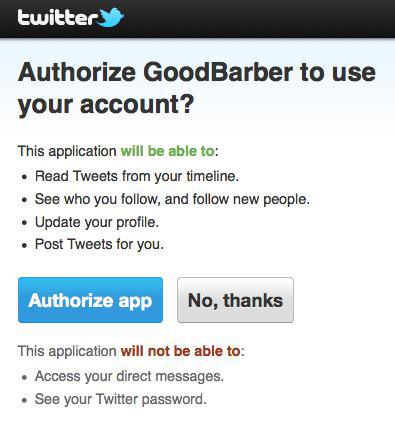
Click on "Authorize app".
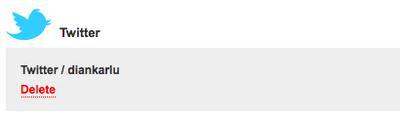
Twitter is connected to GoodBarber as a content source!
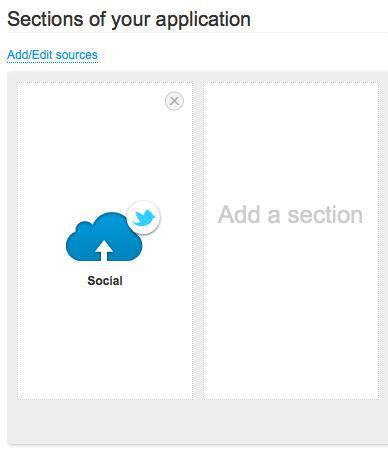
GoodBarber adds Twitter to a section of your application. You proceed as usual to edit the section, rename it, etc. In step two, “Tool Bar”, of your design, you can change the placement and modify the icon, as you can with any section of your GoodBarber app.
On iPhone Duo, an app switches displays every time the phone opens or closes: the outer display, narrow and tall, then the inner display, as wide as a small tablet. Apple asks apps to treat that switch as a simple change of size, like a window being resized, and draws a rule from it: when the device opens or closes, people find what they left.A GoodBarber app follows that rule to the letter. When iPhone Duo opens or closes, it keeps its screens and lays them out again at their new size: the same screen, the same place, what's playing, what was typed into a form. The gesture changes the shape of the screen, never what you were doing.
 eCommerce
 Memberships
 Chatbot
 Online Courses
 Bookings
 Travel guide
 Events
 Content Creators
 Pickup & Delivery
 Newspaper
 Radio
 Schools
 Faith
 Organizations
 Restaurant
 Grocery
 Custom apps
 Employee Communication

 NO CODE APP BUILDER
 TECHNOLOGY
 WHY GOODBARBER?
 Design
 PRODUCT RESOURCES
 TOPICS

 MOBILE APPS RESELLERS
 DISCOVER