 eCommerce
 Memberships
 RAG Chatbot
 Online Courses
 Bookings
 Travel guide
 Events
 Content Creators
 Pickup & Delivery
 Newspaper
 Radio
Radio Schools
 Faith
Faith Organizations
 Restaurant
 Grocery
 Custom apps
 Employee Communication

 NO CODE APP BUILDER
 TECHNOLOGY
 WHY GOODBARBER?
 Design
 PRODUCT RESOURCES
 TOPICS
 MOBILE APPS RESELLERS
 DISCOVER
Memberships x Push Notifications: Optimize user engagement
Written by Muriel Santoni on
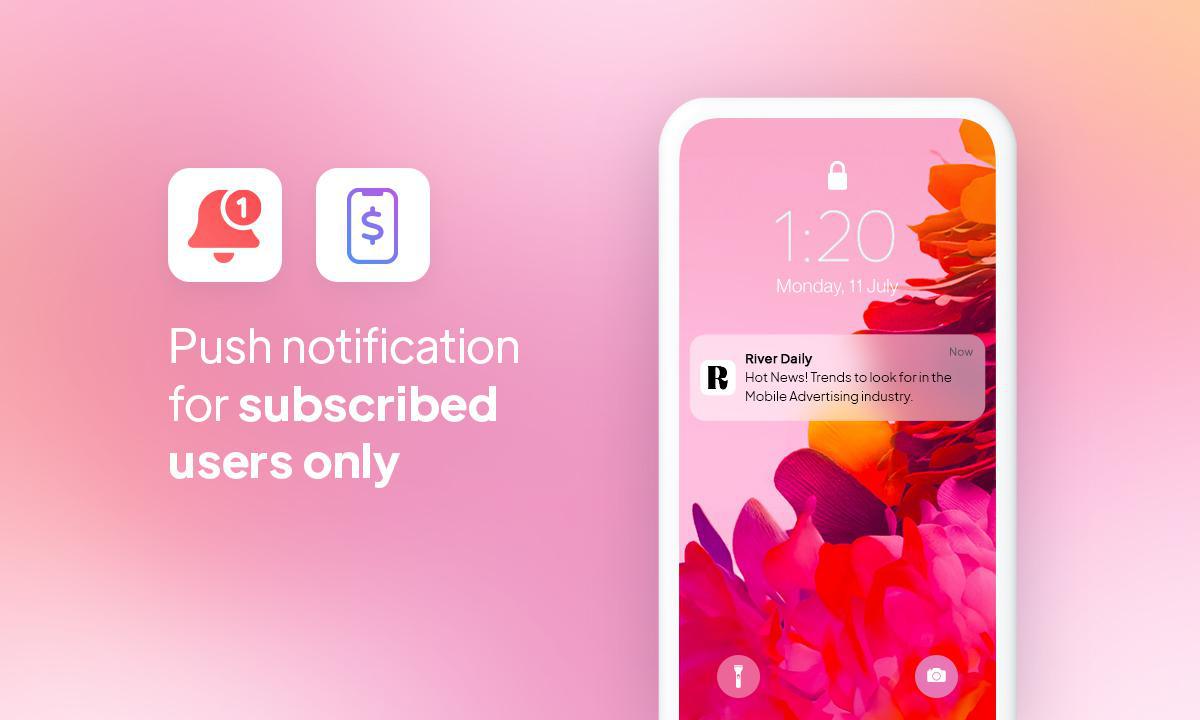
We are delighted to present a feature that will revolutionize the way you interact with your users: push notifications associated with memberships . With GoodBarber, you already have the ability to offer memberships, in the form of subscriptions, to monetize your app's content. Now, we are taking it a step further by allowing you to target your users more precisely and effectively than ever before.
How do push notifications associated with memberships work?
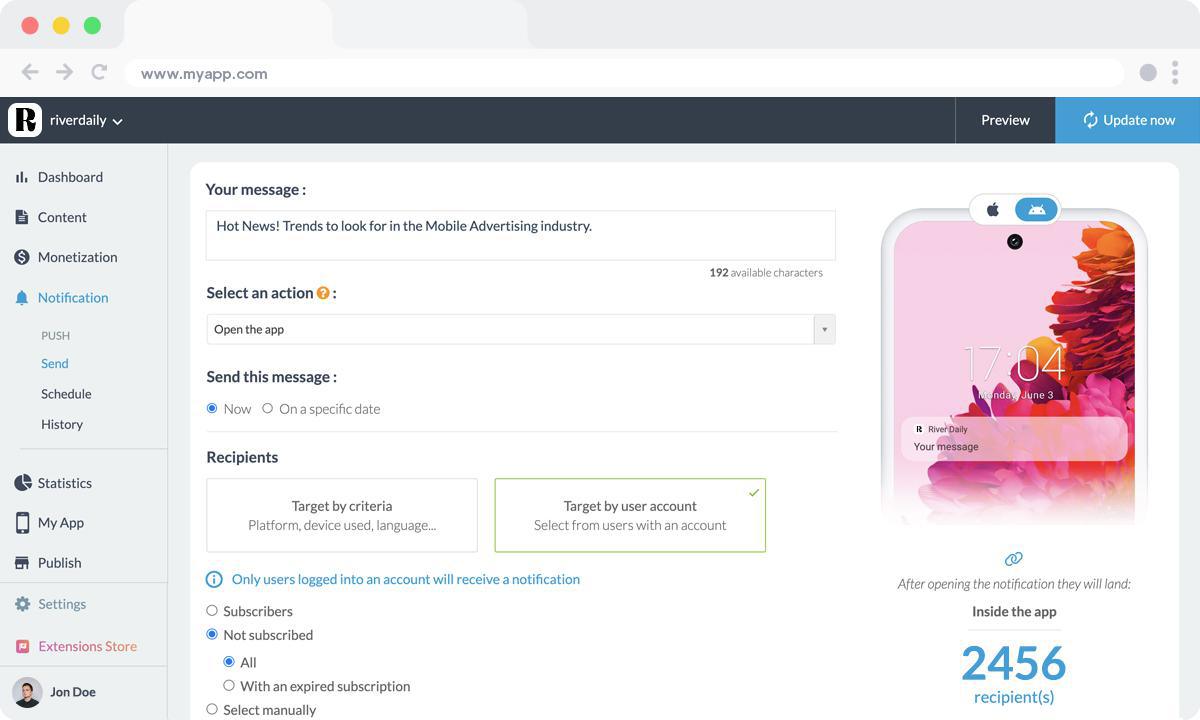
This new feature gives you the power to communicate with your users based on their subscription status. You can target subscribed users and those who are not, as well as prospects. Moreover, it's possible to manually target users (you can filter your user list based on their status: active subscriber, expired subscriber, or non-subscriber) for even more personalized interactions.
To use push notifications, simply go to the Notifications menu in your back office. In the notification editing page, choose to target your users based on their account, then define your targeting mode.
To use push notifications, simply go to the Notifications menu in your back office. In the notification editing page, choose to target your users based on their account, then define your targeting mode.
Now all that's left is to develop the most relevant scenarios to engage with your users! Here are some examples to inspire you.
Scenario 1: Targeting subscribers upon the release of new paid content.
When you publish exclusive content, it's essential to let your subscribed users know. Push notifications associated with memberships allow you to alert them instantly, encouraging them to explore these updates and maximize their experience within your application.
Scenario 2: Targeting subscribers whose subscription has expired to encourage them to resubscribe.
Subscriber retention is crucial for the profitability of your application. When a user's subscription is about to expire, you can send them a push notification to remind them of the benefits of the subscription, encouraging them to renew their membership. This is a powerful method to retain your paying user base.
Scenario 3: Targeting prospects to encourage them to subscribe.
Potential subscribers are a valuable target. You can now target your non-subscribed users with personalized push notifications to encourage them to subscribe. Additionally, you can inform them about upcoming promotions, enticing them to take the subscription plunge. This proactive approach can significantly increase your conversion rate from prospects to paying subscribers.
Key Benefits of Using Push Notifications for Your Memberships
Push notifications associated with memberships are a powerful way to make the most out of your app. You can now customize your communications to meet the needs of each user segment, strengthening loyalty, engagement, and profitability.
- Increased Customization: You can customize push notifications based on each user's subscription status, thereby maximizing their relevance.
- Enhanced Engagement: By precisely targeting your users, you increase both engagement and retention.
- Optimized Monetization: By informing your subscribed users about new premium offers, you boost your revenue.
- Prospect Conversion: Targeting prospects with special offers or subscription incentives can turn free users into paying subscribers.