 eCommerce
 Memberships
 Chatbot
 Online Courses
 Bookings
 Travel guide
 Events
 Content Creators
 Pickup & Delivery
 Newspaper
 Radio
 Schools
 Faith
 Organizations
 Restaurant
 Grocery
 Custom apps
 Employee Communication


 NO CODE APP BUILDER
 TECHNOLOGY
 WHY GOODBARBER?
 Design
 PRODUCT RESOURCES
 TOPICS

 MOBILE APPS RESELLERS
 DISCOVER
Your client's developer accounts vs. your own
Agencies often wonder if they can use their own developer account to publish their clients' apps or if they should ask their clients to create their own accounts. Let's be clear right now, it is mandatory to use your clients' accounts to publish their apps. This may seem restrictive but these are clear rules enacted by Apple and Google for the management of their Stores. They want to be contractually bound to the owner of the content, i.e. your client, not you.
More details on Apple guidelines
More details on Google Policies
How does it work for Resellers?
In both cases, your client must be the owner of the account. This is why it's essential that they create the account themselves because they'll be asked for proof. Beware of accounts created by employees. An account must be created by the owner of the company. Of course, as an expert, you'll be there to help them create their accounts and our team is also there to support you.
How do I create an Apple Developer account?
How do I create a Google Play Publisher account?
Once the accounts are created, your client will be able to add you to their team and leave you free to continue publishing the app.
Important: it is not required to create one account per app but one account per owner. This implies that you can create several apps on behalf of the same client using a single developer account.
What are the benefits for your clients?
We know that some of your clients will be reluctant to take on additional costs for the publication of their app. You'll have to convince them that, in addition to being an obligation, having your own account also has advantages.
1. Branding strategy
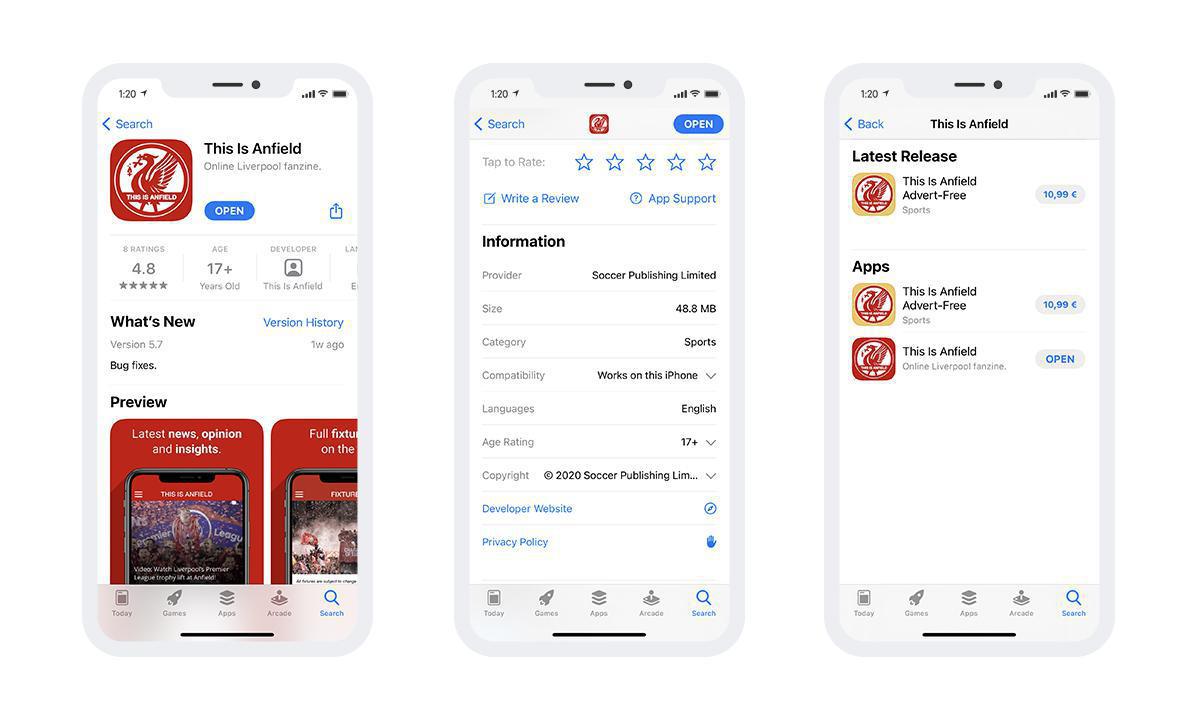
When you create a developer account (Apple or Google), it is essential to fill in information about your company. As your client is necessarily the owner of the app, they will fill in their contact information and it will be this information published on the store. People who will view the app on the store will see that your customer is the app's publisher. They will not see the name of your agency, which is a definite advantage for them in terms of marketing.
In addition, it's possible for users of the Stores to view other apps created by this publisher. And therefore, users will see the other apps of your client, if they have any. In this case, the main advantage is not to be shown apps from other companies with which your client has no connection. This could potentially interfere with their branding strategy.
2. Ownership of the app
You can also explain to your client that the advantage of having their own account ensures them to be the owner of the app on the Store and therefore of its users. When an app is compiled, files are retrieved via a developer console to "sign" the app and certify that you are the owner. This appears in the source code. If your developer account is used, you are the official owner of the app on the Store. So, if your client decides to stop working with you for any reason, they may be in a delicate position to get their app back and, more importantly, their audience. Relying on this argument demonstrates your desire for transparency and that in case of conflict, they will not lose their users.
Note: It can also be an advantage for you not to publish your clients' apps under your name. Indeed, as we have seen previously if you publish an app with your developer account you are the owner of it on the Stores. You, therefore, have a legal responsibility towards the published content. If your client violates a law related to the content, you can be held responsible before the law. In addition, the Store may decide to remove all apps from your account for non-compliance with the rules.
Clients really don't want to pay?
Thanks to GoodBarber, you always have a fallback solution for your clients' requests.
Still not a Reseller?
https://www.goodbarber.com/create/content
2/ Fill in the Reseller form directly in your back office by going to Add-ons > Services > Reseller then select either the Reseller Classic or Reseller Classic&Shopping plan.
3/ Login to the Reseller dashboard here : https://www.goodbarber.com/reseller/manage/


