GBTC: Publish your app with easeDiscover GoodBarber Takes Care and simplify the app publication process for both the App Store and Google Play. Let us handle the technical details for you.Learn more about GBTC
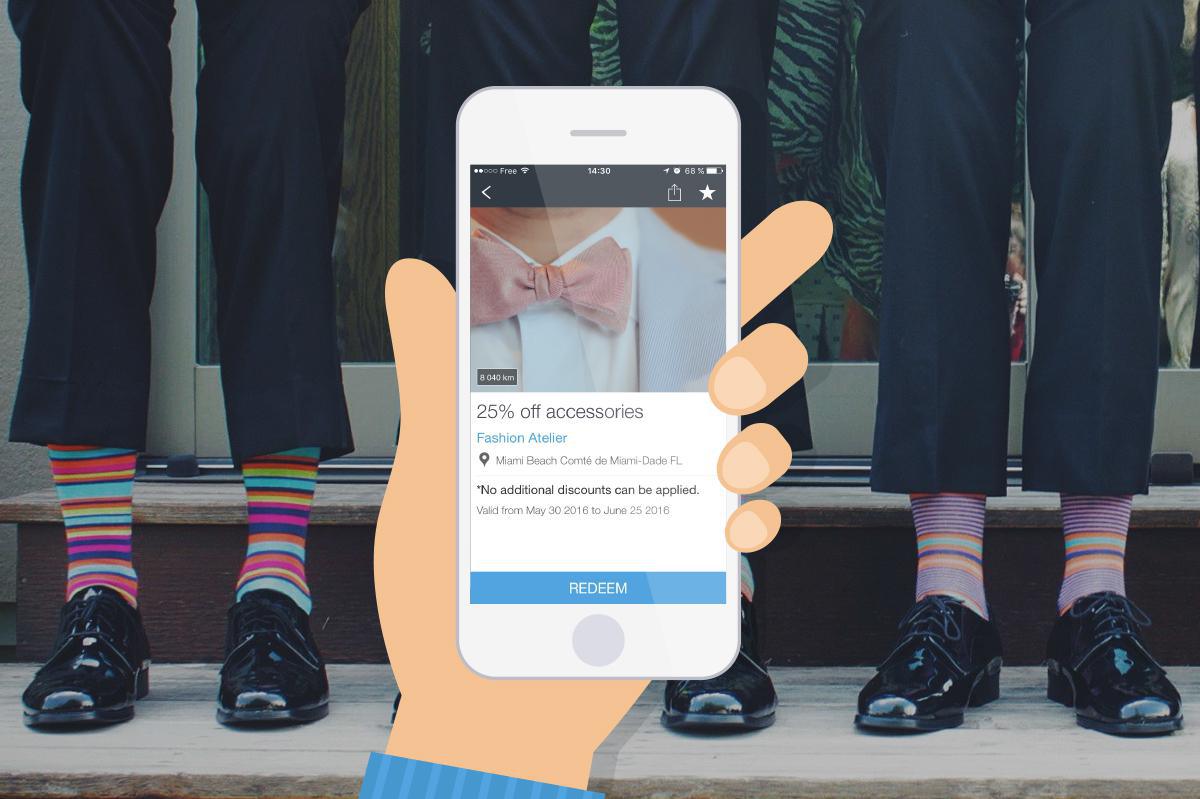
Coupons are powerful promotional tools to include in your acquisition and client retention strategy. The potential of m-couponing is tremendous, to boost sales, increase traffic or improve client retention rates. The good news is that this essential strategy can now be implemented with the GoodBarber technology. In addition to our Loyalty Card and Club Card Add-Ons, with couponing, make your Beautiful App your best marketing asset.
How does it work?
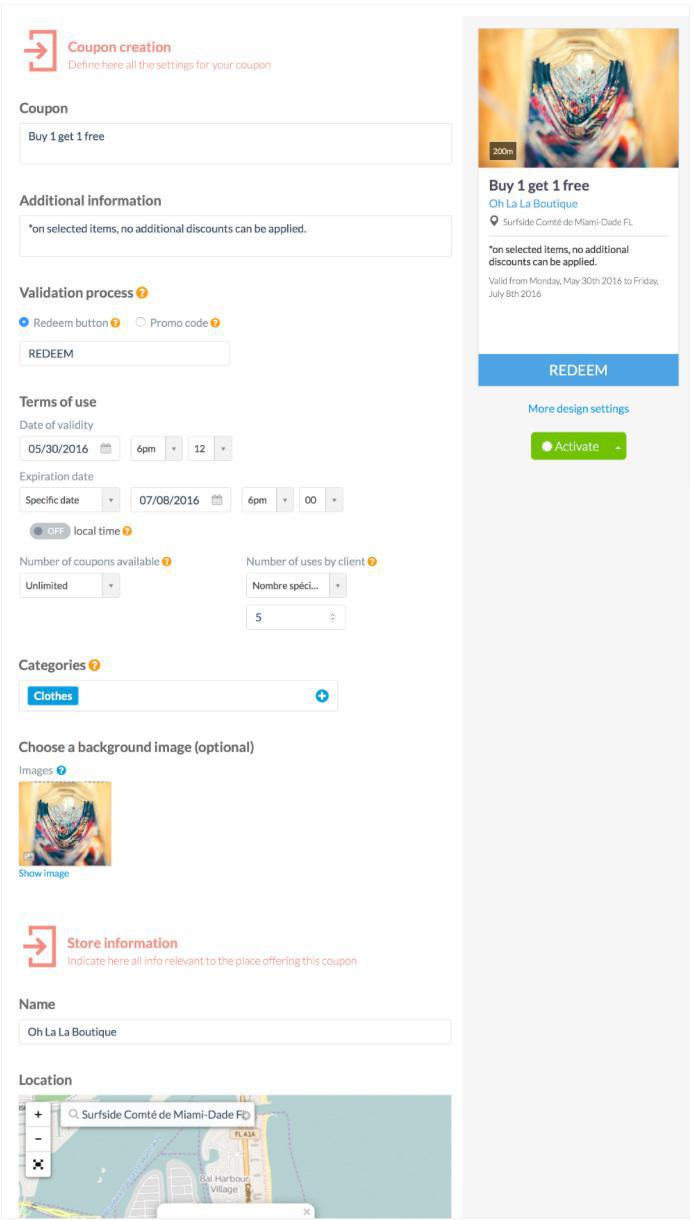
The Couponing Add-On allows for the creation of an unlimited number of discount coupons, for one business or even several. This way, whatever the outlines of your project, you can build your own business strategy in order to boost your sales, with a fast and easy approach, without the constraint of physical media. For each coupon, you can enter dates of availability and expiration, as well as the number of times up to which a client can use it.
The Loyalty Card Add-On is only available with an ADVANCED subscription.
Coupons that match your style
Customization is of course again at the heart of this new feature release. For coupons, you can indeed access a large choice of customization options. Overall design, fonts, colors, background image, additional information related to the offer, you name it! Everything you need to make your coupons look unique.
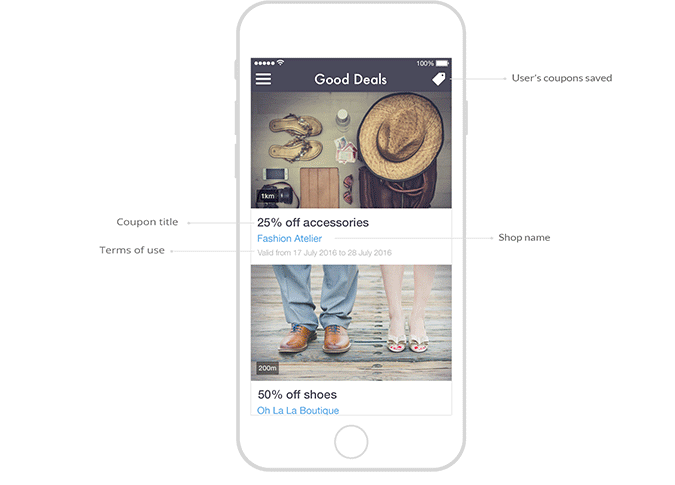
Of course, you can also edit and personalize the look and feel of the views associated with this new feature (coupons list, saved coupons, coupons history, etc.).
Coupons for all business types
So that your coupons adapt perfectly to your area of business we developed two validation processes:
- In the case of a physical business, you can use the redeem button displayed on the coupon, on which you’ll simply have to click upon checkout of the client. - For online businesses, you can offer a promo code (customizable), so that your clients can enter it when they place an order on your website.
Of course, these are merely suggestions. It is up to you to decide which use is most adequate for your project. We trust you to make the smart decision ;)
For one or several businesses
The Couponing Add-On lets you offer coupons for one business, with several locations, or even different businesses altogether. Indeed, upon creation of the coupon, you can enter all sorts of information related to each designated shop, or even assign a coupon to a specific category.
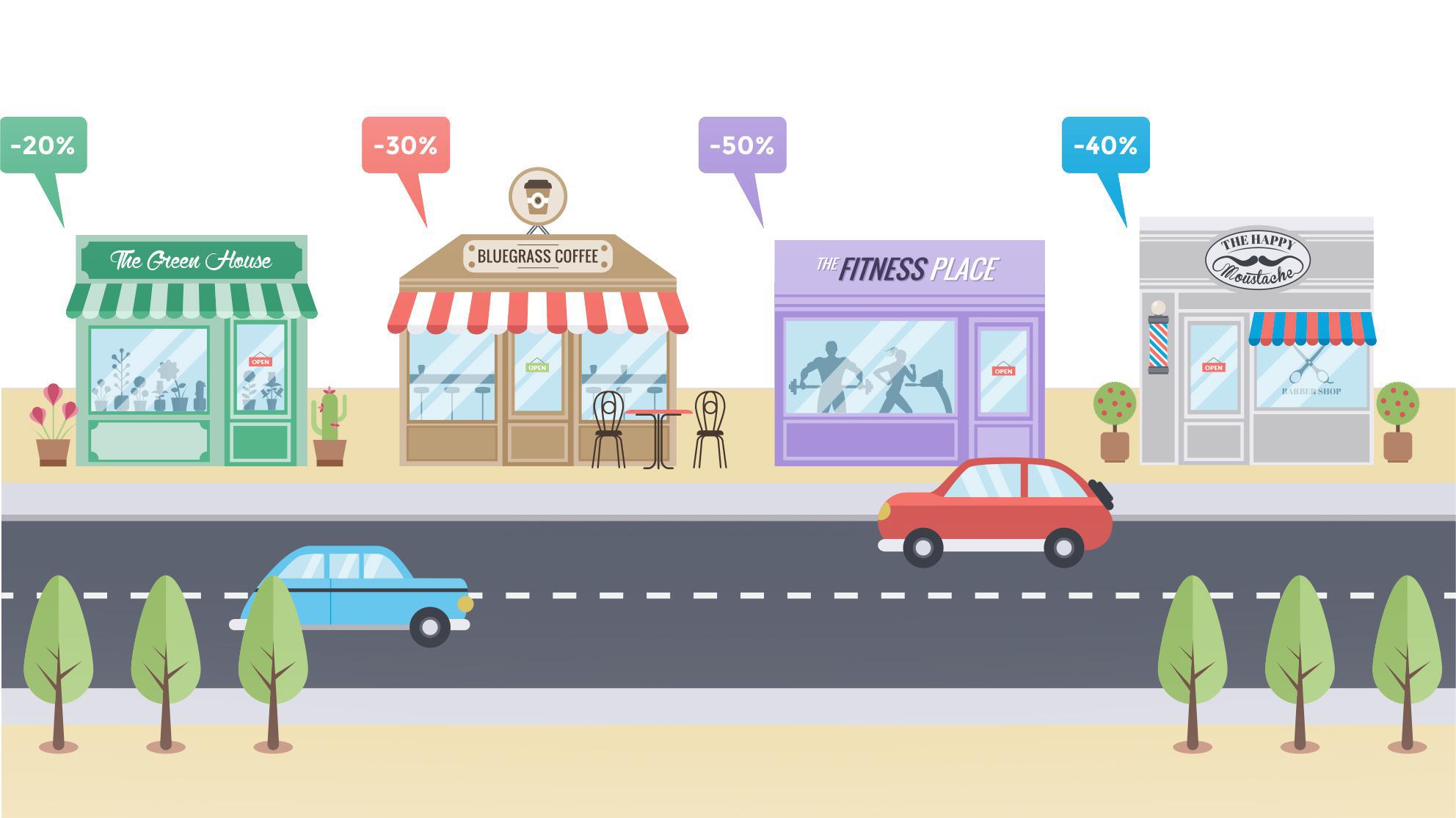
As a result, you can very well imagine an app regrouping several local businesses, offering coupons related to different categories (one per business), with each coupon specifying the location of the associated business.
In your back office, you will also find a list of all your coupons which can be sorted by date of creation, availability or expiration, as well as filtered by categories. Last but not least, you will also have access to statistics related to your coupons (number of redeemed coupons, list of clients having used a coupon, etc…).
To learn more and create a loyalty program tailored to your business, watch our video:
The short version. Ticketmaster is an extension of GoodBarber, the no-code app builder, that fills a Calendar section with the upcoming events a venue sells on Ticketmaster. Each event arrives with its image, its description, its date and time, and a button to buy tickets on Ticketmaster; canceled events are not shown. You connect it with a free key from Ticketmaster's developer portal and your venue's ID. It is free for Content apps: each section counts as one of the extensions included in your plan.Plenty of venues already sell there. Ticketmaster sold 346 million fee-bearing tickets in 2025, according to Live Nation's full-year results, published on February 19, 2026. Here is how the extension plays out for a concert hall that sells all its shows on Ticketmaster.
Take a local radio station with live programmes, a schedule and interviews available on demand in its app. Every recording has a title and a description. Those help listeners browse, but an interview often contains useful details that never make it into the summary.In our example, the episode is called “The city we share”. Its description introduces a conversation about everyday life in the city. During the recording, an urban planner explains the city's approach to summer heat: planting trees along school routes, adding shade to playgrounds and replacing some paved surfaces with planted areas.None of those measures appears in the title or description. A listener remembers the subject and asks:Which episode explained how the city plans to reduce summer heat?We have added audio podcasts as knowledge sources for GoodBarber Chatbot so questions like this can lead back to your programmes. There are two levels: the written information you publish about each episode, and the spoken content you choose to have transcribed.
The short version. Twitch is an extension of GoodBarber, the no-code app builder, that adds a Twitch channel as the source of a Video section. When the channel is live, the stream sits at the top of the section; the rest of the time, the section lists the channel's videos. You connect it once, with a Client ID and a Client Secret from Twitch's developer console. It is free for Content apps: each section counts as one of the extensions included in your plan.The audience is on Twitch. In September 2026, viewers watched 1.51 billion hours of live streams there, with 2.1 million people watching at any given moment on average, according to TwitchTracker. Here is how the extension plays out for a creator who goes live every Tuesday at 8 pm.
 eCommerce
 Memberships
 Chatbot
 Online Courses
 Bookings
 Travel guide
 Events
 Content Creators
 Pickup & Delivery
 Newspaper
 Radio
Radio Schools
 Faith
Faith Organizations
 Restaurant
 Grocery
 Custom apps
 Employee Communication

 NO CODE APP BUILDER
 TECHNOLOGY
 WHY GOODBARBER?
 Design
 PRODUCT RESOURCES
 TOPICS
 MOBILE APPS RESELLERS
 DISCOVER