 eCommerce
 Memberships
 Chatbot
 Online Courses
 Bookings
 Travel guide
 Events
 Content Creators
 Pickup & Delivery
 Newspaper
 Radio
 Schools
 Faith
 Organizations
 Restaurant
 Grocery
 Custom apps
 Employee Communication


 NO CODE APP BUILDER
 TECHNOLOGY
 WHY GOODBARBER?
 Design
 PRODUCT RESOURCES
 TOPICS

 MOBILE APPS RESELLERS
 DISCOVER
Apple HomeView
Your GoodBarber app on Apple HomeView
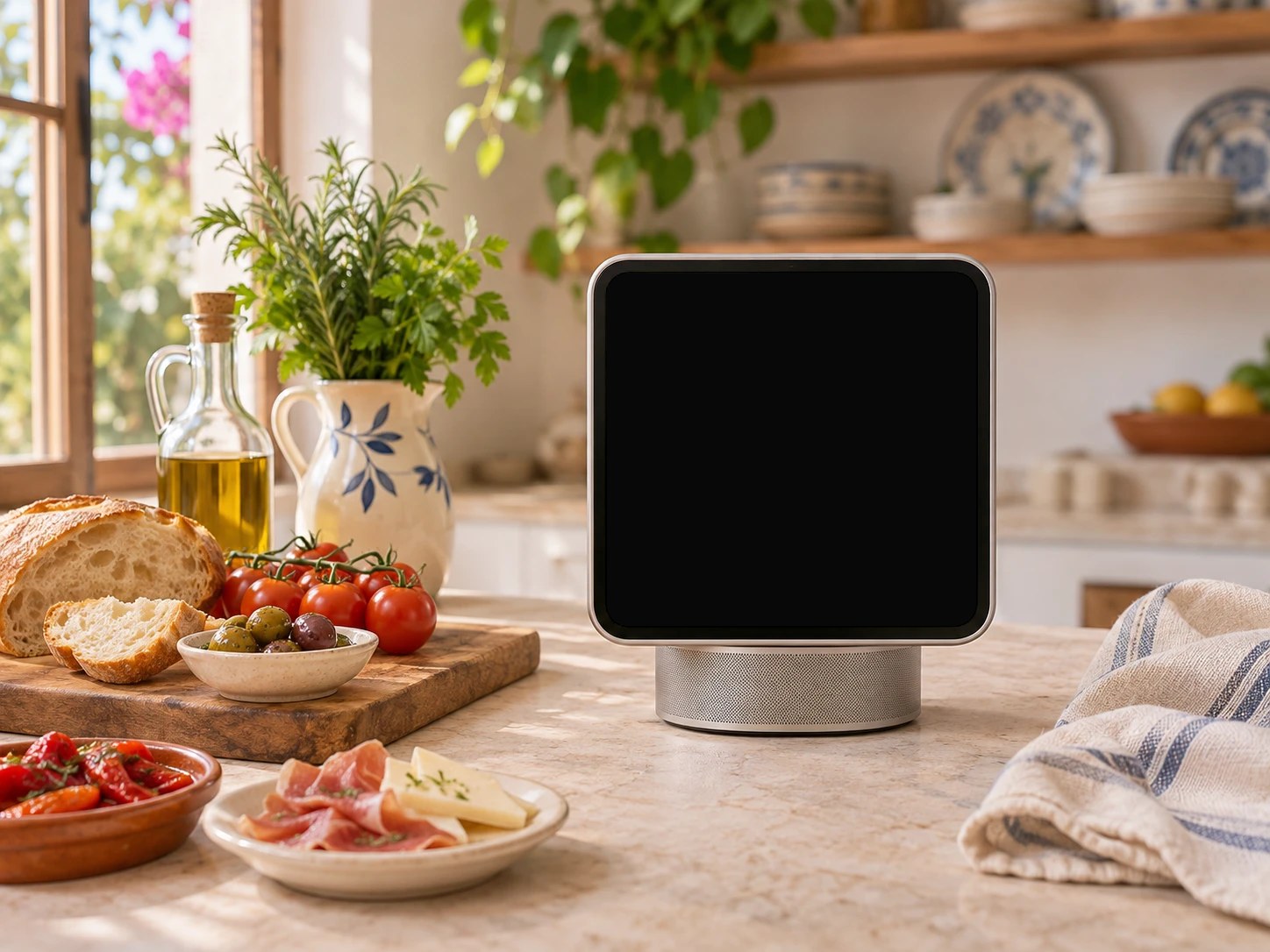
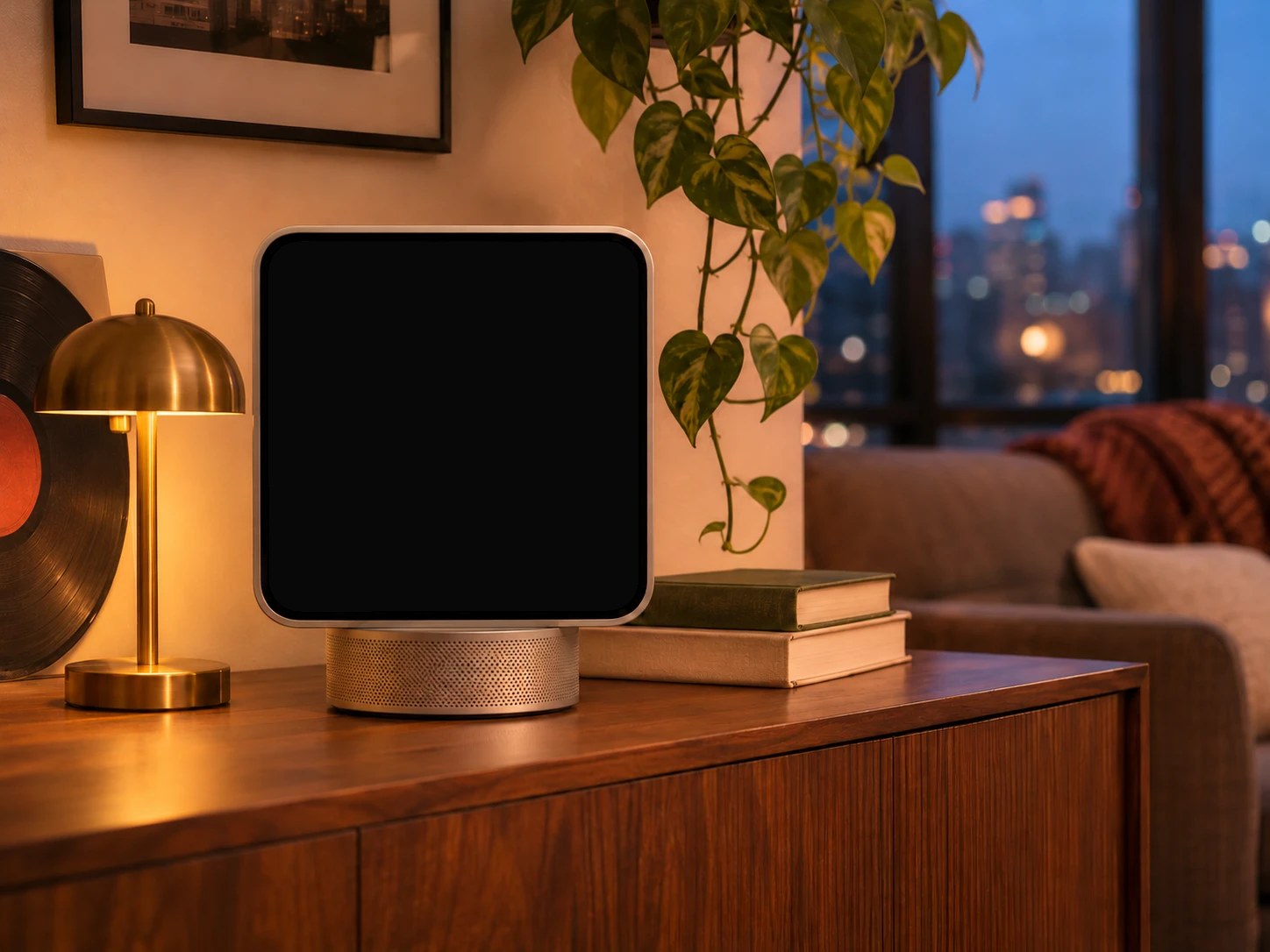
A podcast, in the kitchen.Try it
HomeView, Apple’s new screen for the home, shows the CarPlay audio apps of the iPhone it is paired with. With the free CarPlay & Android Auto extension, your app is made to show there, with your live radio and your podcasts.
In the living room
Your podcasts and your lives, on the big screen
Your player, as listeners know it in the car: the cover, the progress, the controls of your section. Touch the cover, it fills the screen.
Touch the cover
A podcast
Skip 15 seconds back or 30 forward, change the speed, add the episode to favorites.
Demo app: Viva Voz !, a GoodBarber theme · HomeView screens: reconstitution
In the kitchen
Your app comes with the iPhone
HomeView shows the CarPlay audio apps of the iPhone it is paired with. Apple says they work there without any change to the app.
Nothing more to build for HomeView. The CarPlay & Android Auto extension makes your app a CarPlay audio app.
Drag the iPhone to HomeView
Touch Viva Voz ! to open it
Demo app: Viva Voz !, a GoodBarber theme · HomeView screens: reconstitution
Get your app ready
Three things, and your app is ready for HomeView
Your app needs at least one live audio or podcast section.
- 1
Add the extension
Add CarPlay & Android Auto from the Extensions menu of your back office, then pick the sections shown.
- 2
Get CarPlay
The holder of your Apple developer account requests Apple’s CarPlay authorization, then you publish the new version of your app on the App Store.
- 3
On your listeners’ side
An iPhone on iOS 27.2 or later, paired with HomeView. HomeView is not sold in every country: its availability depends on Apple.
Questions about Apple HomeView
What is Apple HomeView?
Apple’s new screen for the home: a 7-inch screen on a speaker base. Apple presents it for listening to music and podcasts, watching videos, making calls and controlling the smart home. It has been on sale since November 13, 2026.
How does my app show on HomeView?
HomeView shows the compatible audio apps of the iPhone it is paired with, and Apple says CarPlay audio apps work there without any change. With the CarPlay & Android Auto extension, your GoodBarber app is a CarPlay audio app, made to show on HomeView with your live radio and your podcasts.
Is there anything to build for HomeView?
No. Add the extension, get Apple’s CarPlay authorization and publish the new version of your app on the App Store. Every step on the CarPlay page.
What do my listeners need?
An iPhone on iOS 27.2 or later, paired with HomeView, with your app installed.
Where is HomeView sold?
HomeView is not sold in every country: its availability depends on Apple.
Is the extension free?
Yes. CarPlay & Android Auto is free for native Content apps.
GoodBarber publishes my apps for me. What do I do?
Request CarPlay access from Apple, then tell us from the Support section of your back office: we take care of the rest.
What do the screens on this page show?
Reconstitutions of the Viva Voz ! demo app on HomeView, after the players Apple shows for Music and Podcasts. Apple provided neither a simulator nor a device before the release: we will check the rendering on the device as soon as possible.
Ready to create yours?
A native app for iOS and Android, with your radio and your podcasts in the car and at home.
Create your app