GBTC: Publish your app with easeDiscover GoodBarber Takes Care and simplify the app publication process for both the App Store and Google Play. Let us handle the technical details for you.Learn more about GBTC
Hello Goodbarbers, today I introduce you Lesia, our Art Director. She's going to give us some tips to create a beautiful design.
Where do I start to create a great app?
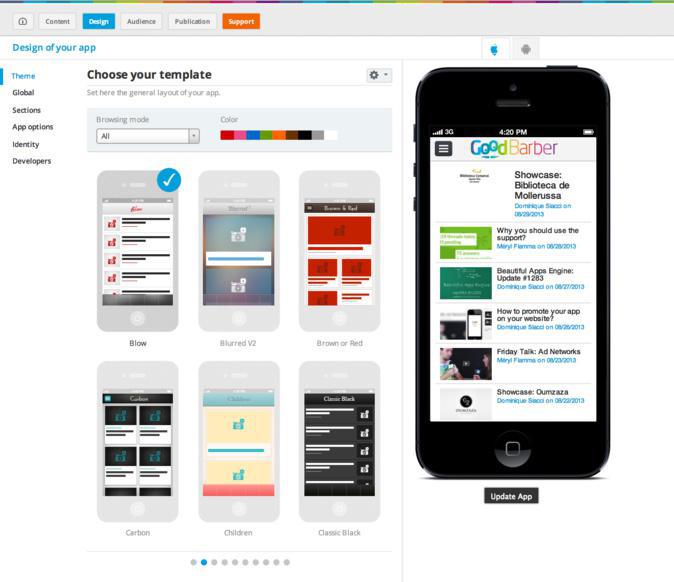
So, when I create an app, I always start by selected the right theme. Try to choose a theme close to the style and the color of your logo.
What should I do next?
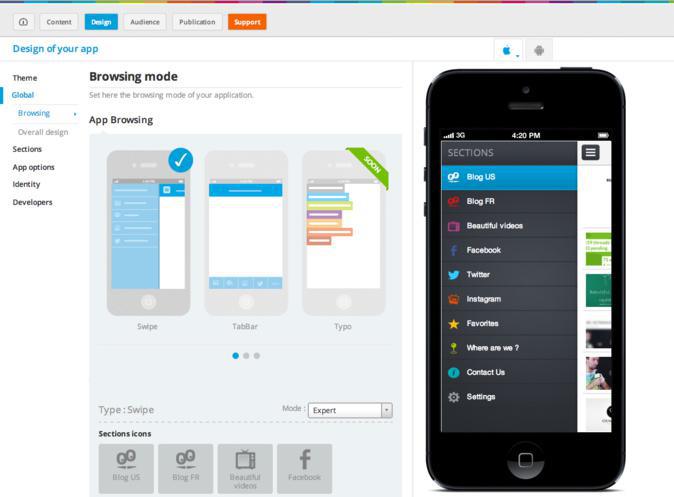
Next, you have to choose the right browsing mode. It should reflect your content that you want to show in your app. For example, if you have more than 5 sections, It's better to use the navigation swipe.
So now, I have choosen my browsing mode, maybe it's time to customize a little right?
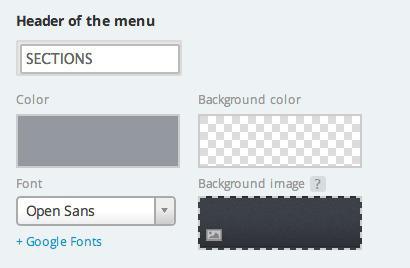
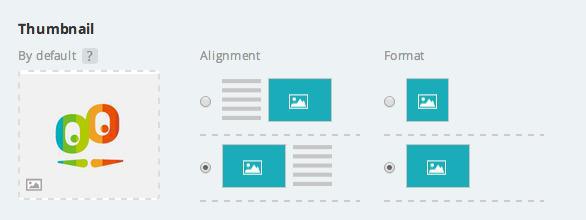
Yes, let me give you 2 simple tips: - First: the most important is to work on the header, your goal is to make your logo stand out inside. So, respect the size of the header and use horizontal version of your logo. - Second: Include your logo in the default thumbnail they will appear on your app when you don't have picture to display. So your brain will be visible on your app.
I suppose that the next step is to work on each sections?
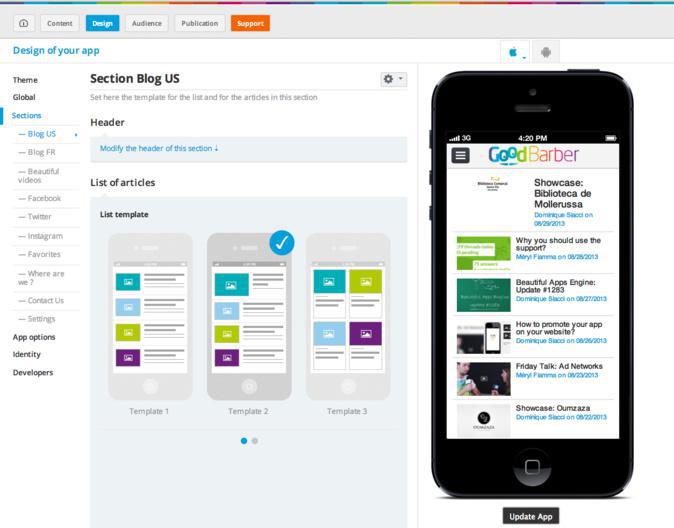
Yes, you have to choose the right template for each sections. To do so, look at your content and decide what works best. For example, if you have beautiful pictures in your article, choose the slide show template because there is bigger pictures than classic template.
What's the final touch?
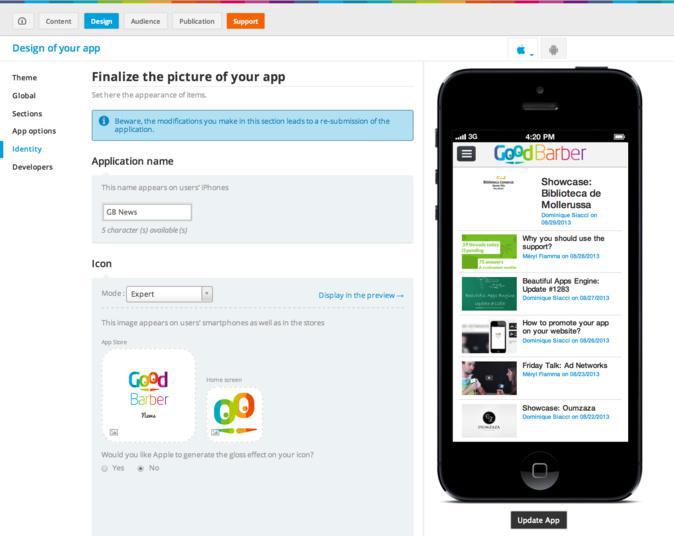
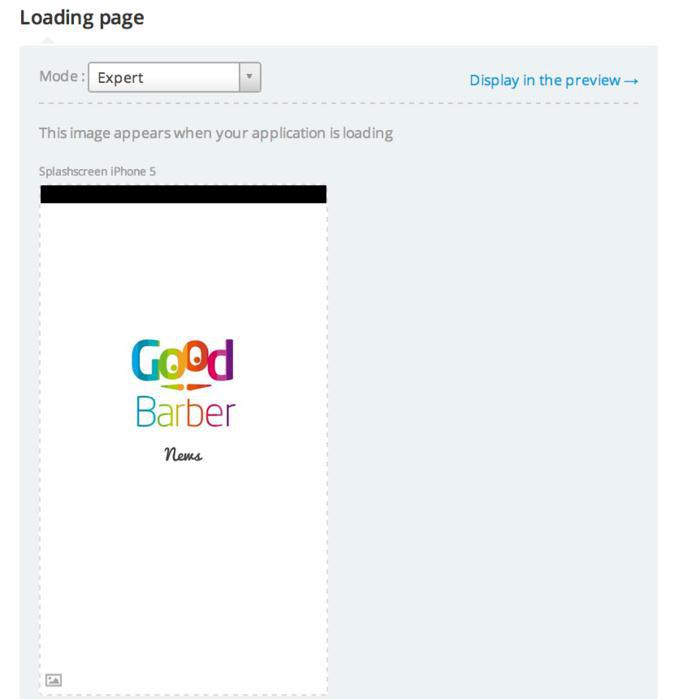
When I finish an app, I always finish with the menu identity. Because it's the place where you uplaod your app icon and splash screen. This elements are really important so don't hesitate to take the time to make them beautiful.
Five ways lead to a fitness app for your business, and each is priced its own way: a flat plan, an add-on to gym software, per client, per subscriber or quoted. The table below compares what each one costs and the job it is built for.
OpenAI released GPT-6 Sol and GPT-6 Luna on September 22, 2026, after GPT-6 Astra, the flagship of the family, earlier the same month. Luna is the smallest of the three. OpenAI describes it as its most efficient model for focused, high-volume tasks, and sells it at half the price of GPT-5.6 Luna, the model it replaces in OpenAI's own line-up.The next morning, we moved the AI Extension Builder to GPT-6 Luna, for every app, on the four moments where a model is at work: understanding your request, writing the code of the section, rewriting it when you ask for a change, and answering the questions you ask about what it built.
 eCommerce
 Memberships
 RAG Chatbot
 Online Courses
 Bookings
 Travel guide
 Events
 Content Creators
 Pickup & Delivery
 Newspaper
 Radio
Radio Schools
 Faith
Faith Organizations
 Restaurant
 Grocery
 Custom apps
 Employee Communication

 NO CODE APP BUILDER
 TECHNOLOGY
 WHY GOODBARBER?
 Design
 PRODUCT RESOURCES
 TOPICS
 MOBILE APPS RESELLERS
 DISCOVER