GBTC: Publish your app with easeDiscover GoodBarber Takes Care and simplify the app publication process for both the App Store and Google Play. Let us handle the technical details for you.Learn more about GBTC
At GoodBarber we’ve been creating apps since 2009. And with all of our experience from thousands of clients, we realized that a great number of people chose our service because they were able to create, as well as manage, their own content using a simple interface, in order to bring their beautiful app to life!
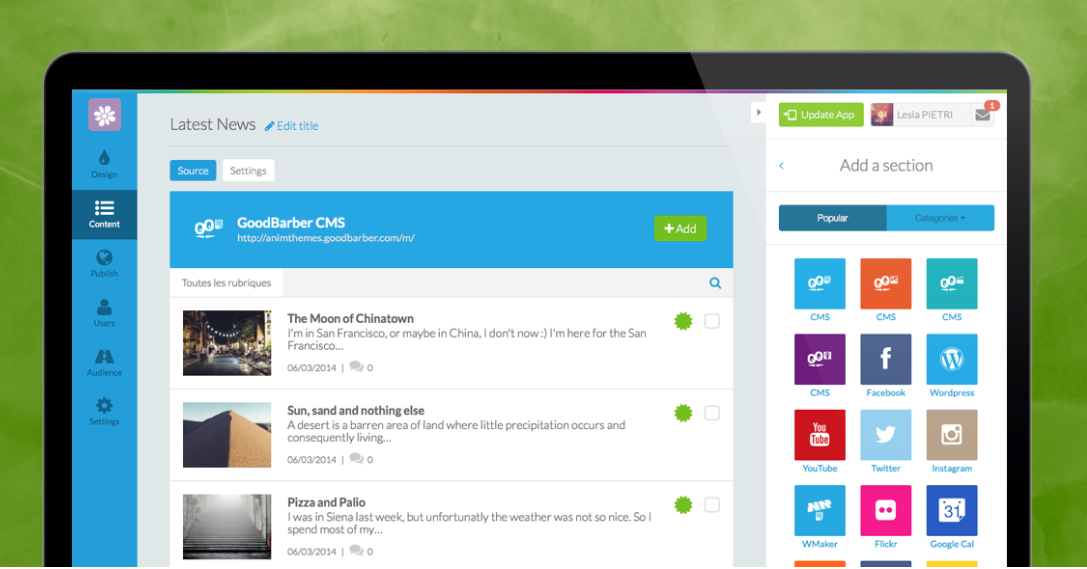
With this in mind we decided that we should expand and improve our built-in CMS for GoodBarber 3.
What is a CMS, and What is it For?
“A content management system (CMS) is a computer application that allows publishing, editing and modifying content, organizing, deleting as well as maintenance from a central interface.Many corporate and marketing websites use CMS's. CMS's typically aim to avoid the need for hand coding, but may support it for specific elements or entire pages.” (Source: wikipedia)
Basically, a CMS is a tool that allows people without coding skills to create the content for a specific format. Which in our case, allows the creation and management of content from your backend, in order for you to craft your app. The most useful aspect about CMS sections is that you don’t need to have existing content online to create your app, you can add content in a format that is already specific for a mobile application, you don't have to worry about technical issues and therefore you can more easily focus on your goal.
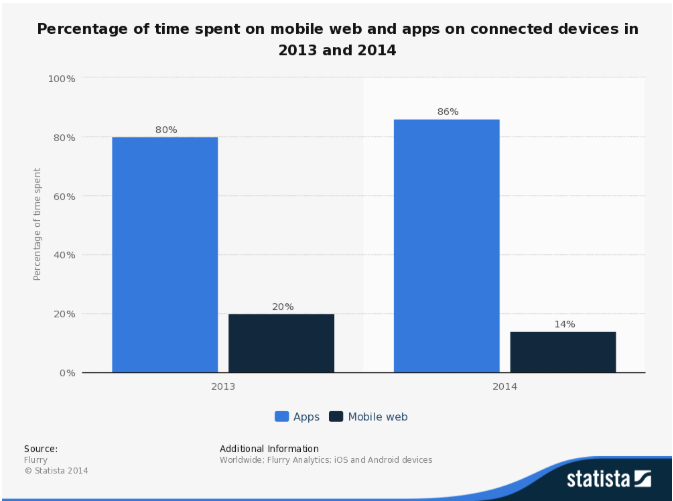
As the number of smartphone sales and app downloads from the stores increase, many people choose to start developing a mobile app as their only presence online! In fact, if we look beyond the 86% figure of the chart, you will notice that we are witnessing a shift of habits from mobile web navigation, to mobile app navigation. As we said before, this can be a big opportunity to succeed in creating your application.
How does it work?
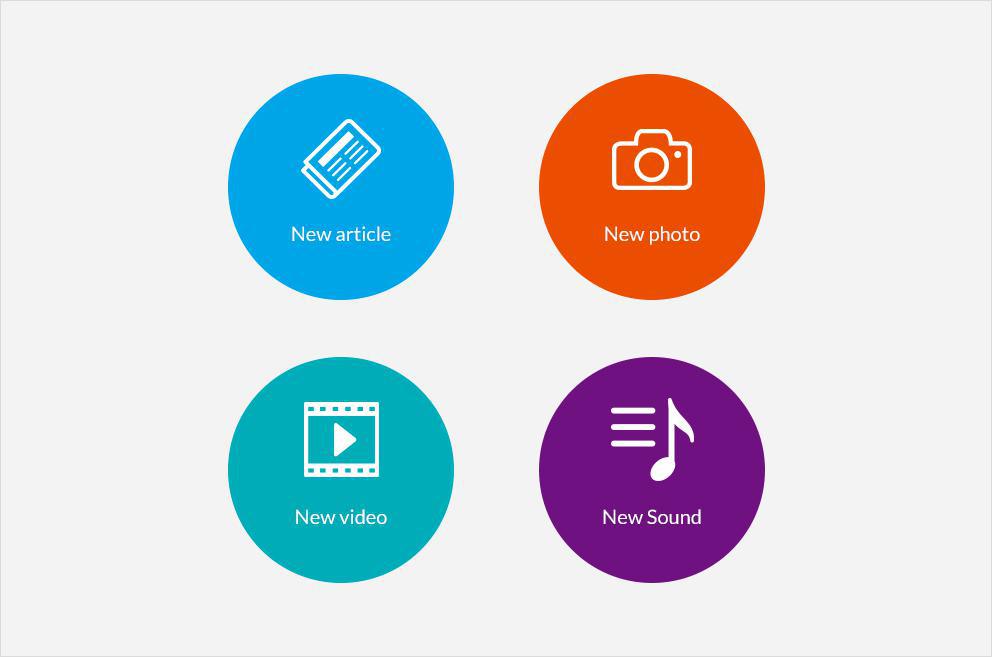
The process of creating CMS sections with the brand new V3 backend is very simple, so in order for you to picture it I will speak about all the four different types of sections that you can add to your apps. But bear in mind that I will mention only a few examples, there are many more possibilities. It just depends on your creativity!
Are you ready to take this tour? Let’s go!
1. Articles
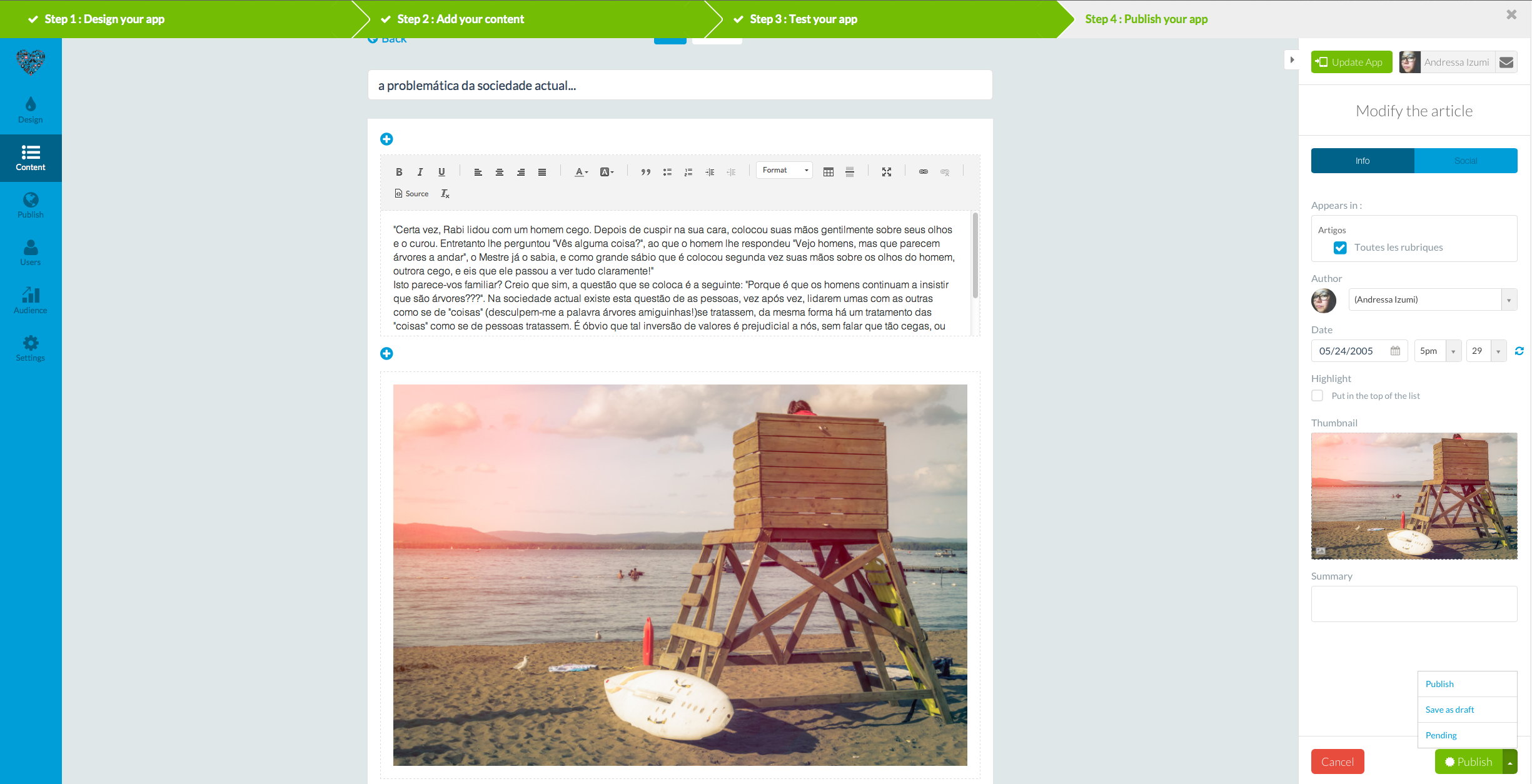
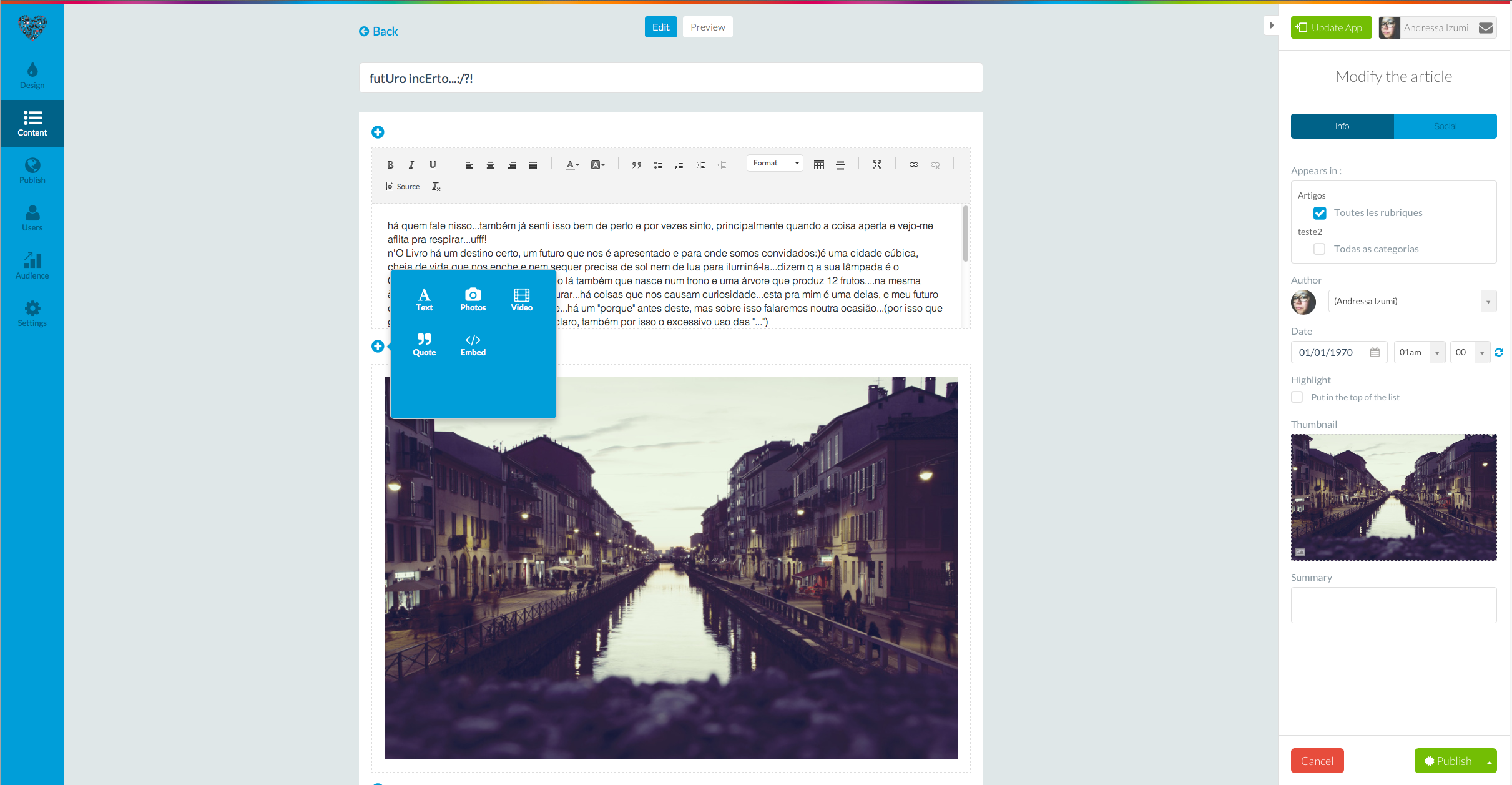
If you want to create an application with diverse content sources, such as texts, images and videos, you just need to add a CMS article section and have fun creating your posts! Also as for all CMS sections, you have the possibility to choose to publish immediately, or to save as draft or to leave it pending. This is useful when you don’t want to lose the content you just created but still have some things missing that you are going to add or change later (save as draft), or if you completed the article, but you want to publish it on a specific date (pending).
2. Photos
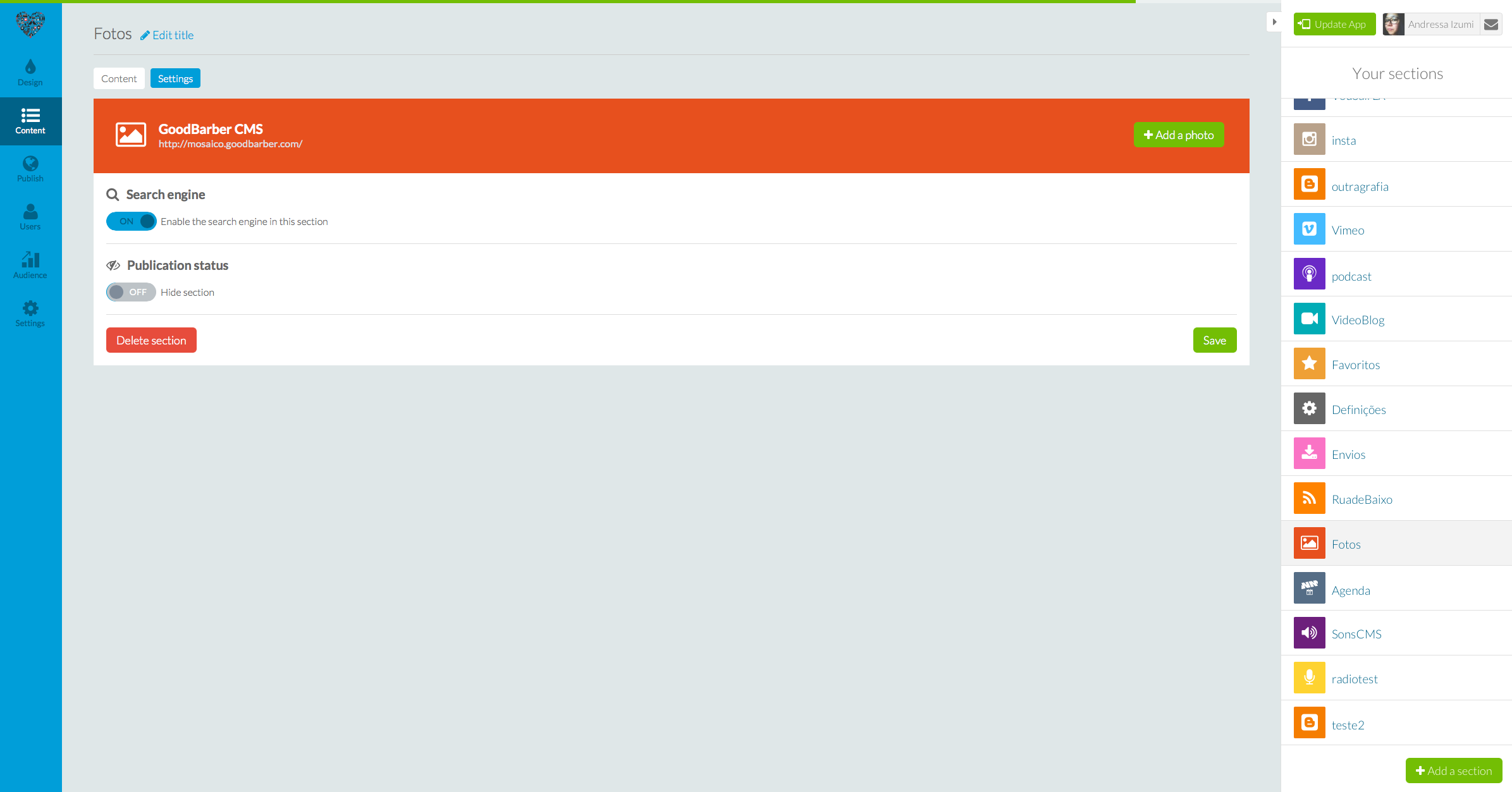
In case you are searching for a way to make an application to showcase your photography work, to put together an astonishing personal portfolio, you can use the CMS photo section. This is a powerful way to direct your user’s attention to your photos, and in addition to adding photos and their titles, you can activate the search engine to allow your users to find that specific photo they are searching for.
3. Videos
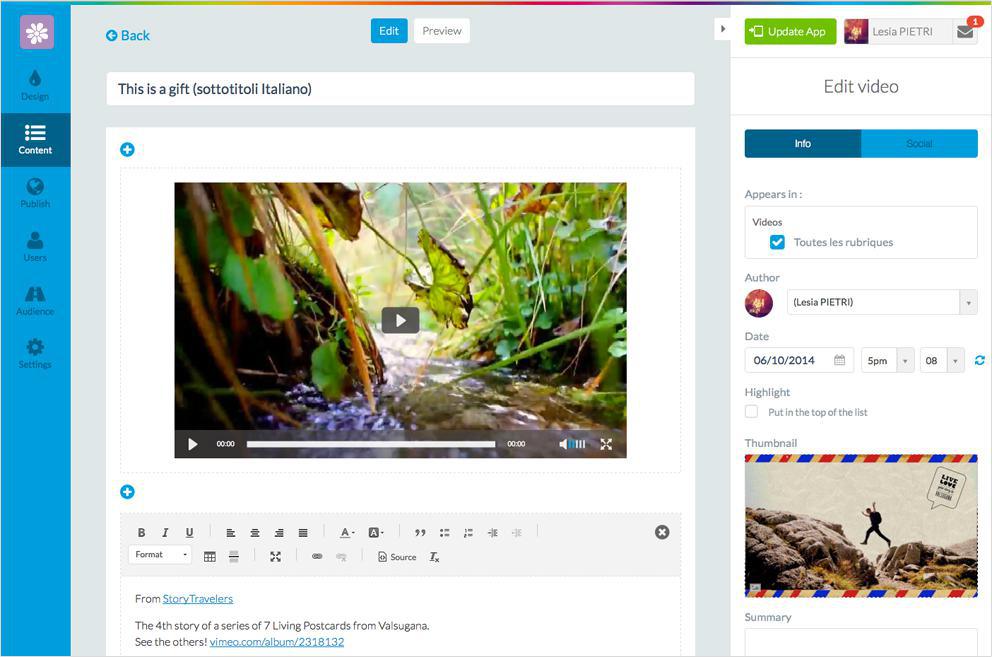
The CMS video section is great if your are a vlogger, an online lecturer or even a movie director! From your backend, you’ll be able to add not only videos, but also texts, photos or even quotes that you find relevant. Also, let’s say you are an online teacher and you have different levels or lessons: you can organize those video files in groups by naming a category of your choice. To do so, you just have to go to the Settings tab inside your CMS section and define as many categories as you want.
4. Sounds
Having the possibility to manage and share your own sound files directly from the backend of your app is an all-new feature on GoodBarber 3!
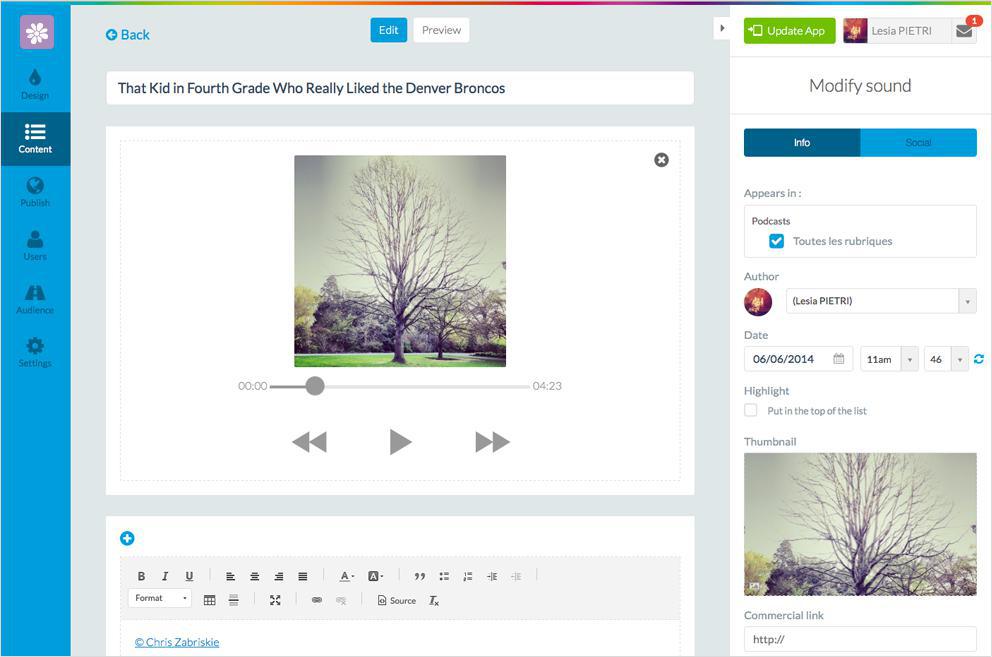
If you have a band or if you are musician/singer, a good way to promote your work would be by creating an application where you now can include not only such things as your biography, the photos from your studio recordings or concerts, connecting your social networks... but you can also add audio samples from your album! In addition to the audio files, you can add a thumbnail picture and content such as videos, texts and other images to better define the track. This is possible for each and every audio file you add to your CMS sound section.
Why should I choose to use the CMS sections?
There are many advantages in using CMS sections in your app. For instance, all the content you add in the backend of your app is managed on the same page and you don't have to worry about the response of an external server when you make modifications, because it will be displayed automatically in the app. The diversity of formats you can add in a single article brings a much more dynamic feel to your app, due to the fact that you are not restrained to only texts, or just photos, you can use all available media formats and mix them and enrich your content.
Using both the search engine and the filter option, you can take the display of your content and its structure to a whole new level, and doing so will lead to a better user experience.
But as you must have noticed, this is one among a whole range of new features in the new backend of GoodBarber 3. The good news is that it's all there for you to enjoy, stay tuned as we reveal all of the V3 novelties, to find out how to use each new feature to it's highest potential!
The short version. Meta catalog, map and Meta catalog, listings are two extensions of GoodBarber, the no-code app builder, that read an agency's "Home listings" catalog, the XML feed it gives Meta for its real estate ads. Meta catalog, map fills a Map section: each property with a known position becomes a pin with its own page, sorted by distance when the app knows where the user is. Meta catalog, listings fills an Article section with the same properties, newest first. You connect them with the link to your catalog feed. Both are free for Content apps.Agencies build this catalog to reach buyers and tenants where they spend their time. Meta's apps were used by 3.60 billion people a day on average in June 2026, up 3% in a year, according to Meta's second quarter 2026 results published on July 29, 2026. Here is how the two extensions play out for an agency in Hamburg.
The short version. Givebutter Events and Givebutter Campaigns are two extensions of GoodBarber, the no-code app builder, that read a nonprofit's campaigns on Givebutter. Givebutter Events fills a Calendar section with upcoming events, at their time in the event's time zone, with their location unless you share it with attendees only. Givebutter Campaigns fills an Article section with active forms and fundraising pages, with their cover image and description. You connect them with a Givebutter API key. Both are free for Content apps: each section counts as one of the extensions included in your plan.A lot of giving already goes through Givebutter. On Giving Tuesday 2025, supporters gave $20 million on the platform, up from $16.4 million in 2024, from more than 93,000 donors across 16,000 active campaigns, according to Givebutter's recap published on December 8, 2025. Here is how the two extensions play out for an animal rescue.
 eCommerce
 Memberships
 Chatbot
 Online Courses
 Bookings
 Travel guide
 Events
 Content Creators
 Pickup & Delivery
 Newspaper
 Radio
Radio Schools
 Faith
Faith Organizations
 Restaurant
 Grocery
 Custom apps
 Employee Communication

 NO CODE APP BUILDER
 TECHNOLOGY
 WHY GOODBARBER?
 Design
 PRODUCT RESOURCES
 TOPICS
 MOBILE APPS RESELLERS
 DISCOVER