 eCommerce
 Memberships
 RAG Chatbot
 Online Courses
 Bookings
 Travel guide
 Events
 Content Creators
 Pickup & Delivery
 Newspaper
 Radio
Radio Schools
 Faith
Faith Organizations
 Restaurant
 Grocery
 Custom apps
 Employee Communication

 NO CODE APP BUILDER
 TECHNOLOGY
 WHY GOODBARBER?
 Design
 PRODUCT RESOURCES
 TOPICS
 MOBILE APPS RESELLERS
 DISCOVER
Take your podcast to the next level with a mobile app

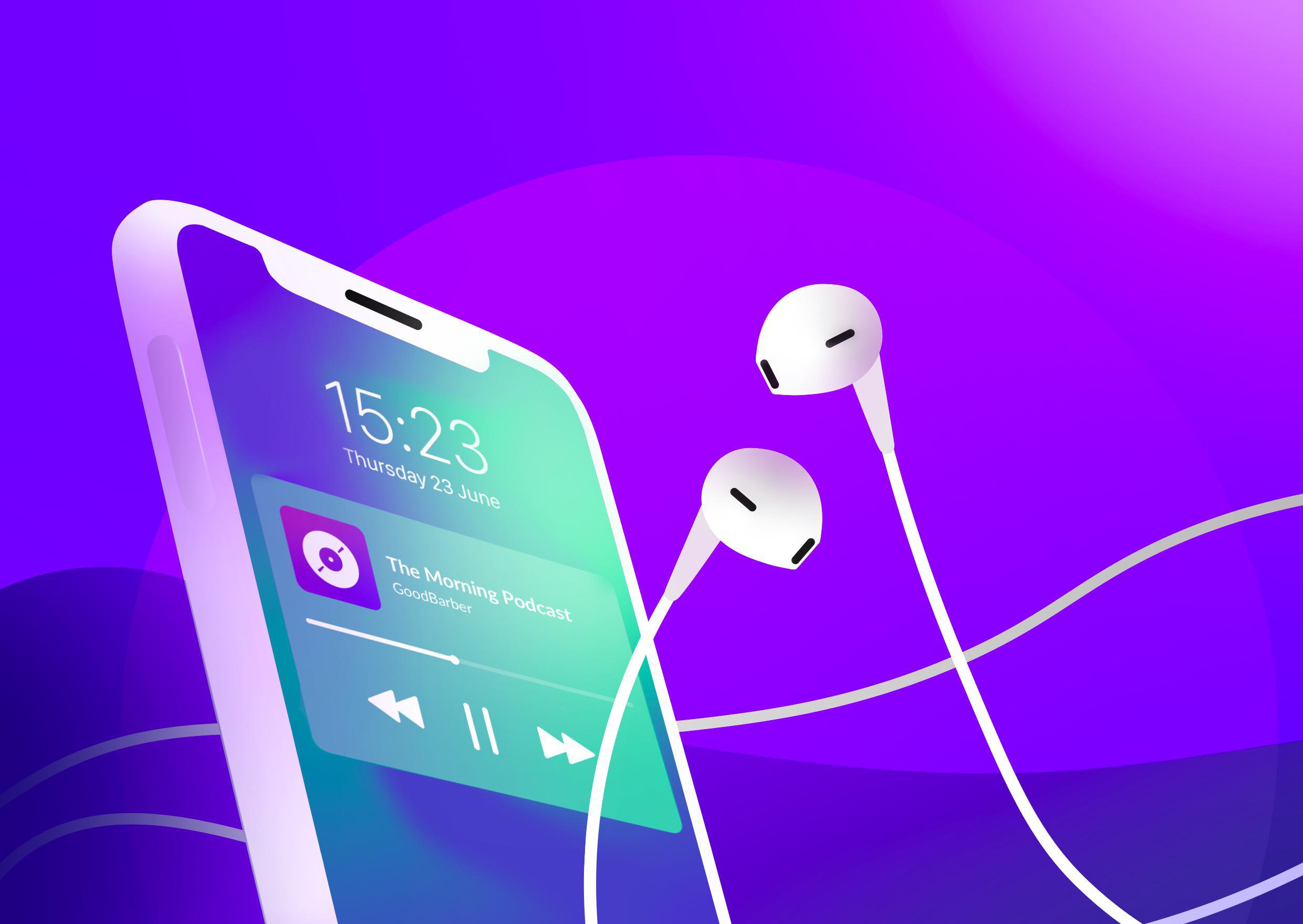
Every day, new podcasts are published on different platforms (Spotify, iTunes, etc). Podcasting is now mainstream and attracts tens of millions of people every week, generating more and more revenue.
According to this report from The Verge, the podcast industry revenue in 2018 was $479.1 million and will likely create $1 Billion annual revenue by 2021.
“Technology, Media, And Telecommunications Predictions 2020” report that the podcasting business could grow to more than $3.3 billion by 2025.
This is clearly a lucrative industry that has a lot of room for innovation. If you're thinking of creating a podcast, this is definitely the right time.
The term “podcast” is the result of combining the words iPod and broadcast and refers to digital audio files that you can download.
Available for desktops and mobile devices, they are normally available as a series. Listeners can subscribe to the podcast, and then they receive the new episodes in the series automatically.
Podcasts make it convenient to listen to any type of content no matter where you are.
Why an app for your podcast?
A mobile app will give you the opportunity to connect more directly with your audience. It gives a more professional touch to your podcast that will impress your listeners.
Benefiting from the notoriety of the Store, you will also reach a new, wider audience allowing you to scale your business.
You also know that users who downloaded your app are more likely to be a loyal, engaged base leaving comments or likes on your episodes.
Another benefit: exclusivity. Users only have access to your podcast.
There’s no getting distracted by other podcasts.
Build your podcast app with GoodBarber
If you need more details on how to create an app and the process to follow prior to diving into the actual creation process, check out this article.
From your app back office, add the Podcast CMS section.
From there you will be able to edit the content, give it a title, and add the sound file.
You have 2 options:
- Add a sound file from your computer
- Add your podcast URL from iTunes.
We just released a new template for the design of the details page of your sound page.
New feature: Mini Player!
From now on, your users will be able to browse the app while continuing to listen to the content of your Sound and Live sections. All this while always viewing the player at the bottom of their screen, no matter what view they are in!
To complete your app and make it more engaging for your users, you can add the following sections:
- Push notifications: Announce new episodes, special guests, and more with specially targeted notifications delivered right to your users.
- Videos: for your podcast recordings, interviews, etc
- Blog: engage your audience, tell your story and the behind the scene of your business
- Calendar for events, new episodes
- Form: the best way to receive engagement: request from listeners, questions you would answer on your podcast, etc.


