GBTC: Publish your app with easeDiscover GoodBarber Takes Care and simplify the app publication process for both the App Store and Google Play. Let us handle the technical details for you.Learn more about GBTC
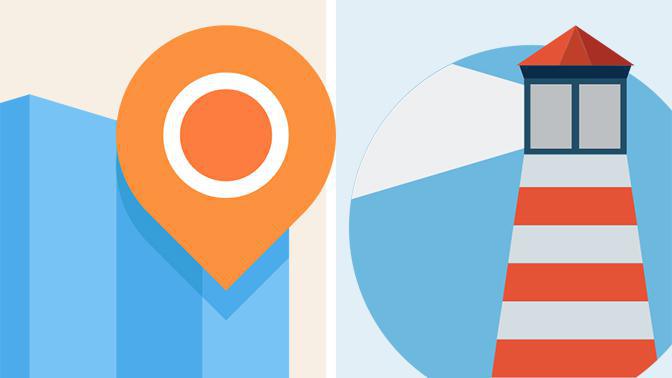
Geofencing and Beacons are completely revolutionizing retail and the user experience. These features are available within GoodBarber's App builder Extension store, so that you can implement them in your beautiful app. But, first of all, how to choose between Geofencing and Beacons ?
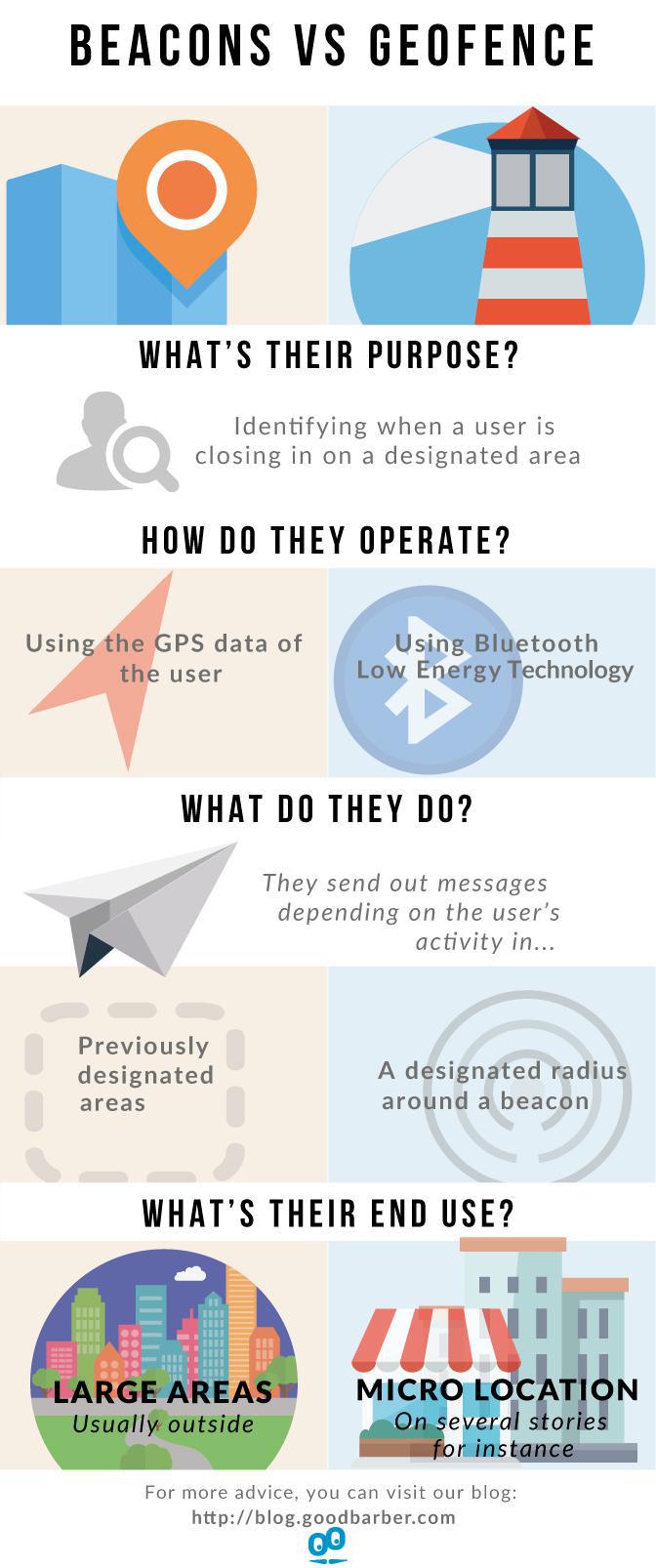
If their purpose is more or less the same, in terms of usage and the way they operate, they are quite different. Here's a quick guide that allows you to pick the best suited for your business.
Geofencing vs Beacons : an infographic
As you've probably gathered by now, Beacons and Geofencing share the same goal but they are used in different contexts.
Geofencing on the one hand, functions with GPS data and is best suited for large areas, such as entire venues, neighborhoods, cities or even countries. It can prove very useful for the event industry , for concerts or night clubs for instance.
Beacons on the other hand, are more adequate for smaller areas such as the inside of a building. For example, they are a very powerful tools for stores which can set them up in various aisles to advertise discounts. They are also used to communicate information to users, in museums for instance .
As you can see, possibilities are almost endless. It is up to you to choose the method which best corresponds to your business and the way you intend to engage with your users!
The short version. Meta catalog, map and Meta catalog, listings are two extensions of GoodBarber, the no-code app builder, that read an agency's "Home listings" catalog, the XML feed it gives Meta for its real estate ads. Meta catalog, map fills a Map section: each property with a known position becomes a pin with its own page, sorted by distance when the app knows where the user is. Meta catalog, listings fills an Article section with the same properties, newest first. You connect them with the link to your catalog feed. Both are free for Content apps.Agencies build this catalog to reach buyers and tenants where they spend their time. Meta's apps were used by 3.60 billion people a day on average in June 2026, up 3% in a year, according to Meta's second quarter 2026 results published on July 29, 2026. Here is how the two extensions play out for an agency in Hamburg.
The short version. Givebutter Events and Givebutter Campaigns are two extensions of GoodBarber, the no-code app builder, that read a nonprofit's campaigns on Givebutter. Givebutter Events fills a Calendar section with upcoming events, at their time in the event's time zone, with their location unless you share it with attendees only. Givebutter Campaigns fills an Article section with active forms and fundraising pages, with their cover image and description. You connect them with a Givebutter API key. Both are free for Content apps: each section counts as one of the extensions included in your plan.A lot of giving already goes through Givebutter. On Giving Tuesday 2025, supporters gave $20 million on the platform, up from $16.4 million in 2024, from more than 93,000 donors across 16,000 active campaigns, according to Givebutter's recap published on December 8, 2025. Here is how the two extensions play out for an animal rescue.
 eCommerce
 Memberships
 Chatbot
 Online Courses
 Bookings
 Travel guide
 Events
 Content Creators
 Pickup & Delivery
 Newspaper
 Radio
Radio Schools
 Faith
Faith Organizations
 Restaurant
 Grocery
 Custom apps
 Employee Communication

 NO CODE APP BUILDER
 TECHNOLOGY
 WHY GOODBARBER?
 Design
 PRODUCT RESOURCES
 TOPICS
 MOBILE APPS RESELLERS
 DISCOVER