GBTC: Publish your app with easeDiscover GoodBarber Takes Care and simplify the app publication process for both the App Store and Google Play. Let us handle the technical details for you.Learn more about GBTC
Some of you may already be familiar with Universal Links and already make full use of them for their Shopping App. For the others, don't worry, we haven't forgotten about you. This feature is now available on your Classic App!
Read on to find out how to activate Universal Links and App Links in your GoodBarber back office or if you need a little refresher on the subject ;)
Definition
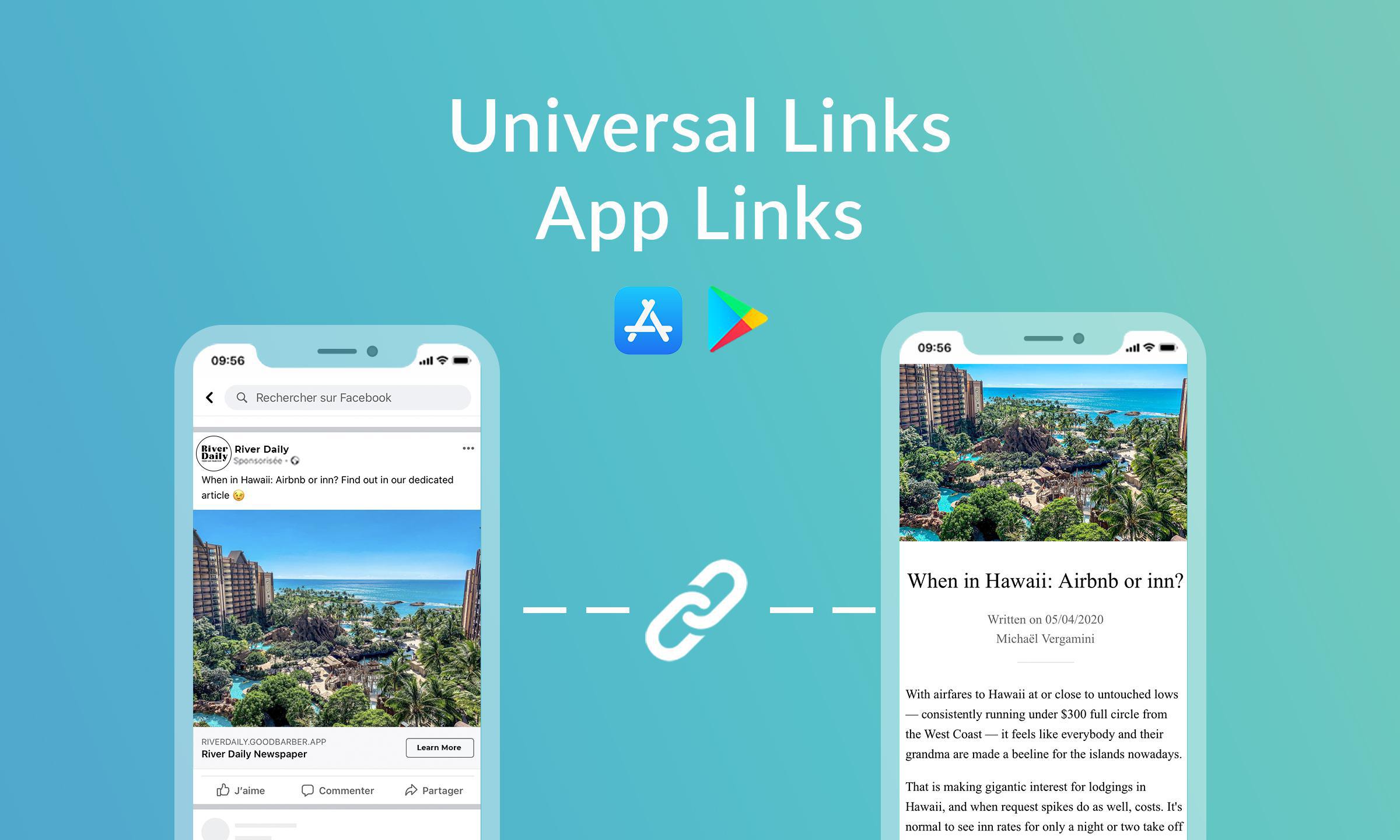
Introduced in 2015 with iOS 9, Universal links are Apple's method of launching apps on iOS when linked from a website.
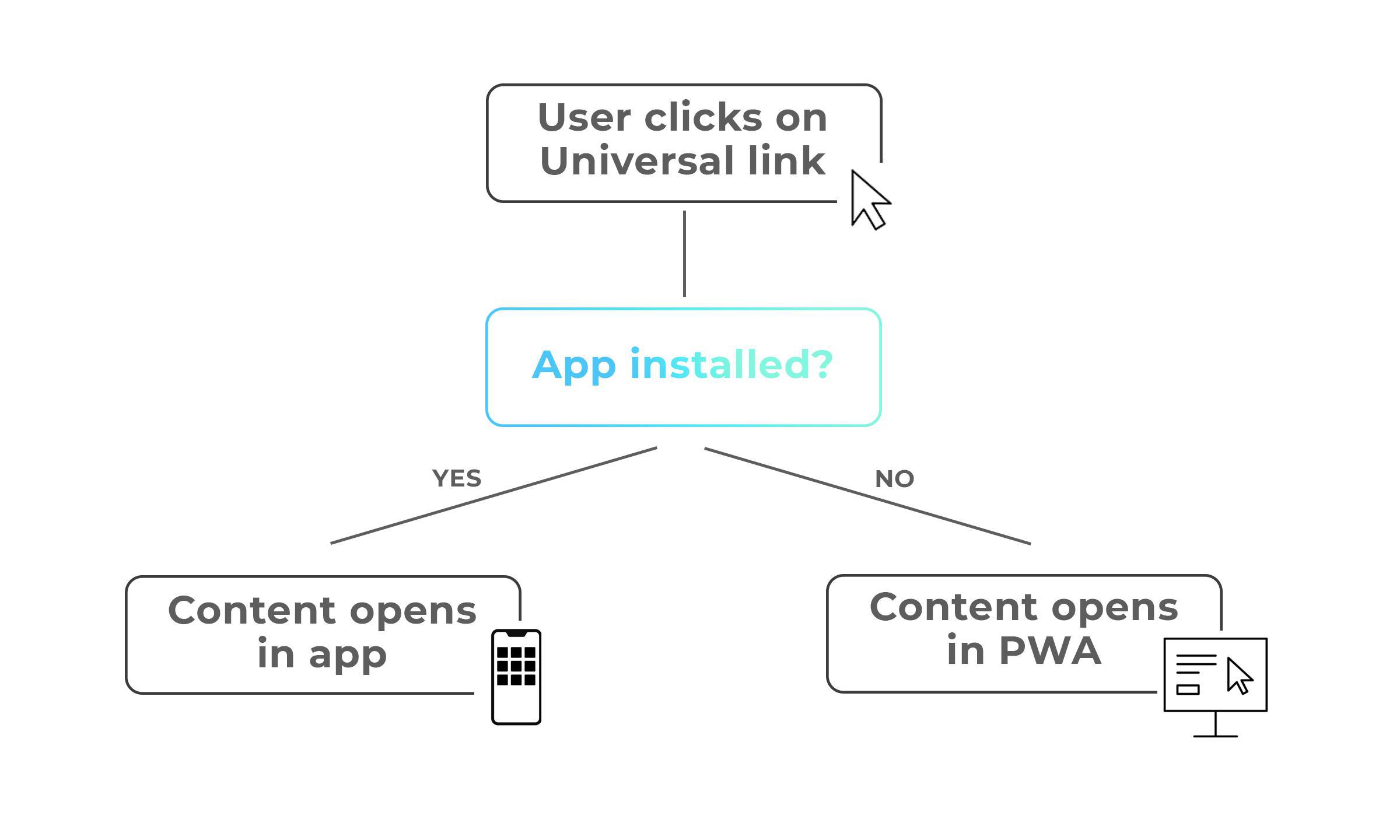
They are standard web links that, when clicked, redirect the user to a specific web page or native app page. If the user has already installed your app, the app page is immediately launched.
If the user hasn't installed your app, then your PWA is launched on the specific web URL.
Android App Links are Google' s equivalent to Apple's Universal Links. They work in a similar way and immediately open the corresponding content in your Android app or web page.
Why use Universal links
For mobile apps marketers, Universal Links and App Links are a quick and easy way to engage or re-engage users, improve retention and increase conversion. Increasing, simplifying user engagement, and delivering a seamless mobile experience that will work regardless if they have installed the app or no
User engagement When bringing a user back to re-engage with the app, universal links are highly efficient. While deep links work similarly in terms of bringing the users back from a shared article or an ad into your app, the experience will generally be poorer since deep links prompt a message that pops up on the user’s screen. This creates an additional step where the user has control of when they can opt-out.
Improve retention and conversion rates Universal links and App links take users right where they want to be. The sooner they get to the content they want to see within an app, the more likely for them to convert.
For example, you're a piano teacher and have an app for your online courses. You posted an ad on Facebook to promote the latest video on how to play a popular song. With the universal link, someone looking to learn that song clicks the link on the ad and even though they don't have your app yet, it launches your PWA, and the user lands directly on the exact video. Not only, does it create the perfect experience for the user and be an incentive for them to download your app, but Facebook is very sensitive about ensuring that, if something specific is displayed in an ad, the link in question directs the user to that ‘something’.
Activate Universal Links on your GoodBarber Classic app
You can now activate Universal Links and App Links in your GoodBarber apps.
Note: Prior to activating the links, it is mandatory to install a domain name and publish your PWA.
For your iOS app:
If your app is new and you're submitting it for publication for the first time, it's part of the review process. Just make sure you click "yes" when asked if you'd like to set Universal Links
If your app is already published on the App Store, 2 options:
you're using our GBTC service: simply ask them for an update of your app and select "yes" when asked if you'd like to set Universal Links
You're doing the solo process: you'll find a detailed online help in your app back office to guide you through the steps. You will need to rebuild your app and send an update to the App Store.
For your Android app:
You only need to build (new app) or rebuild your app and submit the latest version to the Play Store.
This feature is already available on Shopping apps.
Five ways lead to a fitness app for your business, and each is priced its own way: a flat plan, an add-on to gym software, per client, per subscriber or quoted. The table below compares what each one costs and the job it is built for.
OpenAI released GPT-6 Sol and GPT-6 Luna on September 22, 2026, after GPT-6 Astra, the flagship of the family, earlier the same month. Luna is the smallest of the three. OpenAI describes it as its most efficient model for focused, high-volume tasks, and sells it at half the price of GPT-5.6 Luna, the model it replaces in OpenAI's own line-up.The next morning, we moved the AI Extension Builder to GPT-6 Luna, for every app, on the four moments where a model is at work: understanding your request, writing the code of the section, rewriting it when you ask for a change, and answering the questions you ask about what it built.
 eCommerce
 Memberships
 RAG Chatbot
 Online Courses
 Bookings
 Travel guide
 Events
 Content Creators
 Pickup & Delivery
 Newspaper
 Radio
Radio Schools
 Faith
Faith Organizations
 Restaurant
 Grocery
 Custom apps
 Employee Communication

 NO CODE APP BUILDER
 TECHNOLOGY
 WHY GOODBARBER?
 Design
 PRODUCT RESOURCES
 TOPICS
 MOBILE APPS RESELLERS
 DISCOVER