GBTC: Publish your app with easeDiscover GoodBarber Takes Care and simplify the app publication process for both the App Store and Google Play. Let us handle the technical details for you.Learn more about GBTC
YouTube Playlists, Dailymotion Compatibility, WMaker Videosites … And Another Little Surprise.
This was a recurring request from you. It seems quite obvious, and so we have sped up its implementation. You would like to be able to put your YouTube playlists on GoodBarber.
Ghjancarlu Simeoni
·Updated · 1 min read
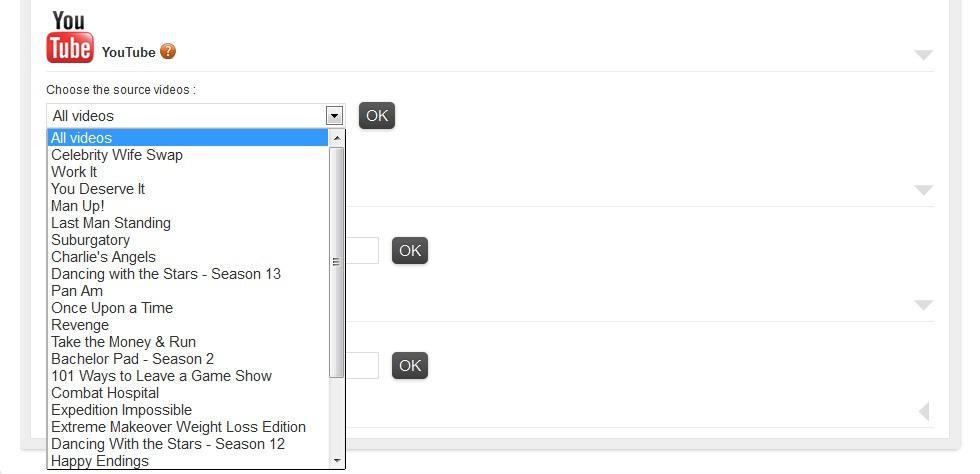
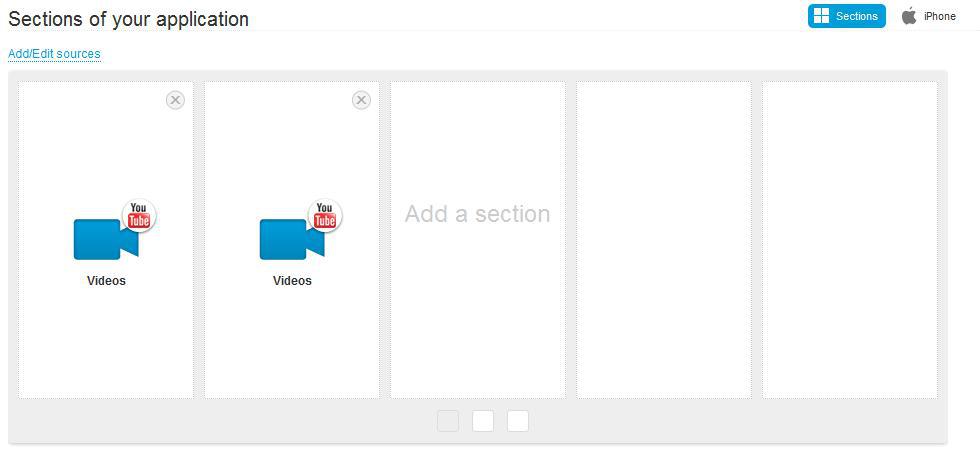
Recently, we’ve made it possible, and it’s very simple. Once you have specified the name of your YouTube channel in your back office, the system recognizes your channel and identifies the related playlists. Then you’re asked to: “Choose the video sources.” You can select “All videos” or choose just one of your playlists. You can then match as many sections of your application as you want to specific playlists and allow your user to move from one playlist to another on the tab bar. With this feature, GoodBarber unlocks the possibility to make your application the perfect extension of your video channel on mobile devices.
As far as video is concerned, we haven’t stopped there. Very soon, GoodBarber will be natively compatible with Dailymotion . Watch your back office or our blog, because it won’t take long. For the WMaker users, be aware that your videosite works perfectly on GoodBarber.
Just one more thing. A connection with the Twitter API* is being developed. GoodBarber will soon be natively compatible with Twitter.
*Application Programming Interface
You've entered your YouTube channel's name. GoodBarber recognizes it and suggests "All videos" by default.
You can start by selecting one of your channel's playlists.
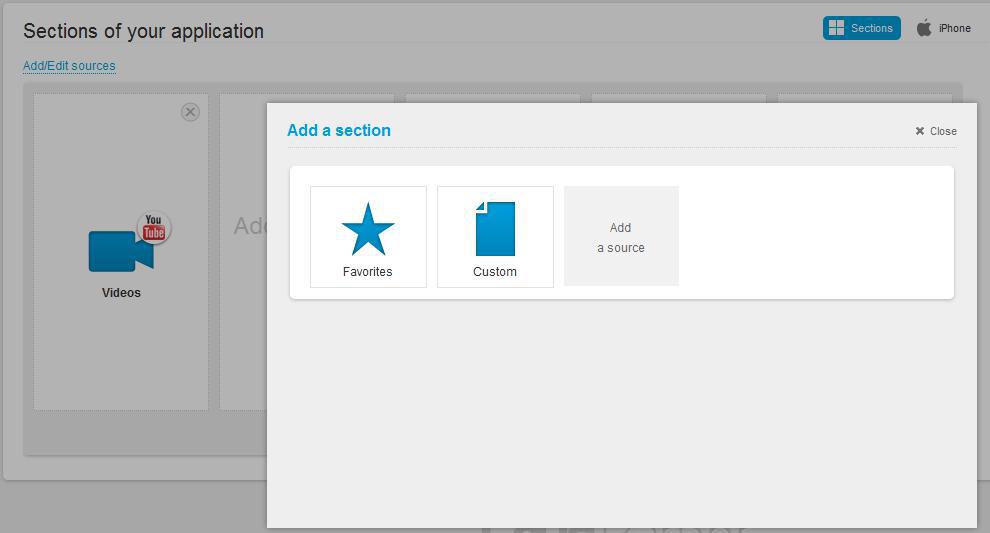
The playlist you selected will be assigned to a section of your app. You can add a section and choose another playlist.
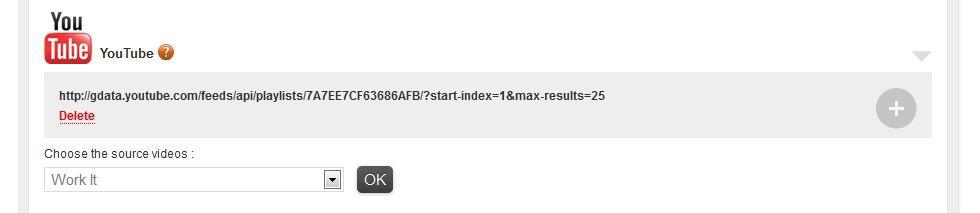
The first playlist you selected appears in your sources. Click on "+" on the right and choose another.
You can select as many sections to be linked with playlists as you wish.
The sign-in screen now has three new buttons alongside the usual form: Google, Apple, and a login link sent by email.Continue with Google. Pick your Google account and you are in. No new password to come up with, no form to fill in.Sign in with Apple. The same, with your Apple ID: on an iPhone or a Mac, but also from a Windows computer or an Android phone.Your password works exactly as before. You don't have to change your habits: the new options are added, nothing is taken away.
Five ways lead to a fitness app for your business, and each is priced its own way: a flat plan, an add-on to gym software, per client, per subscriber or quoted. The table below compares what each one costs and the job it is built for.
 eCommerce
 Memberships
 RAG Chatbot
 Online Courses
 Bookings
 Travel guide
 Events
 Content Creators
 Pickup & Delivery
 Newspaper
 Radio
Radio Schools
 Faith
Faith Organizations
 Restaurant
 Grocery
 Custom apps
 Employee Communication

 NO CODE APP BUILDER
 TECHNOLOGY
 WHY GOODBARBER?
 Design
 PRODUCT RESOURCES
 TOPICS
 MOBILE APPS RESELLERS
 DISCOVER