GBTC: Publish your app with easeDiscover GoodBarber Takes Care and simplify the app publication process for both the App Store and Google Play. Let us handle the technical details for you.Learn more about GBTC
Today we're presenting a new option available in the Calendar section.
As usual, we've analyzed the way you use GoodBarber, and for event related apps, we've noticed that a lot of you have projects that involve multiple time slots within the same day. We've therefore decided to offer a new option, which should be much more intuitive for your users.
Displaying time slots
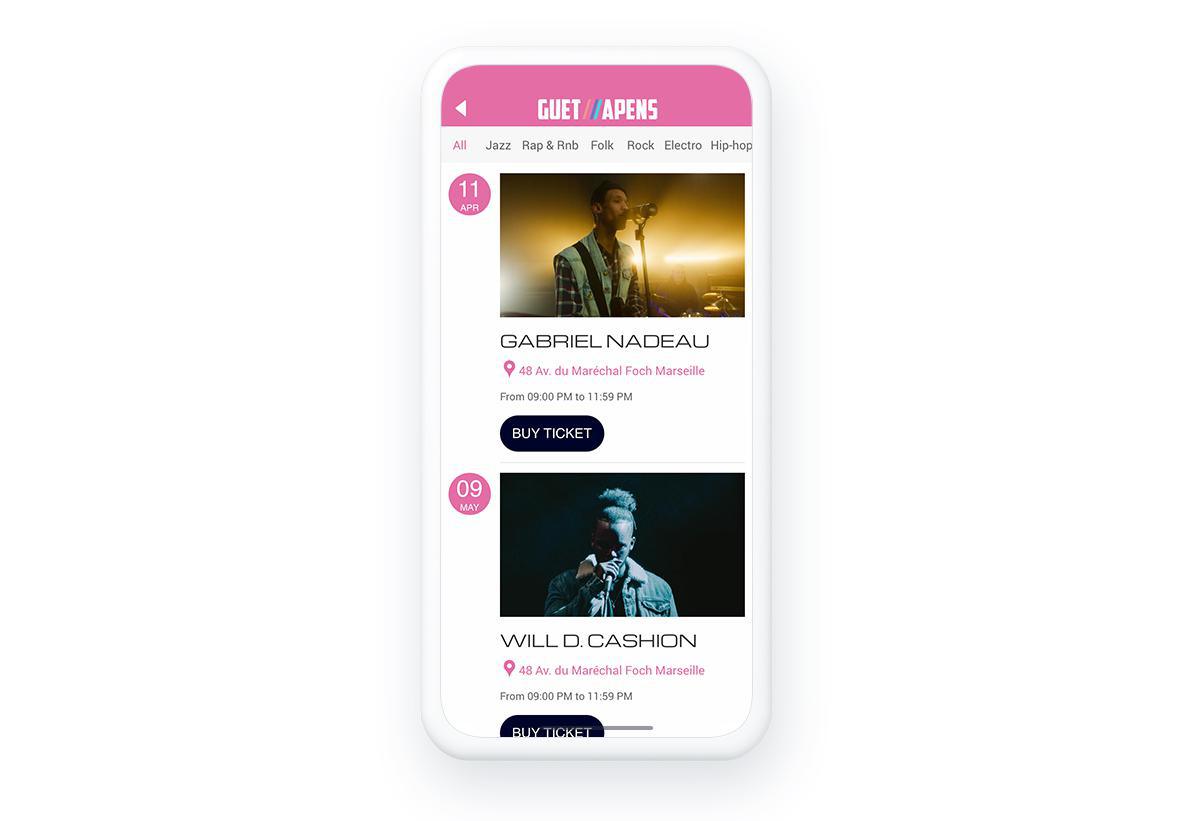
In your Calendar section's list view, it is now possible to display your events' start time instead of the start day. This is especially useful for events like conferences or festivals that generally have several things on the schedule in the same day.
To activate this option, go to the menu Section > Calendar > Events list. Open the "Current date display" dropdown menu and select the Starting time option. Once this option is activated, you'll see that the start time of your events appears in a bubble to the left of the list.
Of course, even with this option activated, you'll still be able to create events that go on for the whole day, in which case the start time will be replaced by a 24h icon indicating that the event goes all day.
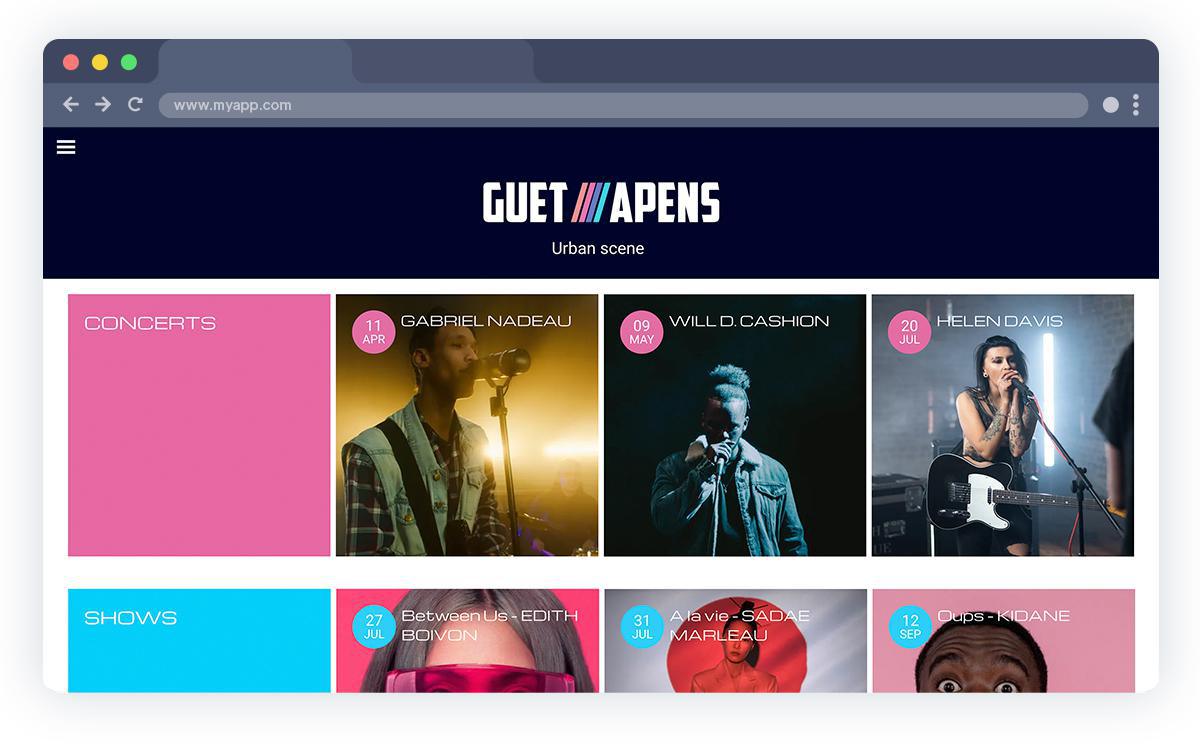
This option is also available in the Calendar widget that you can add to your app's Home section.
To bring schedules, speaker profiles and practical information together in your app, explore our event app builder.
Five ways lead to a fitness app for your business, and each is priced its own way: a flat plan, an add-on to gym software, per client, per subscriber or quoted. The table below compares what each one costs and the job it is built for.
 eCommerce
 Memberships
 Chatbot
 Online Courses
 Bookings
 Travel guide
 Events
 Content Creators
 Pickup & Delivery
 Newspaper
 Radio
Radio Schools
 Faith
Faith Organizations
 Restaurant
 Grocery
 Custom apps
 Employee Communication

 NO CODE APP BUILDER
 TECHNOLOGY
 WHY GOODBARBER?
 Design
 PRODUCT RESOURCES
 TOPICS
 MOBILE APPS RESELLERS
 DISCOVER