GBTC: Publish your app with easeDiscover GoodBarber Takes Care and simplify the app publication process for both the App Store and Google Play. Let us handle the technical details for you.Learn more about GBTC
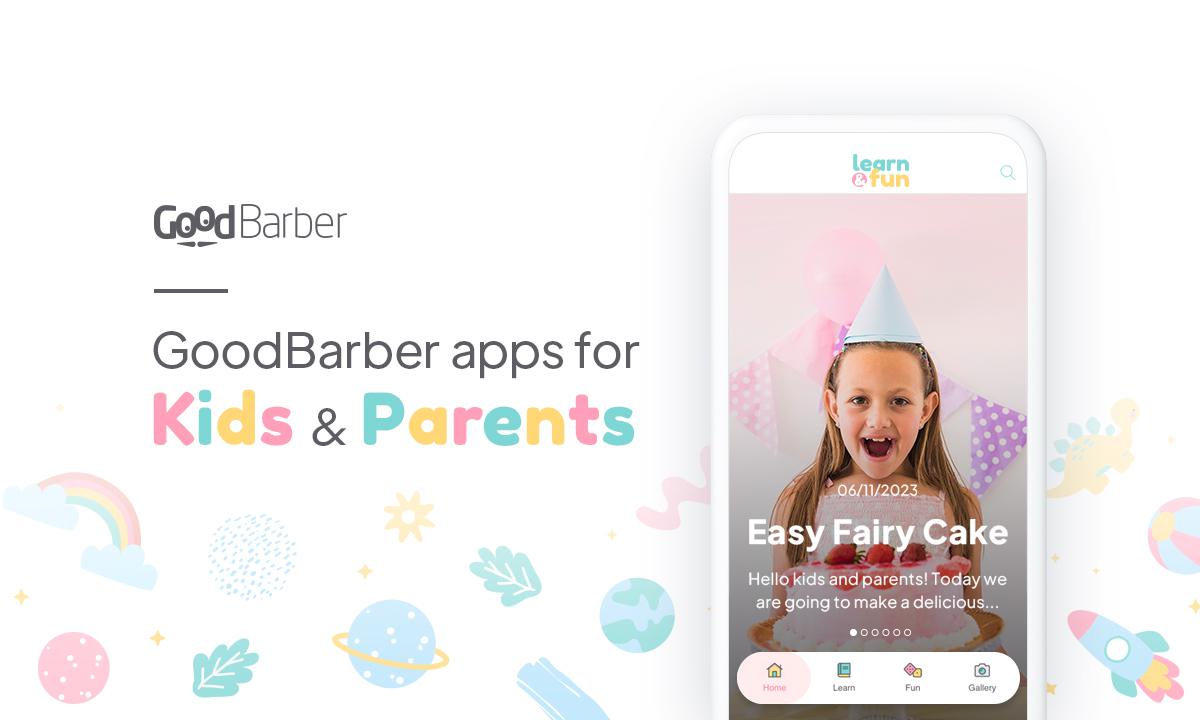
In the constantly evolving digital world, today's children are growing up surrounded by technologies that are redefining the way they learn, have fun, and share quality moments with their parents. Children's applications, true gems of educational innovation, open the way to a world where technology becomes an ally, facilitating playful learning, creativity, and sharing activities.
Smartphones and apps for toddlers: is it a good idea?
The question is legitimate: are smartphones and apps suitable tools for children and toddlers? With careful parental supervision, we believe mobile apps can be a positive educational tool.
Applications designed specifically for children offer a safe and educational environment. Indeed, when parents guide their children in using these tools, they can transform the screen into a window to a world of playful learning and shared creativity.
By being present alongside their children, parents can ensure an age-appropriate digital experience and strengthen family bonds by actively participating in these moments of digital exploration.
Certain features frequently recur in the many applications dedicated to toddlers, helping shape an enriching experience. These include:
Sensory awareness: Baby apps can incorporate interactive elements, bright colors, and soothing sounds to stimulate toddlers' senses, encouraging early sensory learning.
Educational content: Parents can discover fun features such as educational games, interactive nursery rhymes, and captivating animations that encourage babies' cognitive development.
Parent-child interaction: These applications, designed for use under parental guidance, facilitate the sharing of precious moments, creating a digital experience that strengthens the emotional bond while offering learning opportunities.
Content apps: creating unique applications for children and parents
The great advantage of no-code tools like GoodBarber is that they make it easy for anyone to create unique applications that meet your needs. Everyone, including parents, educators, authors, and developers, can use no-code tools to create an engaging digital experience for children and parents alike. Whether you want to create an app with nursery rhymes, meditation, or an app to advise and guide parents, GoodBarber offers features that make it easy to organize your content and foster a sense of community, encouraging sharing between parents.
Personalize your application by integrating articles , images , videos , and podcasts to bring your content to life. Activating the Bookmark section allows users to mark their favorite stories and activities, making them easily accessible in a dedicated section.
If you're a content creator, you can explore an additional monetization opportunity by activating in-app purchases . This feature allows you to choose which sections of your application you wish to charge for and generate revenue through a subscription system.
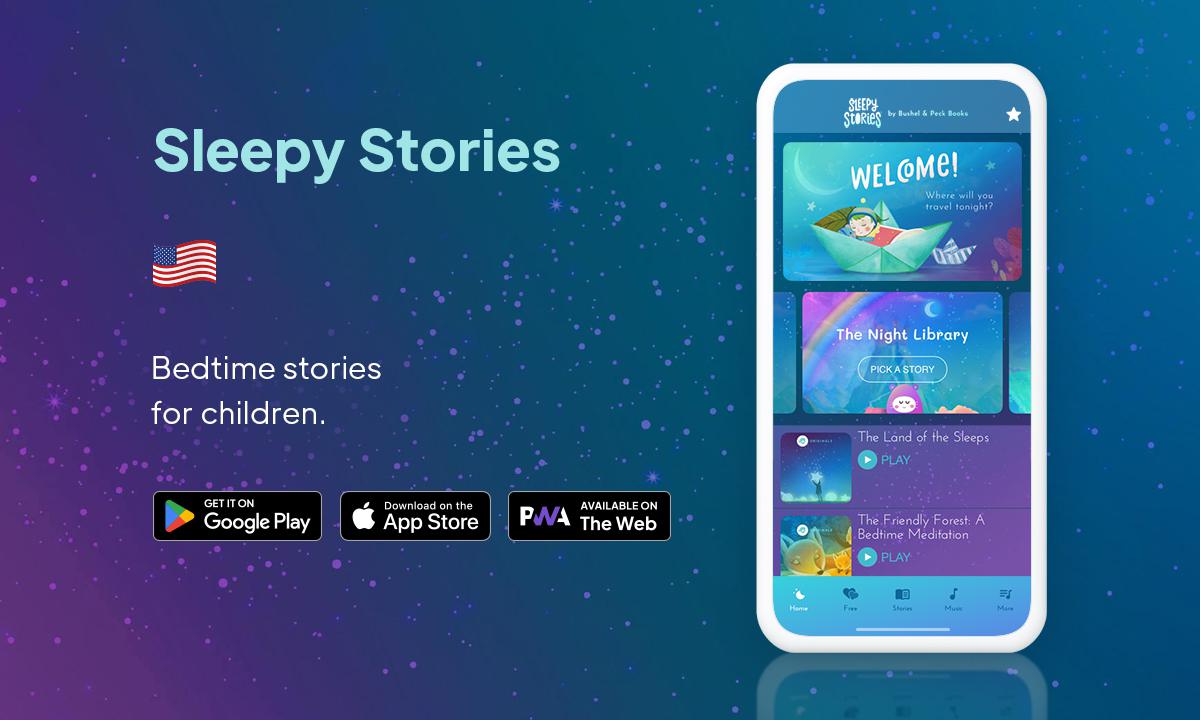
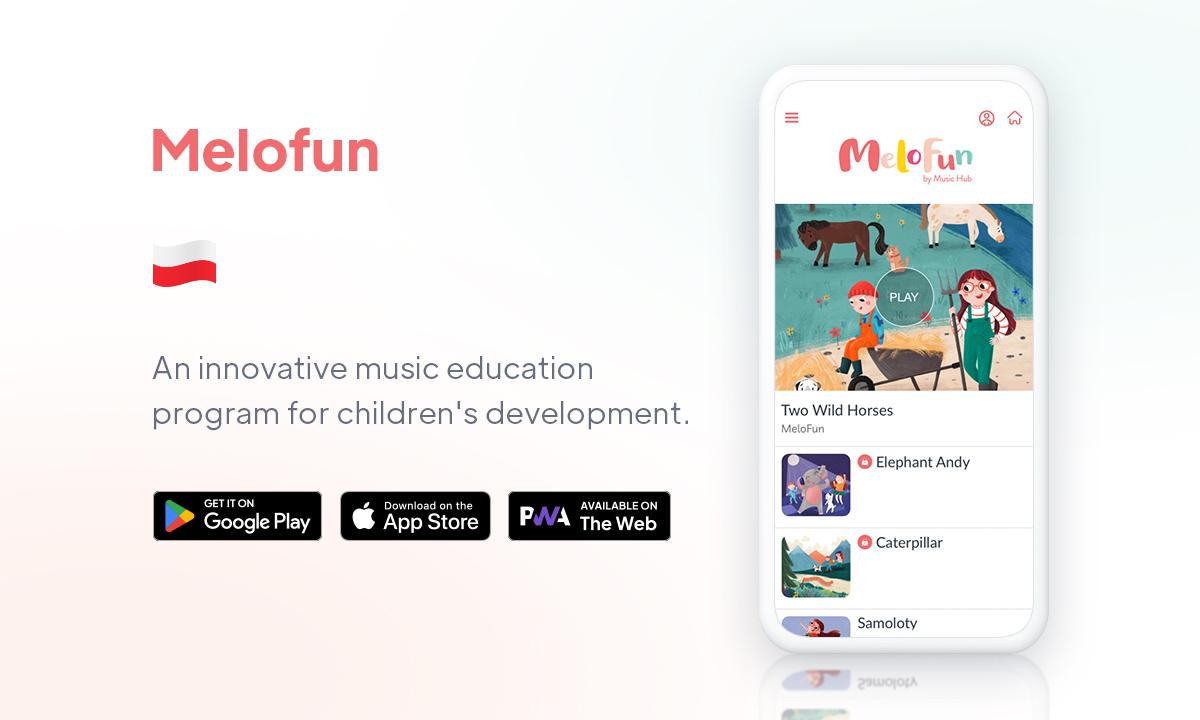
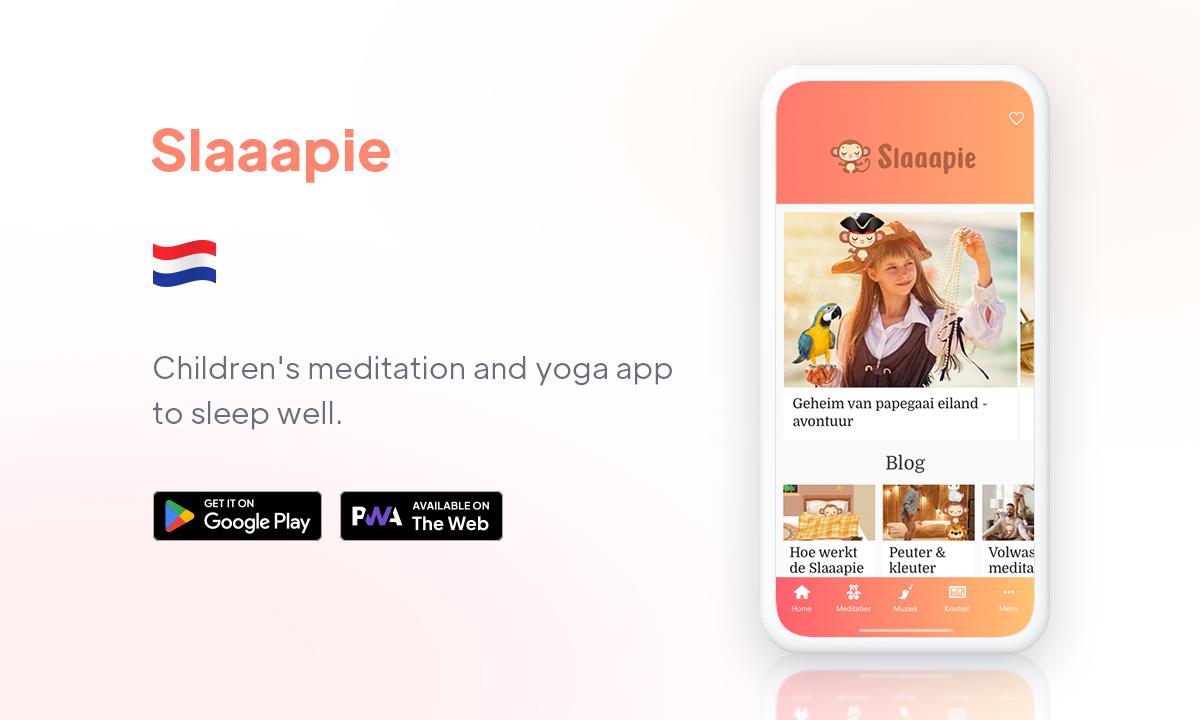
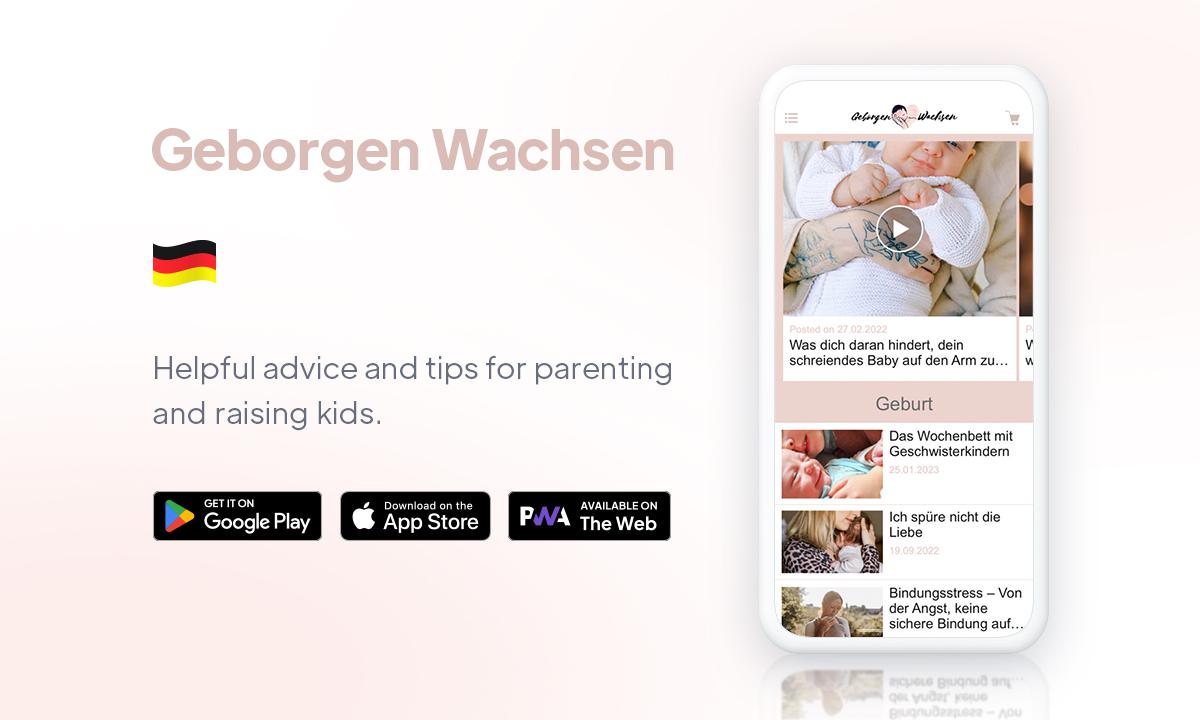
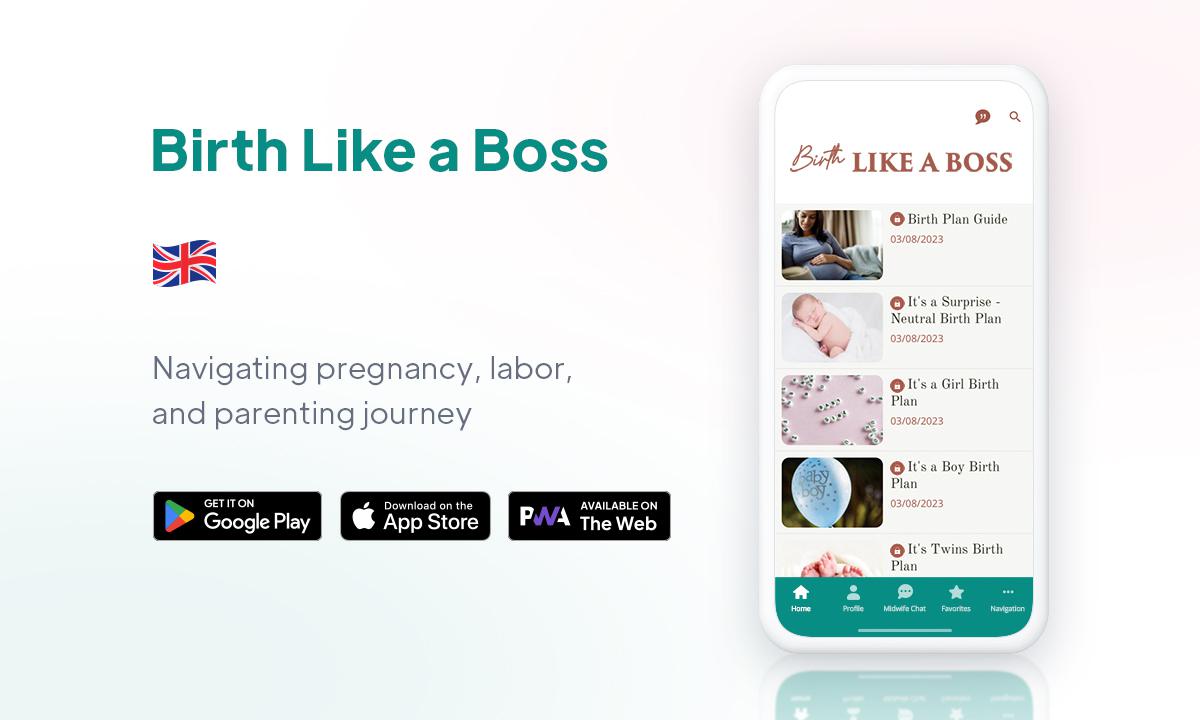
To inspire and assist parents in promoting their child's development and navigating parenting, we have curated a selection of captivating apps created by our customers with GoodBarber.
On iPhone Duo, an app switches displays every time the phone opens or closes: the outer display, narrow and tall, then the inner display, as wide as a small tablet. Apple asks apps to treat that switch as a simple change of size, like a window being resized, and draws a rule from it: when the device opens or closes, people find what they left.A GoodBarber app follows that rule to the letter. When iPhone Duo opens or closes, it keeps its screens and lays them out again at their new size: the same screen, the same place, what's playing, what was typed into a form. The gesture changes the shape of the screen, never what you were doing.
 eCommerce
 Memberships
 Chatbot
 Online Courses
 Bookings
 Travel guide
 Events
 Content Creators
 Pickup & Delivery
 Newspaper
 Radio
 Schools
 Faith
 Organizations
 Restaurant
 Grocery
 Custom apps
 Employee Communication


 NO CODE APP BUILDER
 TECHNOLOGY
 WHY GOODBARBER?
 Design
 PRODUCT RESOURCES
 TOPICS

 MOBILE APPS RESELLERS
 DISCOVER