GBTC: Publish your app with easeDiscover GoodBarber Takes Care and simplify the app publication process for both the App Store and Google Play. Let us handle the technical details for you.Learn more about GBTC
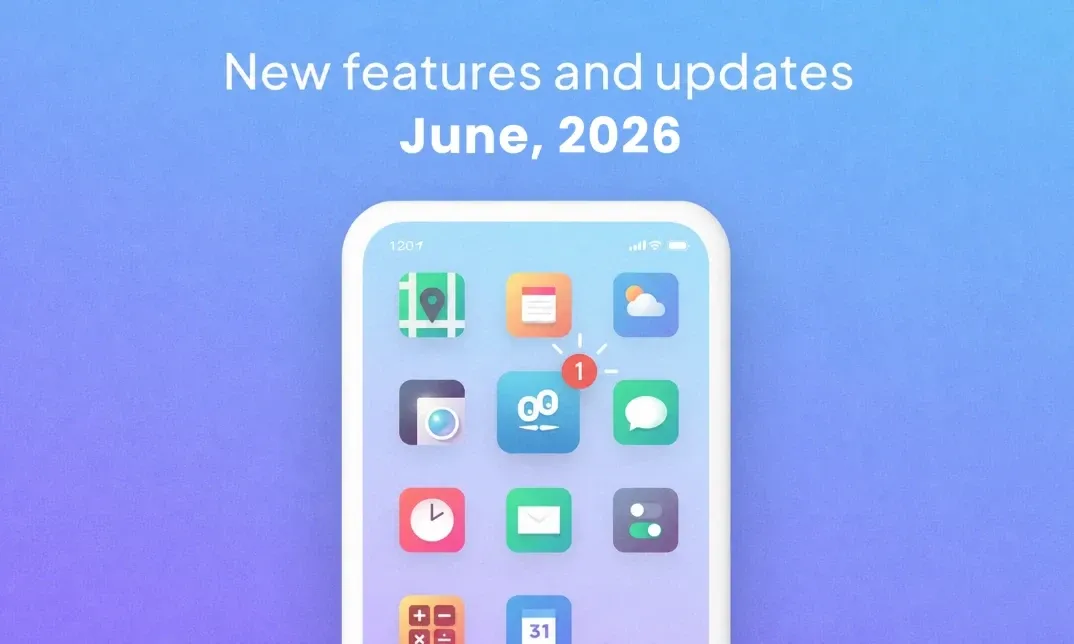
This month's updates focus on visibility, compliance, and user experience — new ways to highlight key actions, protect younger users, and smooth out everyday interactions in your app. Here's what's new:
New global Floating Button: highlight a key action across your whole app, configured once from the Structure panel.
Age Protection: a new feature to comply with regional age-verification laws and automatically protect younger users.
Event map thumbnails: events shown on a map can now appear as their own thumbnail image instead of a standard pin, so each one is instantly recognizable.
Show/hide password: your users can now tap the eye icon to show or hide their password on any login or sign-up screen, so a typo never blocks them again.
GoodBarber Shopping App
Home section
Articles widgets using the Une Story template now display correctly in right-to-left languages. PWA
Articles widgets using the Slideshow template now open content details when tapped. iOS
More reliable when tapping widget links. Android
Cart section
Smoother scrolling, without accidentally opening the 'delete item' button. PWA
MyAccount section
The Orders page now shows the right message when you have no orders yet. PWA
Events section
The purchase button now uses the correct style in lists using the Classic template. iOS
Ongoing events now show 'NOW' instead of today's date in lists using the Condensed template. iOS
Map section
The list now keeps its scroll position when you return from a point's detail page. PWA
Map detail pages using the ToolbarUp Banner template no longer show stray text in the banner. iOS
URL section
Direct links to the Telegram app are now supported. Android
Global floating button
Now appears even when the menu is set to 'Custom Code' or 'No menu'. PWA
TabBar menus
Blur is now available on Android 12 and above. Android
Advanced edition extension
A new advanced property lets you block screen recording of the app. Android
App Walkthrough extension
Now displays correctly when the selected menu is a Floating TabBar. PWA
Custom code extensions
The Custom code widget now reloads correctly when returning to the Home section. Android
Other fixes and improvements
The App Tracking Transparency authorization request now appears reliably when required. iOS
The consent form now appears only once. iOS
You can now open the root menu from a URL, using the openMenu=1 query parameter. Android
Videos inside iframes now play directly in the app instead of opening the browser. Android
Category tabs now display correctly when centered with many categories on desktop, across content sections. PWA
GoodBarber Content App
Home section
Articles widgets using the Une Story template now display correctly in right-to-left languages. PWA
Articles widgets using the Slideshow template now open content details when tapped. iOS
More reliable when tapping widget links. Android
Events section
The purchase button now uses the correct style in lists using the Classic template. iOS
Ongoing events now show 'NOW' instead of today's date in lists using the Condensed template. iOS
Map section
The list now keeps its scroll position when you return from a point's detail page. PWA
Map detail pages using the ToolbarUp Banner template no longer show stray text in the banner. iOS
Favorites section
Playing a bookmarked podcast now opens the right content. Android
Search section
More reliable when performing many searches over time. iOS
Tab fonts now stay consistent. PWA
URL section
Direct links to the Telegram app are now supported. Android
Global floating button
Now appears even when the menu is set to 'Custom Code' or 'No menu'. PWA
TabBar menus
Blur is now available on Android 12 and above. Android
Advanced edition extension
A new advanced property lets you block screen recording of the app. Android
App Walkthrough extension
Now displays correctly when the selected menu is a Floating TabBar. PWA
Couponing extension
More reliable coupon viewing. Android
Custom code extensions
The Custom code widget now reloads correctly when returning to the Home section. Android
External advertising networks extension
Interstitial and App Open ads now appear correctly for users outside the EEA. iOS
Live+ extension
Album titles now appear on car systems when available. iOS
The section title is now used as the page title by default. iOS
You can now hide stream covers in notifications. Android
Live Video extension
Page content now stays correctly centered. PWA
Loyalty card extension
More reliable punch validation. Android
Memberships extension
Paid content now displays correctly, with no more flickering. iOS
Other fixes and improvements
The App Tracking Transparency authorization request now appears reliably when required. iOS
The consent form now appears only once. iOS
You can now open the root menu from a URL, using the openMenu=1 query parameter. Android
Videos inside iframes now play directly in the app instead of opening the browser. Android
Category tabs now display correctly when centered with many categories on desktop, across content sections. PWA
On iPhone Duo, an app switches displays every time the phone opens or closes: the outer display, narrow and tall, then the inner display, as wide as a small tablet. Apple asks apps to treat that switch as a simple change of size, like a window being resized, and draws a rule from it: when the device opens or closes, people find what they left.A GoodBarber app follows that rule to the letter. When iPhone Duo opens or closes, it keeps its screens and lays them out again at their new size: the same screen, the same place, what's playing, what was typed into a form. The gesture changes the shape of the screen, never what you were doing.
 eCommerce
 Memberships
 Chatbot
 Online Courses
 Bookings
 Travel guide
 Events
 Content Creators
 Pickup & Delivery
 Newspaper
 Radio
 Schools
 Faith
 Organizations
 Restaurant
 Grocery
 Custom apps
 Employee Communication

 NO CODE APP BUILDER
 TECHNOLOGY
 WHY GOODBARBER?
 Design
 PRODUCT RESOURCES
 TOPICS

 MOBILE APPS RESELLERS
 DISCOVER