 eCommerce
 Memberships
 Chatbot
 Online Courses
 Bookings
 Travel guide
 Events
 Content Creators
 Pickup & Delivery
 Newspaper
 Radio
 Schools
 Faith
 Organizations
 Restaurant
 Grocery
 Custom apps
 Employee Communication


 NO CODE APP BUILDER
 TECHNOLOGY
 WHY GOODBARBER?
 Design
 PRODUCT RESOURCES
 TOPICS

 MOBILE APPS RESELLERS
 DISCOVER
Can Apple HomeView play your radio station and podcasts?
Apple HomeView, Apple's display for the home, plays live radio and podcasts through the iPhone's compatible audio apps. Here's what Apple says about those apps, Siri, Android and the link with CarPlay, and how to get your radio or podcast app on it with GoodBarber.
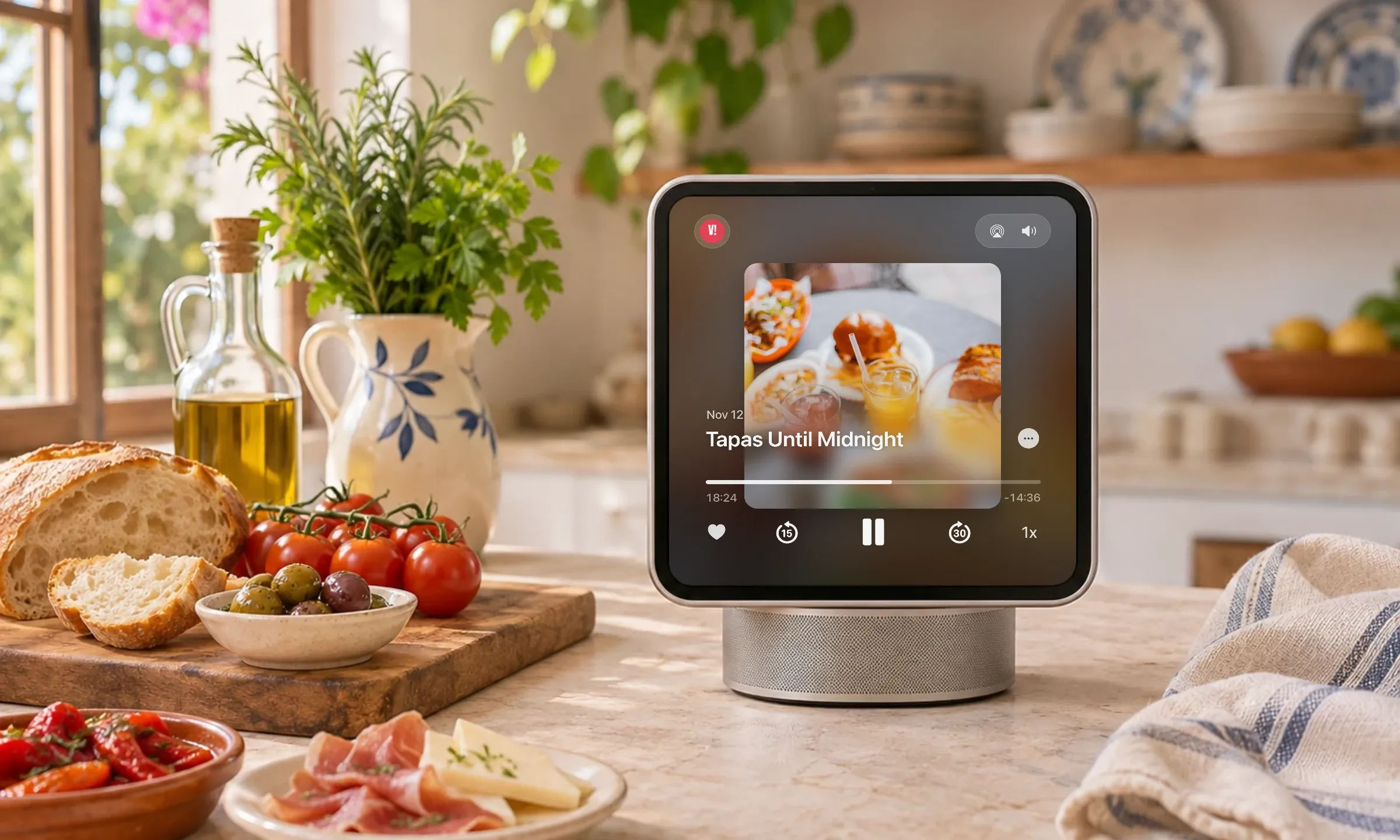
What is Apple HomeView?
HomeView is a 7-inch display on a speaker base, released on November 13, 2026, and also available as a wall-mounted model. In its press release, Apple presents it as the home's screen: music and podcasts, video, FaceTime calls and smart home control.
You control it by touch or by voice, with Siri AI, and set it up with a compatible iPhone or iPad. HomeView isn't sold in every country: check its availability on Apple's website for your country.
Can Apple HomeView play live radio?
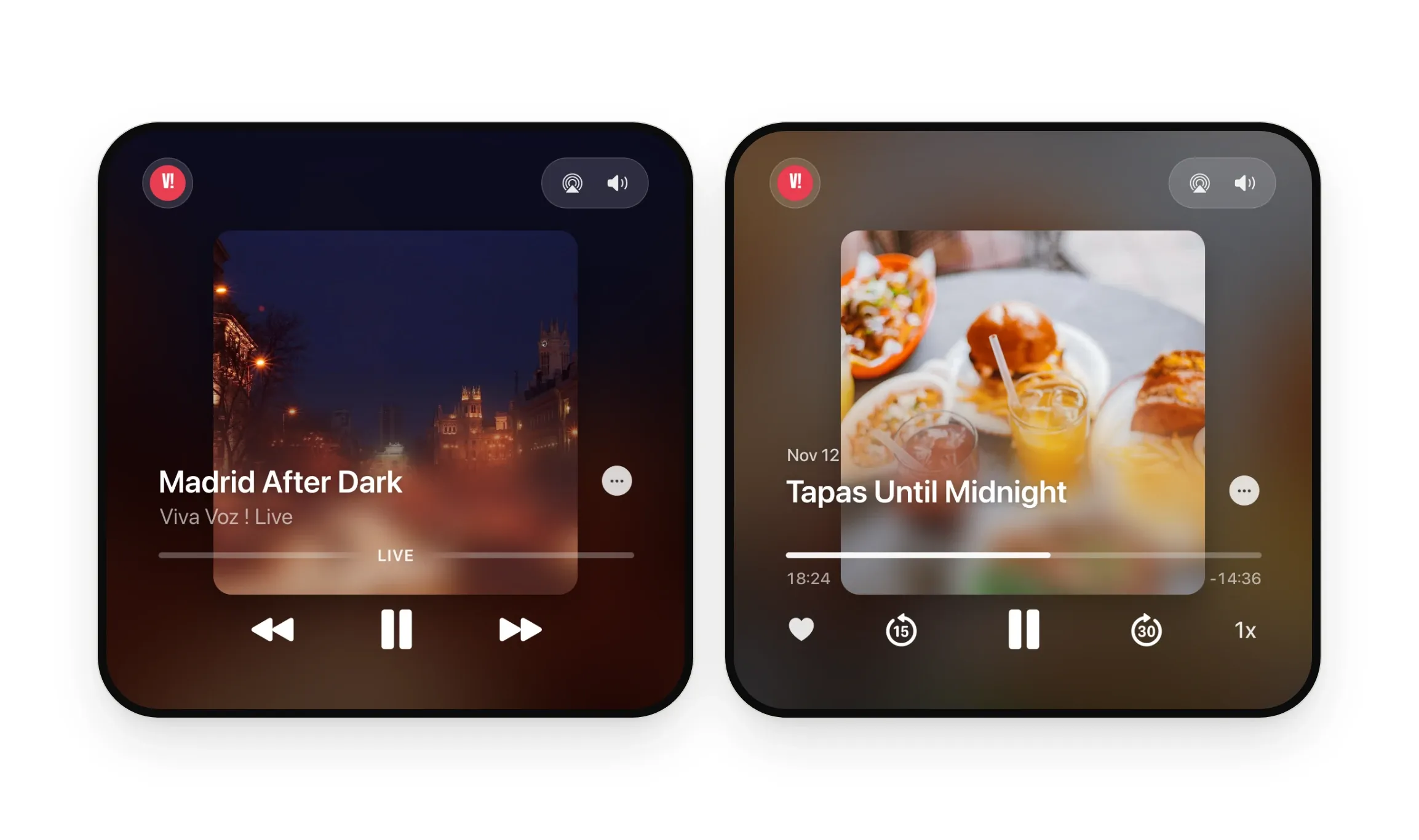
Yes, with a compatible radio app. On the HomeView page, Apple states that it supports compatible third-party audio and video apps from the iPhone. A radio station with a compatible app can be heard live on HomeView, and so can its podcasts.
With GoodBarber, your live streams and podcasts have their place there: once the CarPlay & Android Auto extension makes your app CarPlay compatible, the ones you show in the car are built to play on HomeView too.
Apple adds that some apps require the paired iPhone to be nearby.
Which audio apps show up on HomeView?
From Apple: Apple Music, Apple Podcasts, Apple News and Apple TV. From other publishers: the compatible audio and video apps installed on the iPhone.
To know whether an app is compatible, Apple gives publishers the rule on its CarPlay page for developers: CarPlay audio and video apps also work on HomeView, with no modifications needed. An audio app that's CarPlay compatible is built to show up on HomeView.
That's the case for a GoodBarber app with the CarPlay & Android Auto extension: it becomes CarPlay compatible, so it's built to show up on HomeView, with your live streams and podcasts.
How are HomeView and CarPlay related?
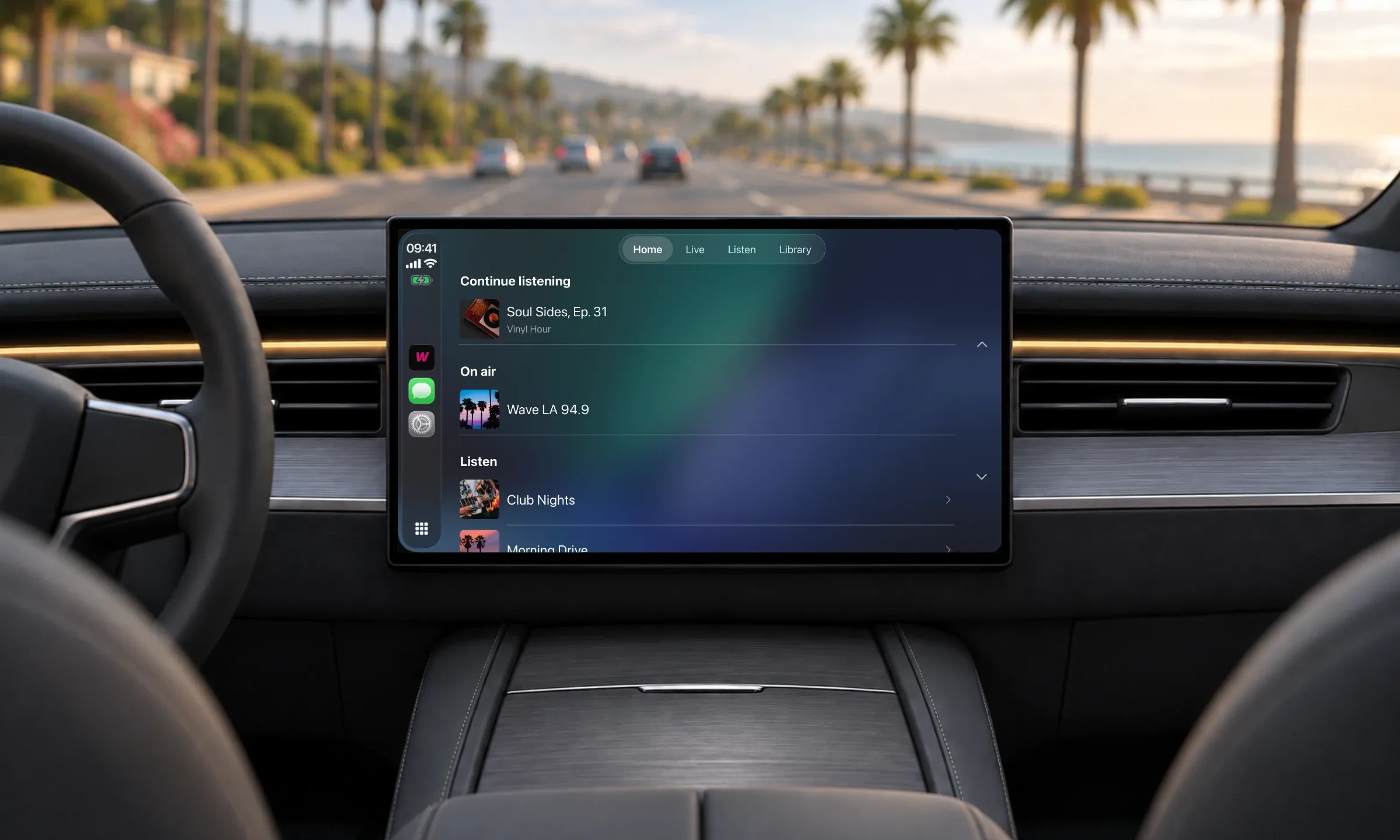
HomeView isn't CarPlay: one is at home, the other in the car. But an audio app adapted to CarPlay and approved by Apple is built to show up on HomeView, with no extra development.
For a radio station or a podcast, one compatible app covers two screens: the dashboard in the morning, the kitchen in the evening. With GoodBarber, all it takes is turning on a free extension in your back office.
Can you play podcasts hands-free on HomeView?
It depends on the app. HomeView responds to voice with Siri AI, and its four microphones pick up requests from across the room. Apple presents it as made for Apple Podcasts and Apple Music.
For a third-party app, what Siri can start by voice depends on Apple: the HomeView page on Apple's website is the reference.
Does HomeView work with Android?
No. HomeView is set up with a compatible iPhone or iPad, and the third-party apps it shows come from the iPhone. A listener with an Android phone can't listen to your app on HomeView.
They can still find you in their car: on Android phones, the same extension shows your GoodBarber app in Android Auto, on the dashboard screen.
How to get your radio or podcast app on HomeView
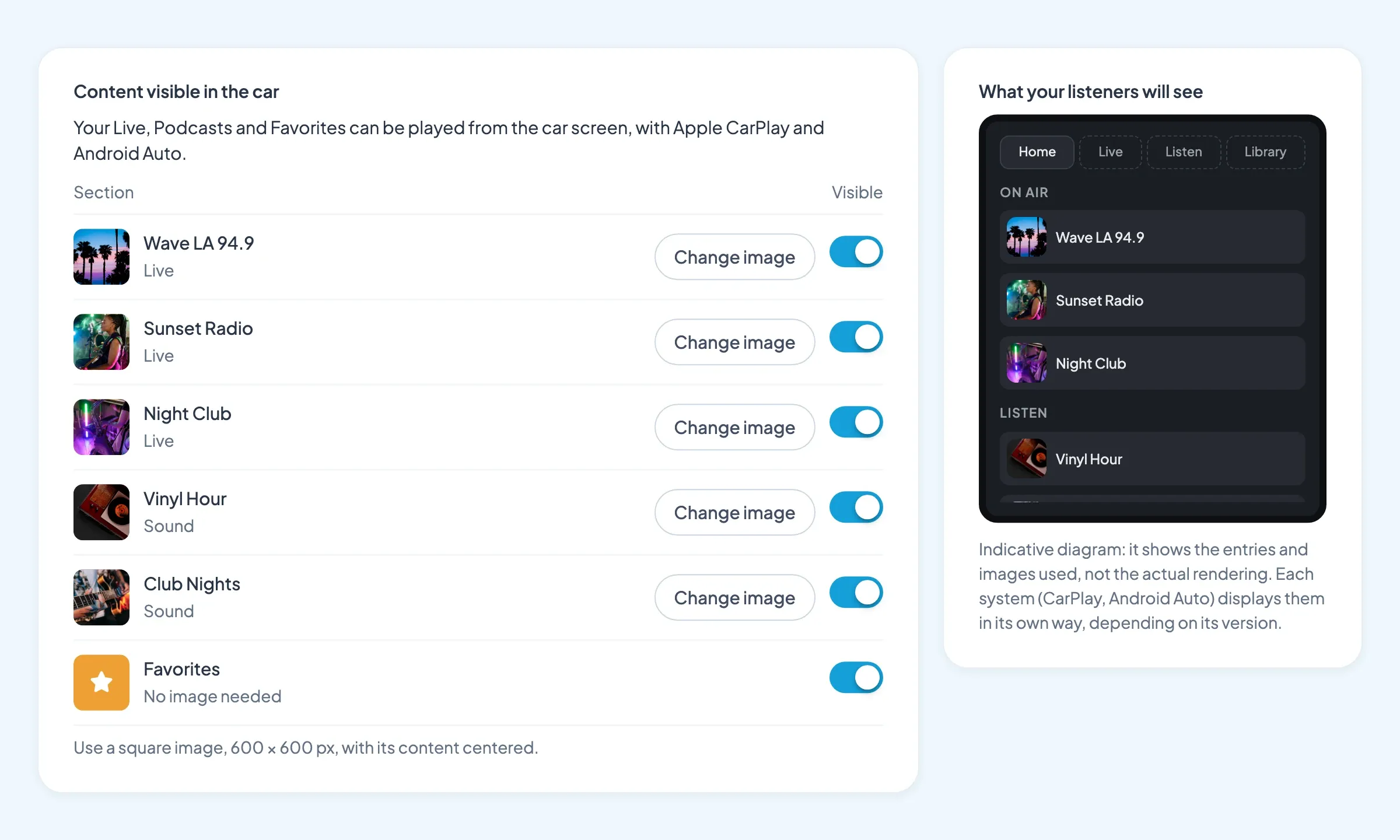
For a GoodBarber app, it all goes through the free CarPlay & Android Auto extension, which makes your app CarPlay compatible:
- Add the extension from the Extensions menu of your back office, and choose the live streams and podcasts to show.
- Get the CarPlay entitlement from Apple: your Apple developer account holder requests it through Apple's CarPlay form.
- Publish a new version of your app on the App Store.
Your app is then built to show up on HomeView, with your live streams and podcasts, on top of CarPlay and Android Auto in the car. If GoodBarber publishes your apps for you, just request the entitlement from Apple, then ask us to generate a new version of your app, as usual.
We present the extension in detail in CarPlay, Android Auto and HomeView: your radio and podcast app, in the car and the living room.
Your next step
Open the Extensions menu of your back office and add CarPlay & Android Auto. Our help article Enable CarPlay and Android Auto for your native apps walks you through the entitlement request with Apple.
Your station or podcast doesn't have its app yet? Read how to create an app for a radio station, then build yours: the CarPlay & Android Auto extension is included at no extra cost.


