 eCommerce
 Memberships
 Chatbot
 Online Courses
 Bookings
 Travel guide
 Events
 Content Creators
 Pickup & Delivery
 Newspaper
 Radio
 Schools
 Faith
 Organizations
 Restaurant
 Grocery
 Custom apps
 Employee Communication

 NO CODE APP BUILDER
 TECHNOLOGY
 WHY GOODBARBER?
 Design
 PRODUCT RESOURCES
 TOPICS

 MOBILE APPS RESELLERS
 DISCOVER
Your Givebutter events and campaigns now show up in your app
GoodBarber apps can now show a nonprofit's upcoming Givebutter events in a Calendar section and its active fundraising campaigns in an Article section. A nonprofit that plans its events and campaigns on Givebutter no longer has to copy them into its app by hand.


Givebutter, two new sources for your nonprofit's app
The short version. Givebutter Events and Givebutter Campaigns are two extensions of GoodBarber, the no-code app builder, that read a nonprofit's campaigns on Givebutter. Givebutter Events fills a Calendar section with upcoming events, at their time in the event's time zone, with their location unless you share it with attendees only. Givebutter Campaigns fills an Article section with active forms and fundraising pages, with their cover image and description. You connect them with a Givebutter API key. Both are free for Content apps: each section counts as one of the extensions included in your plan.
A lot of giving already goes through Givebutter. On Giving Tuesday 2025, supporters gave $20 million on the platform, up from $16.4 million in 2024, from more than 93,000 donors across 16,000 active campaigns, according to Givebutter's recap published on December 8, 2025. Here is how the two extensions play out for an animal rescue.
What happens when the rescue plans an adoption day?
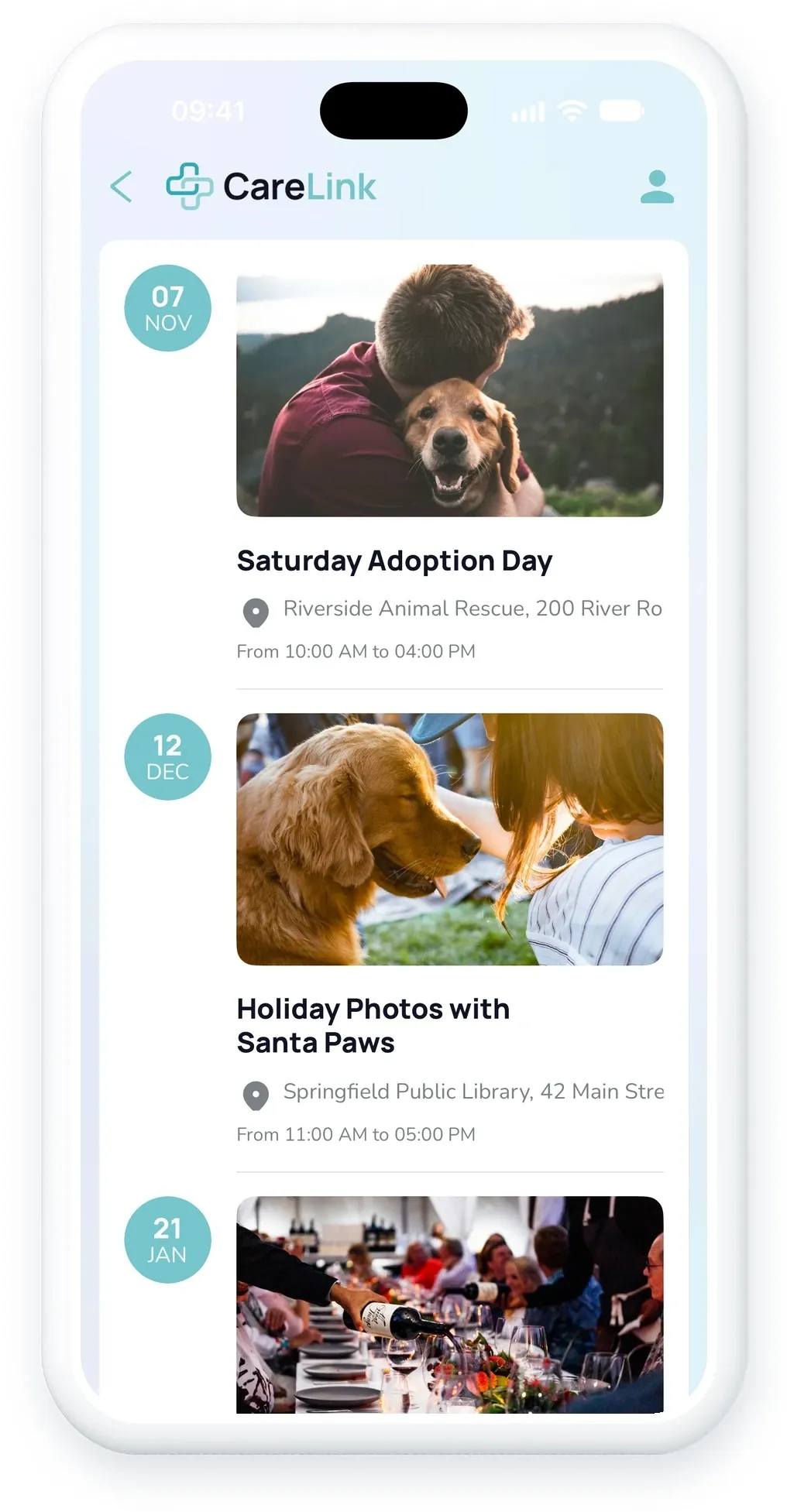
The rescue creates its Saturday adoption day as a Givebutter event, at its shelter, from 10 am to 4 pm. The event joins the Givebutter Events section of its GoodBarber app on its own, filed by date, with its image, its description and its time in the shelter's time zone, so a visitor reading from another time zone still sees the right hours.
For an event whose address is shared with attendees only, such as a donors' dinner at a private home, the app shows the event without its address. Once an event is over, it leaves the calendar.
What do supporters see of the campaigns?
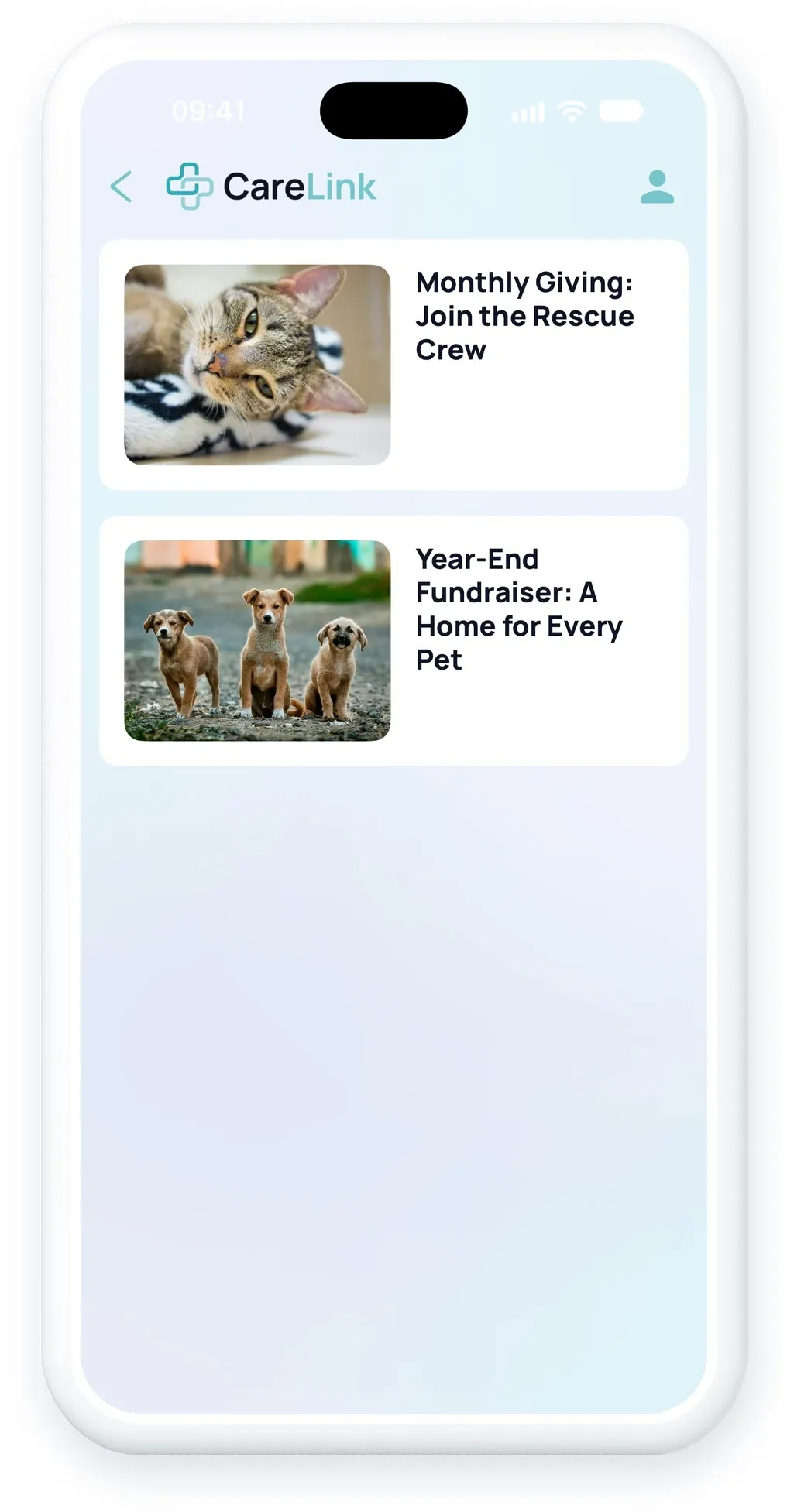
The rescue's year-end fundraiser and its monthly giving form appear in the Givebutter Campaigns section, each with its cover image and its description. A campaign that is completed or inactive leaves the section on its own, and a new one joins it as soon as it is active.
The Givebutter sections keep your supporters informed inside the app. Donations and tickets stay on Givebutter.
How do you get a Givebutter API key?
- In your Givebutter dashboard, open Settings, then Integrations, then API Keys. On some accounts, the page is under Settings, then Developers, then API.
- Create a new API key and copy it. Only admins can open these pages.
- In your back office, add a Calendar section for events or an Article section for campaigns, and choose Givebutter.
- Paste the key into the API Key field, then save the section.
The key opens your whole Givebutter account, so keep it as safe as a password. The extension only reads your campaigns. Givebutter itself works with organizations based in the United States.
How do you add Givebutter to your GoodBarber app?
The Givebutter extensions are available for Content apps. They are free, like YouTube: each Givebutter section counts as one of the extensions included in your plan. Open your back office and add a section, or start from the Givebutter Events and Givebutter Campaigns pages of the Extension Store. Building an app for your nonprofit? Our nonprofit app page shows what else it can hold, and how to create an app for a nonprofit walks you through the first steps.
These two extensions are part of seven we released together for nonprofits and churches: the others connect HelloAsso, Zeffy and Planning Center.
If your nonprofit needs something this version does not do, tell our support team from your back office. That is what the next version will be built on.


