 eCommerce
 Memberships
 Chatbot
 Online Courses
 Bookings
 Travel guide
 Events
 Content Creators
 Pickup & Delivery
 Newspaper
 Radio
Radio Schools
 Faith
Faith Organizations
 Restaurant
 Grocery
 Custom apps
 Employee Communication

 NO CODE APP BUILDER
 TECHNOLOGY
 WHY GOODBARBER?
 Design
 PRODUCT RESOURCES
 TOPICS
 MOBILE APPS RESELLERS
 DISCOVER

MCP
 Built by GoodBarber
What is the MCP extension?
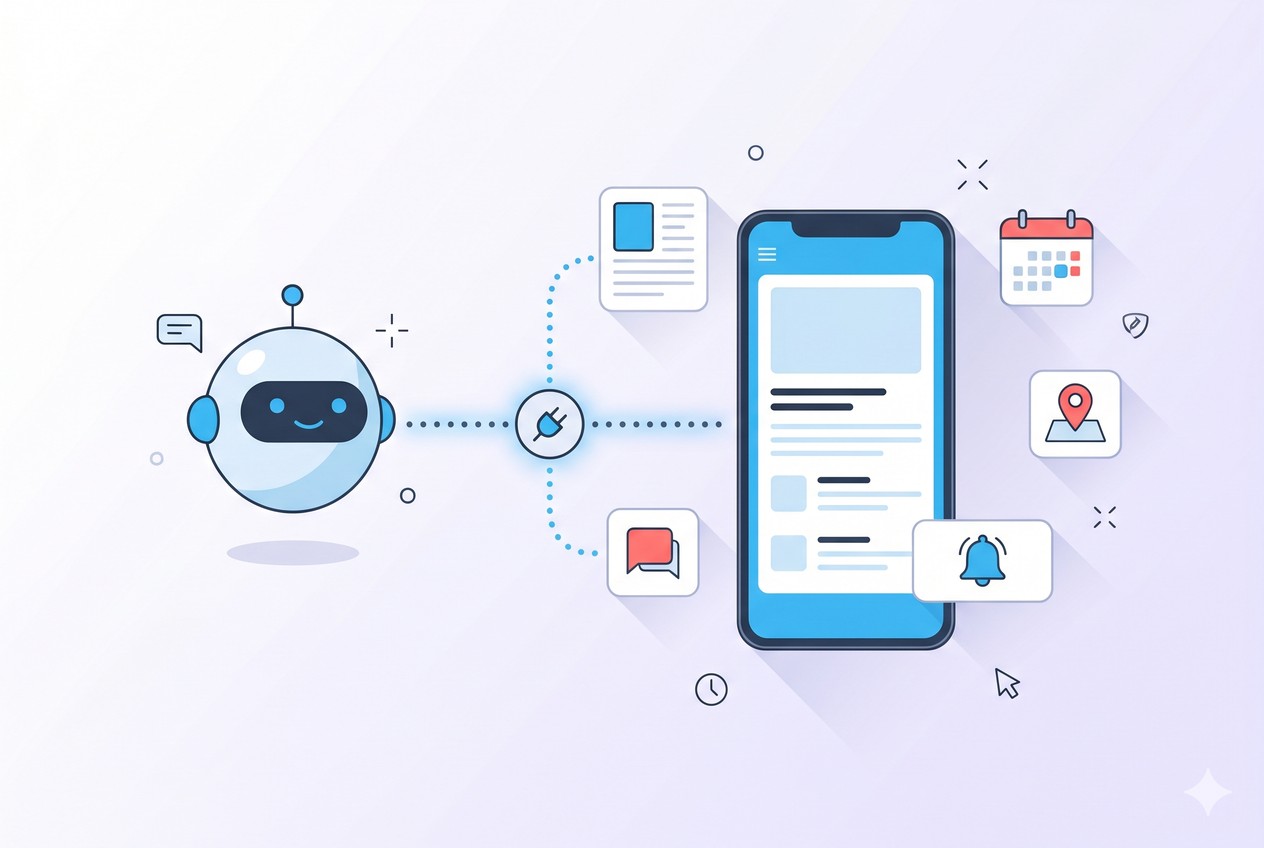
MCP — the Model Context Protocol — is an open standard that lets an AI assistant act inside another tool. This extension turns it on for your eCommerce app: it exposes your store's operations as actions an MCP-aware assistant can call. Connect Claude, ChatGPT, Cursor, or any MCP client, and the assistant can do the work you'd otherwise do by hand in the back office.
You plug in your app's endpoint, sign in once with OAuth, and start giving instructions in plain language. Your store is agent ready — the door is open for an AI agent to act on your behalf, while you stay in control of what it does.
Build your catalog by conversation
Describe a product and let your assistant create it — with its variants, its price, its description, and its media — then file it in the right collection. Updating prices, swapping a photo, attaching a spec sheet: all of it from a prompt.
"Add a black T-shirt at €29 in three sizes, write a short description, and put it in the Summer 2026 collection." The agent builds the product, sets up the variants, uploads the image, and places it where your customers will find it.
Handle orders and shipping
Stay on top of fulfillment without leaving the conversation. Your assistant can pull up orders, check their status, mark them shipped, and attach tracking numbers — one at a time, or several in a row.
"Mark order #4521 as shipped and add this tracking number." It updates the order and confirms the change, so your customer gets the right information and you keep moving.
Run promotions by prompt
Spin up a discount code, adjust loyalty points, and announce the offer — in one back-and-forth. Codes can target an amount, a product, a collection, or a set of tags, so the promotion lands exactly where you want it.
"Create a 15%-off code for the Summer collection and push it to everyone tonight at 6 p.m." The agent sets the rule and lines up the notification, ready for your go-ahead.
Know your customers and your numbers
Ask about the people buying from you and the trends behind the sales. Look up a customer or a newsletter prospect, check a loyalty balance, or pull the figures that matter — downloads, page views, session times.
"Who are my top customers this month, and how did sales trend last week?" You get a straight answer in the same place you run the store.
Connected on your terms

Security is built into how the connection works. You sign in with OAuth — there's no API key to copy around — and the connection only reaches the single store you signed into. An agent connected to one app cannot touch another, which keeps multi-store and reseller setups cleanly separated.
Every change is checked: the agent confirms before it acts and verifies the result after each write. And you bring your own assistant — Claude, ChatGPT, Cursor, or any MCP client. GoodBarber doesn't sell the AI subscription and takes no cut of your usage; your AI plan pays for the model. If you use Claude, 44 ready-made recipes — our open-source Skills on GitHub — get you started even faster.
Activate MCP in your eCommerce app
Open your back office and go to your store's Public API settings (Commerce → Public API). Copy your app's unique MCP endpoint, paste it into your AI assistant, and sign in with OAuth. From that point on, your assistant can run your store — and you decide what you hand off.


