GBTC: Publish your app with easeDiscover GoodBarber Takes Care and simplify the app publication process for both the App Store and Google Play. Let us handle the technical details for you.Learn more about GBTC
TestFlight is a free solution provided by Apple to test an iOS app before it is released on the App Store. It's an alternative you may consider if testing your app with My GoodBarber App is not an option for the project you're working on.
From what I saw so far, TestFlight can be useful for some resellers when making iOS apps for your customers . The process is quite simple.
With TestFlight, people are testing the production version of your app.
As a GoodBarber user, it means that you are going to make them test the binary file you retrieve from your GoodBarber backend at the end of the submission process.
In other words, in your GoodBarber backend, you go until the end of the submission process to download the .ipa file to be uploaded to App Store Connect.
Use "Transporter " (which has replaced Application Loader ) to upload this file to your App Store Connect account, just as you would do if you were to publish it on the App Store.
Invite users to test
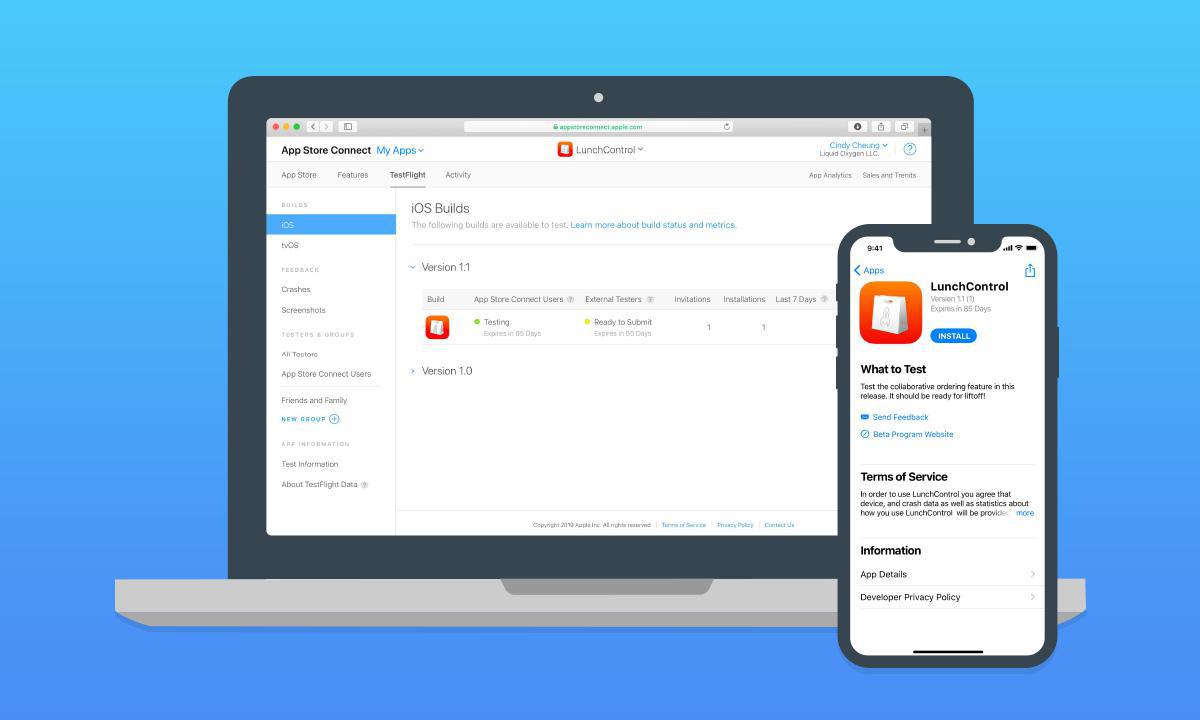
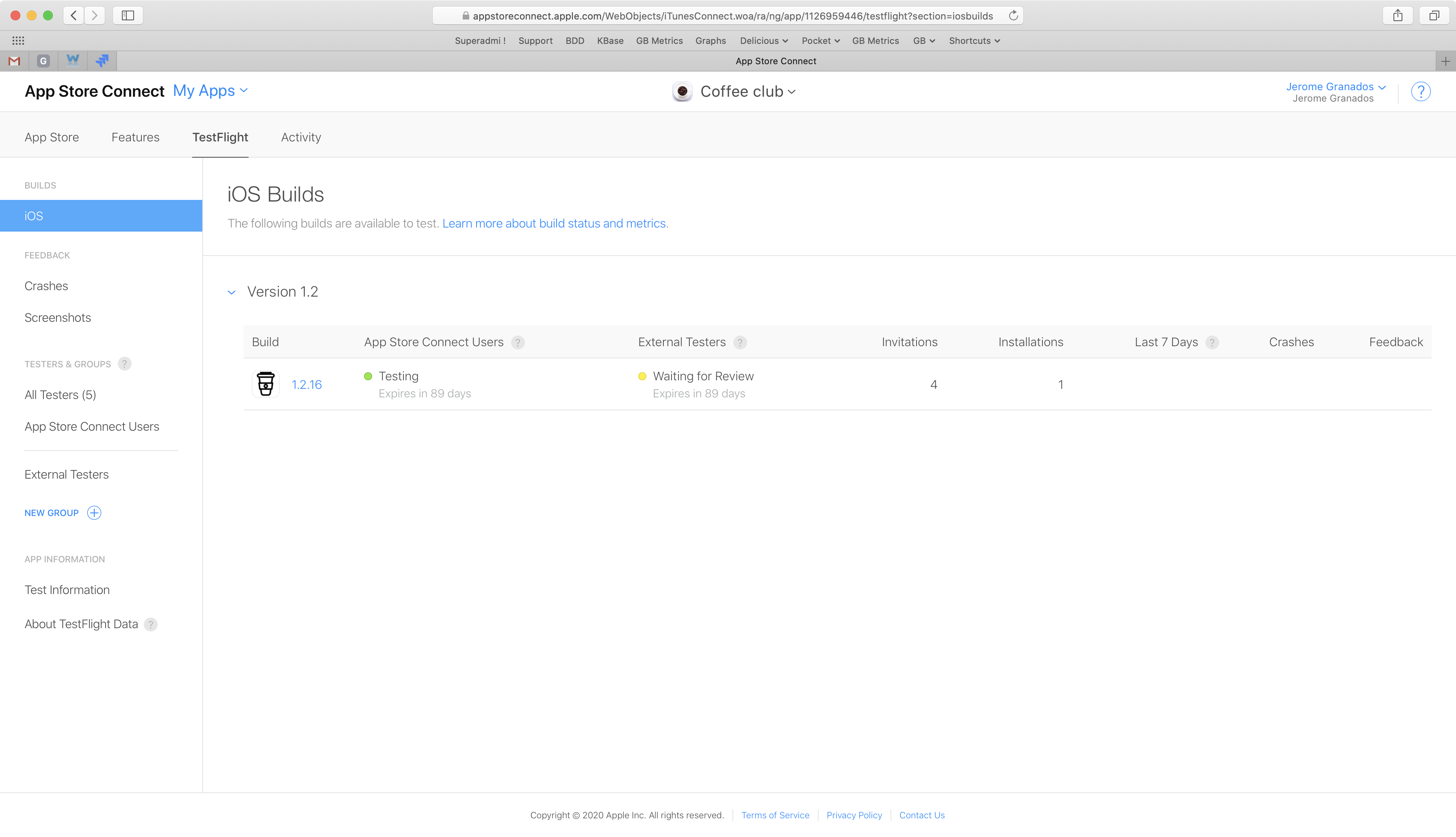
Once your .ipa file has been uploaded to App Store Connect, you can invite users to test your app. There are 2 types of testers you can invite
Internal testers
Those are your App Store Connect users. Unless it's people of your team or people who have been given an access to your App Store Connect account, there are a few chances that you're going to invite internal testers to test one of your projects. If you do, note that you can invite only 25 internal testers per project.
External testers
No need to have an App Store Connect account to be an external tester. You can invite anyone you want, up to 10,000 external testers per project.
When you invite external testers, Apple will review your app and give an approval to allow external testing.
That's the reason why you'll have to provide some information to the Apple review team about your app: what's the purpose of the app, what do you want people to test, and who Apple can contact during the verification process if needed.
Enter the email of the external testers and add the build to test.
As soon as your build has been approved for beta testing, you'll will receive an email from Apple to notify you.
For testers to be able to start testing your app, go back to App Store Connect and click the Send Invites button under Prerelease for the app.
Download TestFlight app and start testing
Dowload TestFlight app to start test session
Invited testers will receive an email with a link to test your app. To be able to test, they will first have to download the TestFlight app.
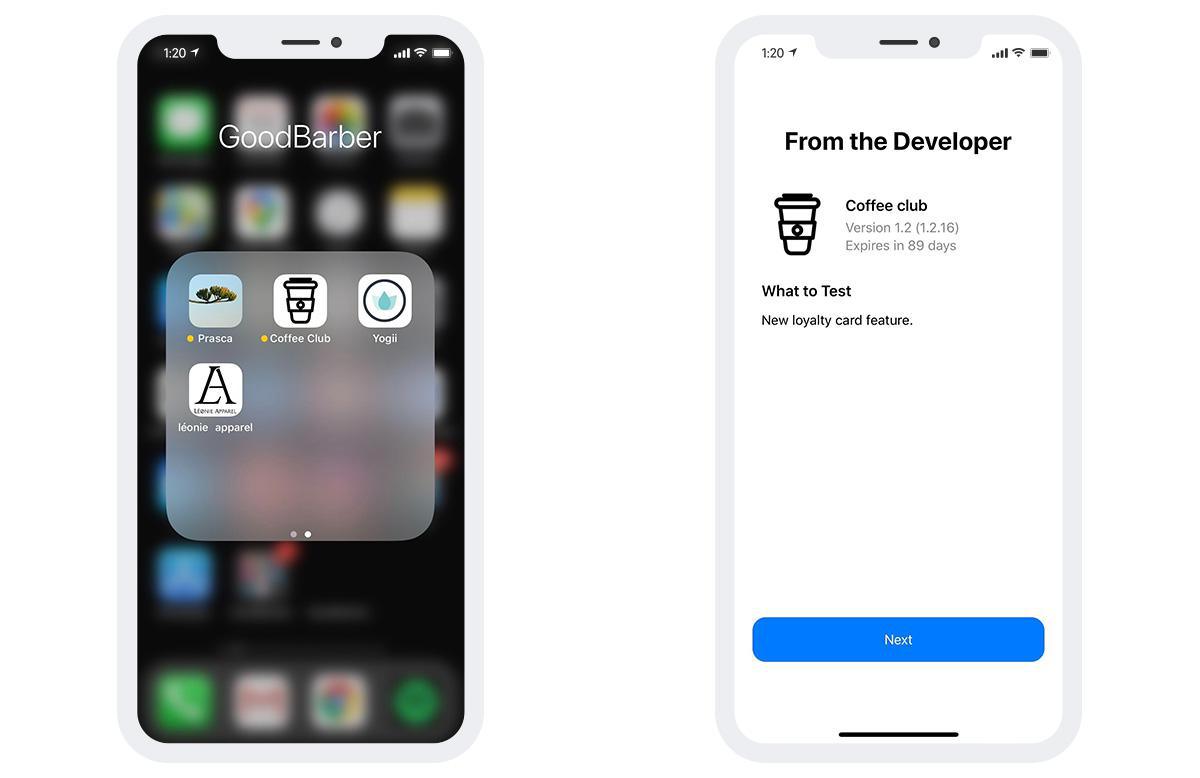
After accepting the invitation, they will be directed to the TestFlight app and they will be prompted to install the app to be tested.
The app will appear on the phone's springboard (marked with an orange bullet), and also in the TestFlight app.
When started, a test session lasts 90 days.
After that period it's no longer possible to test the app unless you upload another build and start a new round.
Pros & cons as conclusions
I personally prefer to test apps with My GoodBarber than TestFlight, even if TestFlight has some interesting advantages.
My GoodBarber - pro : no need to create a record in App Store Connect to jump into the testing phase
- pro : no need to have an active GoodBarber subscription, it can be done during your trial of GB
- pro : no validation needed to have anyone testing your app
- con : you need to get the UDID of the tester
TestFlight (speaking only if used with external testers)
- pro: no need to have the UDID of the testers to produce a test version
- con: you need to create a record in App Store Connect, but, at the end of the day, you will create one anyway to publish your app
- con: a validation is needed to have external testers test the app.
- con: no clue about how long it takes to review. As I write this post, it's been more than 24h since I requested approval for one of my apps. No approval received yet
- con: testing is time-limited
I suggest resellers look into TestFlight instead of the My GoodBarber when they are concerned about the dialog mentioning ssl.goodbarber.com when their users install the ad hoc version.
Since the .ipa is served over SSL from our servers, there is no way to hide this dialog.
The updated version of TestFlight features support for Dark Mode for the first time, allowing users who have Dark Mode enabled in iOS 13 to see a dark view of TestFlight rather than the standard light mode.
Five ways lead to a fitness app for your business, and each is priced its own way: a flat plan, an add-on to gym software, per client, per subscriber or quoted. The table below compares what each one costs and the job it is built for.
OpenAI released GPT-6 Sol and GPT-6 Luna on September 22, 2026, after GPT-6 Astra, the flagship of the family, earlier the same month. Luna is the smallest of the three. OpenAI describes it as its most efficient model for focused, high-volume tasks, and sells it at half the price of GPT-5.6 Luna, the model it replaces in OpenAI's own line-up.The next morning, we moved the AI Extension Builder to GPT-6 Luna, for every app, on the four moments where a model is at work: understanding your request, writing the code of the section, rewriting it when you ask for a change, and answering the questions you ask about what it built.
 eCommerce
 Memberships
 RAG Chatbot
 Online Courses
 Bookings
 Travel guide
 Events
 Content Creators
 Pickup & Delivery
 Newspaper
 Radio
Radio Schools
 Faith
Faith Organizations
 Restaurant
 Grocery
 Custom apps
 Employee Communication

 NO CODE APP BUILDER
 TECHNOLOGY
 WHY GOODBARBER?
 Design
 PRODUCT RESOURCES
 TOPICS
 MOBILE APPS RESELLERS
 DISCOVER