GBTC: Publish your app with easeDiscover GoodBarber Takes Care and simplify the app publication process for both the App Store and Google Play. Let us handle the technical details for you.Learn more about GBTC
If you are familiar with GoodBarber's content apps platform, you may have already used their Element Style menu . Good news for our eCommerce apps users, you can now also manage the margins and the shapes of your application globally from the Elements Style menu.
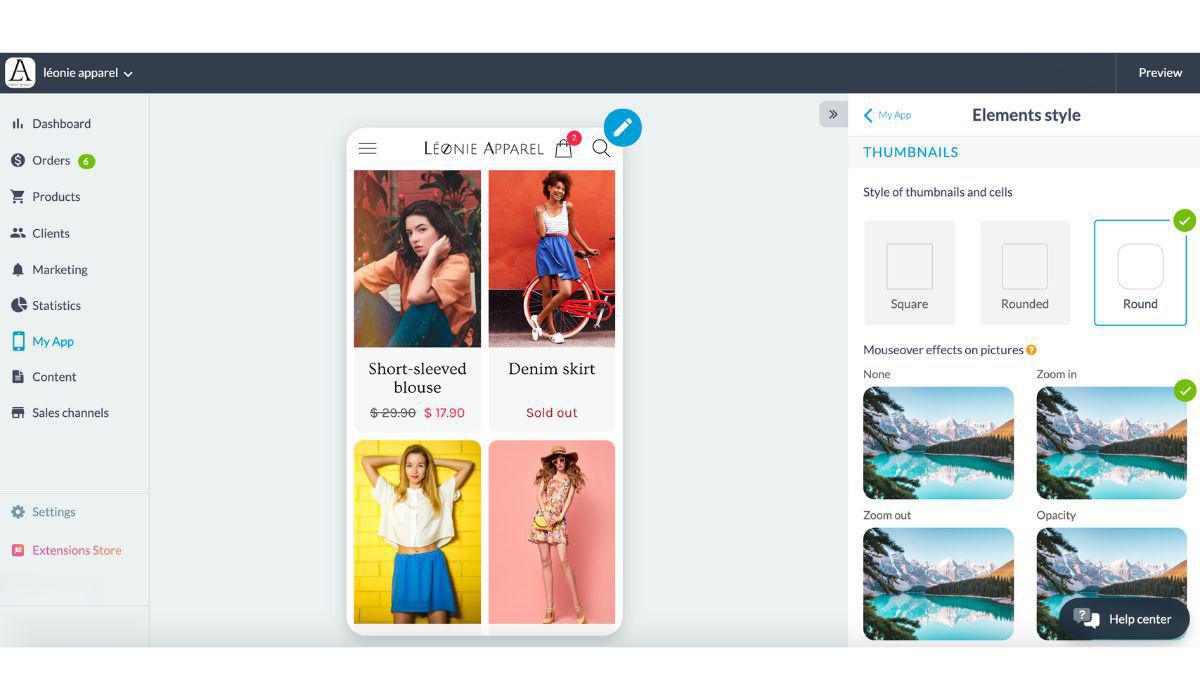
In line with our Design System, the Element Style menu allows you to modernize the design of your app by applying rounded edges to widgets and sections. You can find these options under the menu My App > Elements Style.
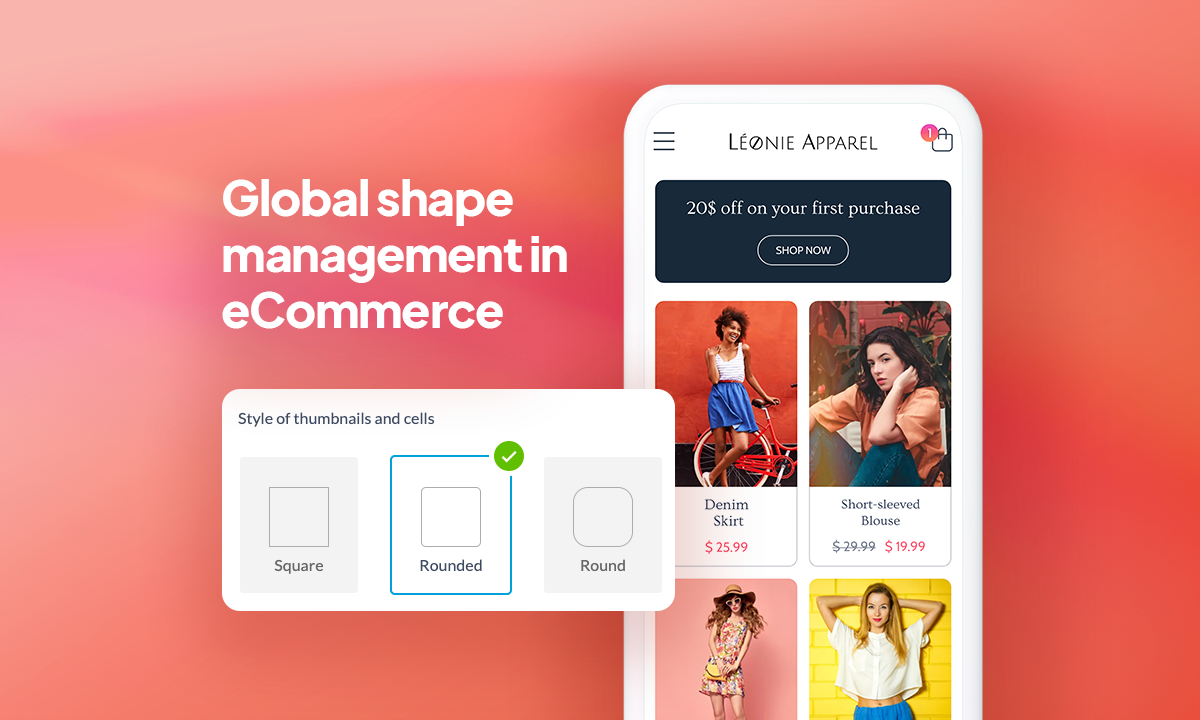
The first block of this new menu is now giving you 3 options for the shape of Thumbnails and cells: square, rounded, and round.
You can also apply margins, which will create a frame around your content elements. You can learn more about the margins and how they are applied depending on the device, in this section of the Design System .
The shape and margins you choose in the Element Style menu will be applied to all the sections of your app, creating a uniform look all around.
In case you missed out on the release of our Design system, it is a set of rules applied by default to every page you create in your app and it allows
Developers have access to the technical specifications of the pages and components: their size, their positioning, their behaviors, and their properties.
Designers can rely on a set of spacing rules, font sizes, image ratios, or color distribution for the creation of new pages.
Five ways lead to a fitness app for your business, and each is priced its own way: a flat plan, an add-on to gym software, per client, per subscriber or quoted. The table below compares what each one costs and the job it is built for.
 eCommerce
 Memberships
 Chatbot
 Online Courses
 Bookings
 Travel guide
 Events
 Content Creators
 Pickup & Delivery
 Newspaper
 Radio
Radio Schools
 Faith
Faith Organizations
 Restaurant
 Grocery
 Custom apps
 Employee Communication

 NO CODE APP BUILDER
 TECHNOLOGY
 WHY GOODBARBER?
 Design
 PRODUCT RESOURCES
 TOPICS
 MOBILE APPS RESELLERS
 DISCOVER