 eCommerce
 Memberships
 Chatbot
 Online Courses
 Bookings
 Travel guide
 Events
 Content Creators
 Pickup & Delivery
 Newspaper
 Radio
 Schools
 Faith
 Organizations
 Restaurant
 Grocery
 Custom apps
 Employee Communication


 NO CODE APP BUILDER
 TECHNOLOGY
 WHY GOODBARBER?
 Design
 PRODUCT RESOURCES
 TOPICS

 MOBILE APPS RESELLERS
 DISCOVER
Your Church Center events now fill your church app's calendar on their own
GoodBarber apps can now show the events a church publishes on Church Center from Planning Center Calendar, in a Calendar section, with one entry per date for recurring events and a button to register in the app. A church that keeps its calendar in Planning Center no longer has to copy it into its app.

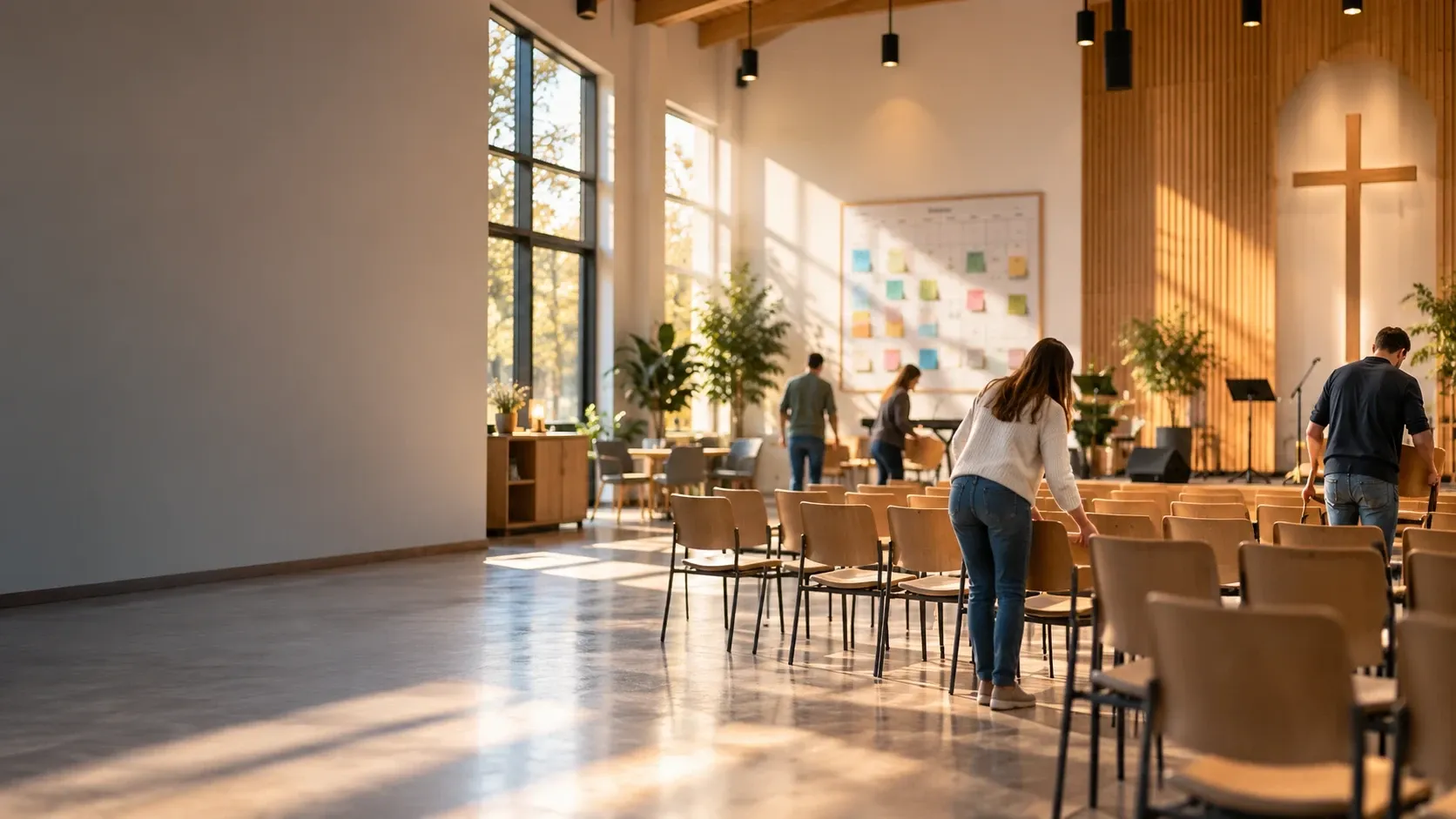
Planning Center, a new source for your church app's calendar
The short version. Planning Center is an extension of GoodBarber, the no-code app builder, that fills a Calendar section with the events a church publishes on Church Center over the next six months. Recurring events appear once per date, at their public times, in the church's time zone, with their image, location and description. When an event has a sign-up, a button opens the form in the app. You connect it by signing in with a Planning Center Calendar administrator account: there is no key to copy. It is free for Content apps: each section counts as one of the extensions included in your plan.
Many churches already run their calendar in Planning Center: it counts 78,000 active churches and 4 million active users, according to its About page, consulted in October 2026. Here is how the extension plays out for a church with a weekly service and a youth retreat.
What happens with a service that repeats every Sunday?
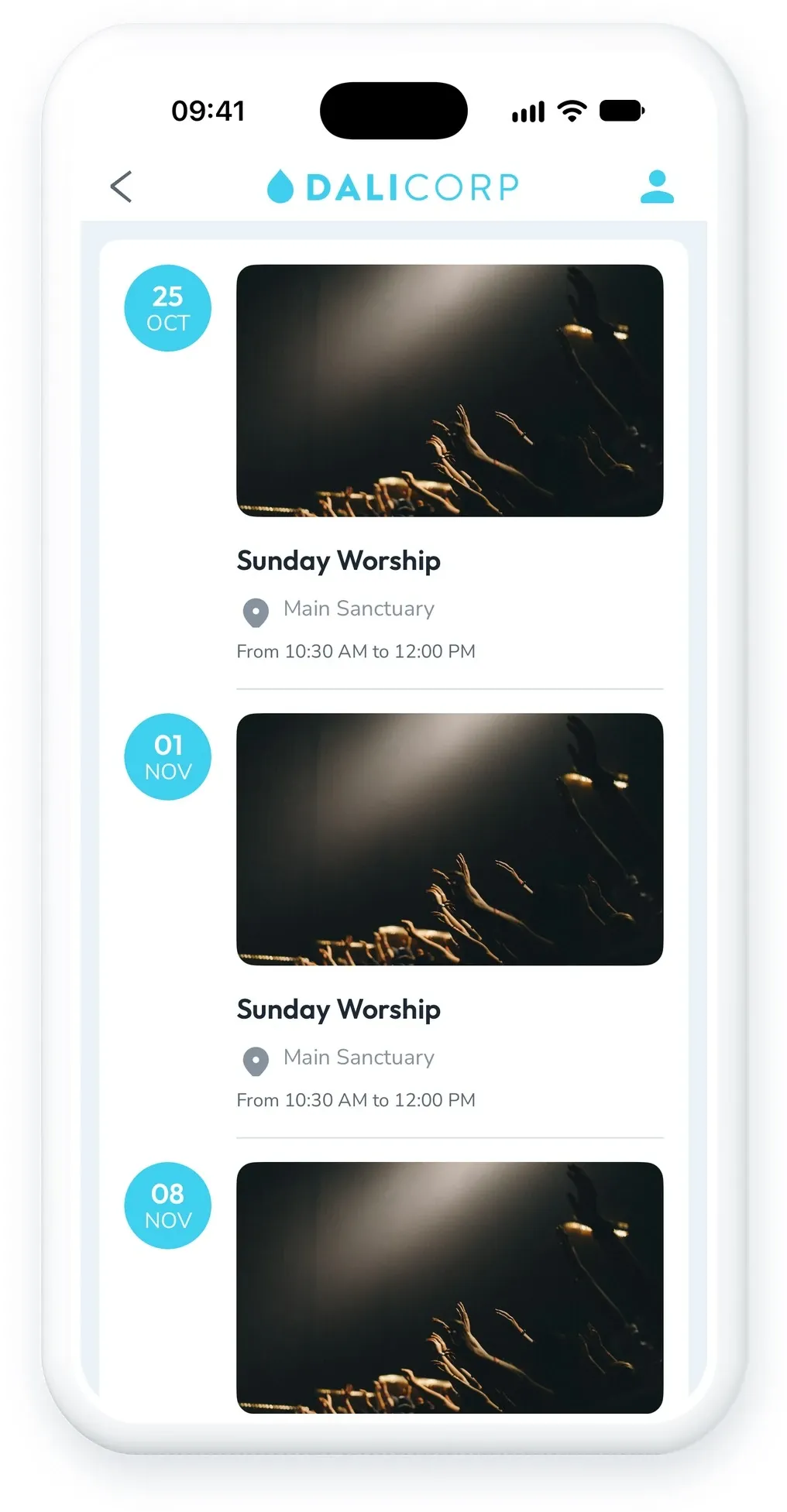
The church's Sunday service is one recurring event in Planning Center Calendar, published on Church Center. In the Planning Center section of its GoodBarber app, it appears once per Sunday, filed by date among the other events, at the public time of the service rather than the setup time booked for the room.
Only what Church Center shows publicly reaches the app: the event must be visible in Church Center and approved, and events shared by link only stay out. Past dates leave the calendar.
Can people register for an event from the app?
Yes. The youth retreat in March has a sign-up in Planning Center Registrations. In the app, its entry has a button that opens the registration form inside the app, so parents register without leaving it. Events without a sign-up have no button.
How do you connect Planning Center to your app?
- In your back office, add a Calendar section and choose Planning Center.
- Sign in with an account that administers your church's Planning Center Calendar.
- Authorize GoodBarber to access your calendar. Planning Center has no read-only access, but GoodBarber only reads your events and never changes them.
- Save the section: your events published on Church Center appear in your app.
If the authorization is ever revoked, connect the section again from your back office.
How do you add Planning Center to your GoodBarber app?
The Planning Center extension is available for Content apps. It is free, like YouTube: each Planning Center section counts as one of the extensions included in your plan. Open your back office and add a Calendar section, or start from the Planning Center page of the Extension Store. Building an app for your church? Our church app page shows what else it can hold, and what a church app costs in 2026 compares the options and their prices.
Planning Center is one of seven extensions we released together for churches and nonprofits: the others connect HelloAsso, Zeffy and Givebutter.
If your church needs something this version does not do, tell our support team from your back office. That is what the next version will be built on.


