 eCommerce
 Memberships
 Chatbot
 Online Courses
 Bookings
 Travel guide
 Events
 Content Creators
 Pickup & Delivery
 Newspaper
 Radio
Radio Schools
 Faith
Faith Organizations
 Restaurant
 Grocery
 Custom apps
 Employee Communication

 NO CODE APP BUILDER
 TECHNOLOGY
 WHY GOODBARBER?
 Design
 PRODUCT RESOURCES
 TOPICS
 MOBILE APPS RESELLERS
 DISCOVER
MB WAY, Scalapay and seQura now available with Stripe Extended
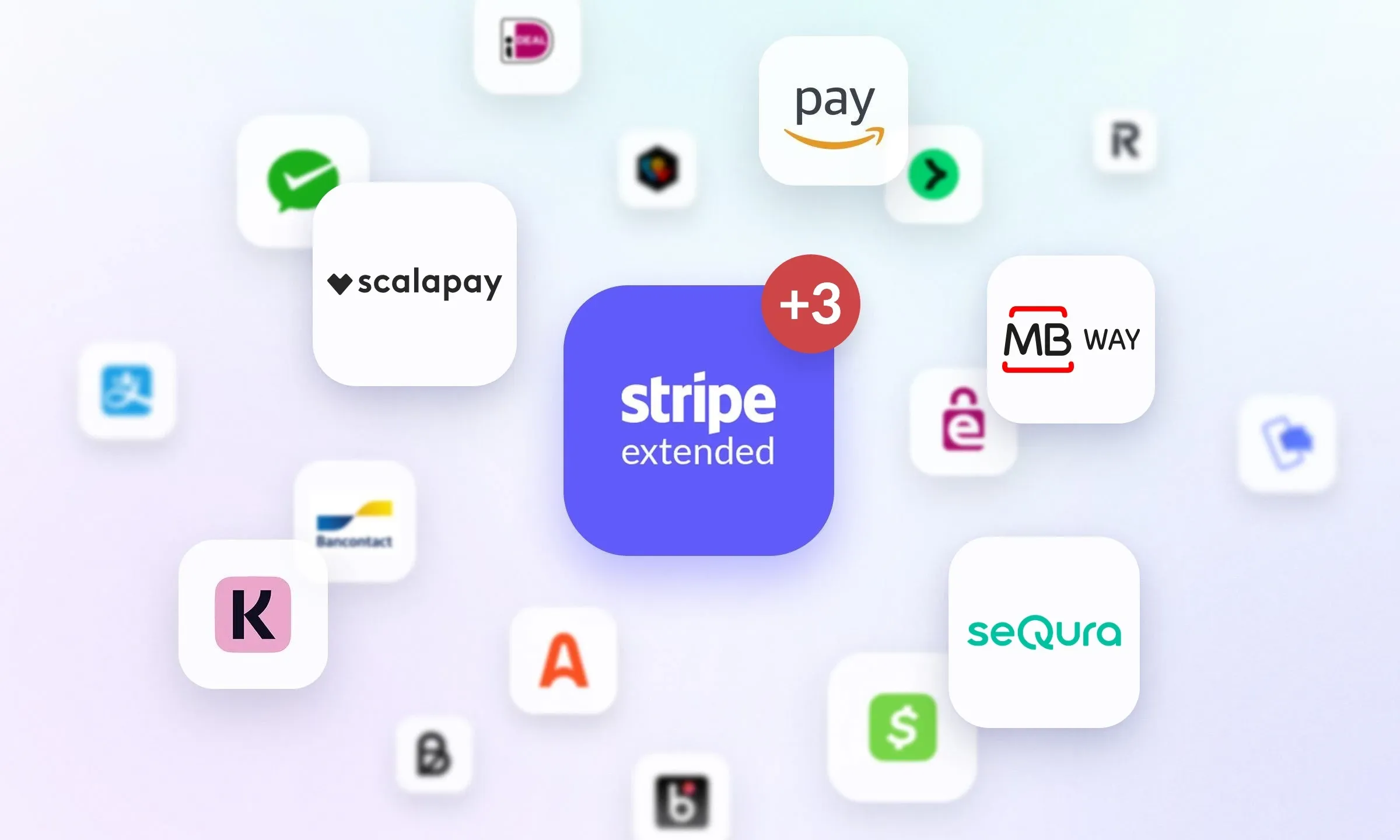
At checkout, a customer who can't find their usual payment method may abandon their cart. For stores selling in Portugal, Italy or Spain, the Stripe Extended extension now offers three new options: MB WAY, Scalapay and seQura. You enable them from your Stripe account, and they appear in the checkout of your GoodBarber eCommerce app.
GoodBarber eCommerce apps already include a wide choice of payment methods, and the list keeps growing to match local habits, as it did with Satispay for Italy in March.
Three solutions for Portugal, Italy and Spain
- MB WAY — a Portuguese mobile wallet. Your customer enters their phone number, then approves the payment in their MB WAY app.
- Scalapay — an Italian solution for paying in installments. Your customer chooses to pay in 3 or 4 installments.
- seQura — a Spanish buy now, pay later solution. Your customer picks the repayment plan that suits them.
With both Scalapay and seQura, the provider manages the payment schedule with your customer: you have no installments to track.
Available via Stripe Extended
As a reminder, Stripe Extended gives you access to the payment methods Stripe offers beyond card payments. MB WAY, Scalapay and seQura join those already available: Alipay, Alma, Amazon Pay, Apple Pay, Bancontact, Billie, BLIK, Cash App Pay, EPS, Google Pay, iDEAL, Klarna, Link, MobilePay, Przelewy24, Revolut Pay, Satispay, TWINT and WeChat Pay.
They come on top of your app's standard payment methods: card payment (via Stripe), PayPal and offline payment. Whichever method your customers choose, GoodBarber takes no commission on your sales; only the payment provider's fees apply.
How to enable MB WAY, Scalapay and seQura in your app
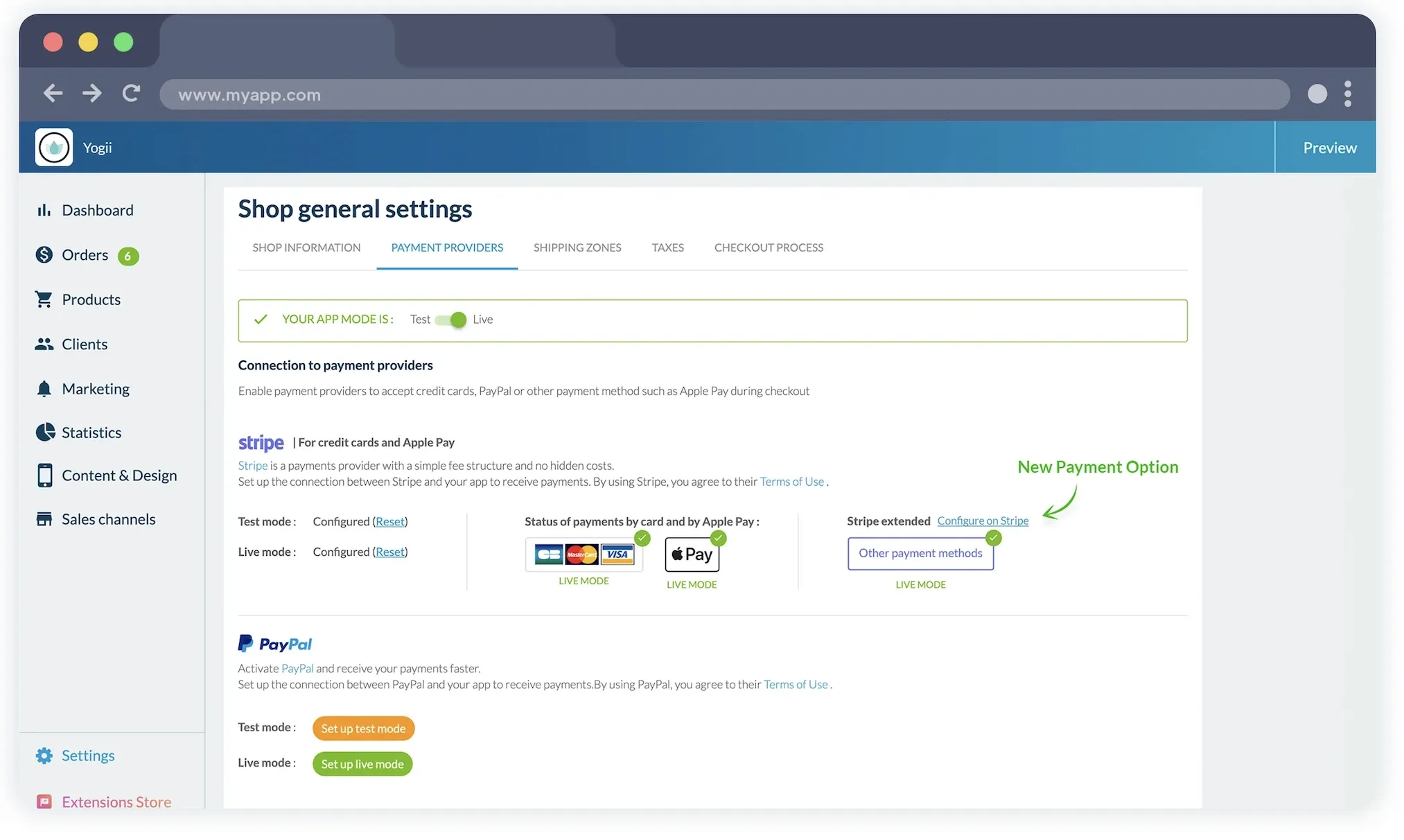
These payment methods run on Stripe. If you haven't already, connect your Stripe account to your GoodBarber eCommerce app, then activate the Stripe Extended extension from the Extension Store.
Then go to your Stripe Dashboard to enable MB WAY, Scalapay or seQura. As soon as your choices are saved, they appear in your app's checkout, and your customers pay for their order with the method they know.


