 eCommerce
 Memberships
 Chatbot
 Online Courses
 Bookings
 Travel guide
 Events
 Content Creators
 Pickup & Delivery
 Newspaper
 Radio
Radio Schools
 Faith
Faith Organizations
 Restaurant
 Grocery
 Custom apps
 Employee Communication

 NO CODE APP BUILDER
 TECHNOLOGY
 WHY GOODBARBER?
 Design
 PRODUCT RESOURCES
 TOPICS
 MOBILE APPS RESELLERS
 DISCOVER
Your Ticketmaster events now fill your app's calendar on their own
GoodBarber apps can now list a venue's upcoming Ticketmaster events in a Calendar section, sorted by date, each with a button that opens its Ticketmaster page. A concert hall that announces a date no longer has to copy it into its app by hand, or forget to.

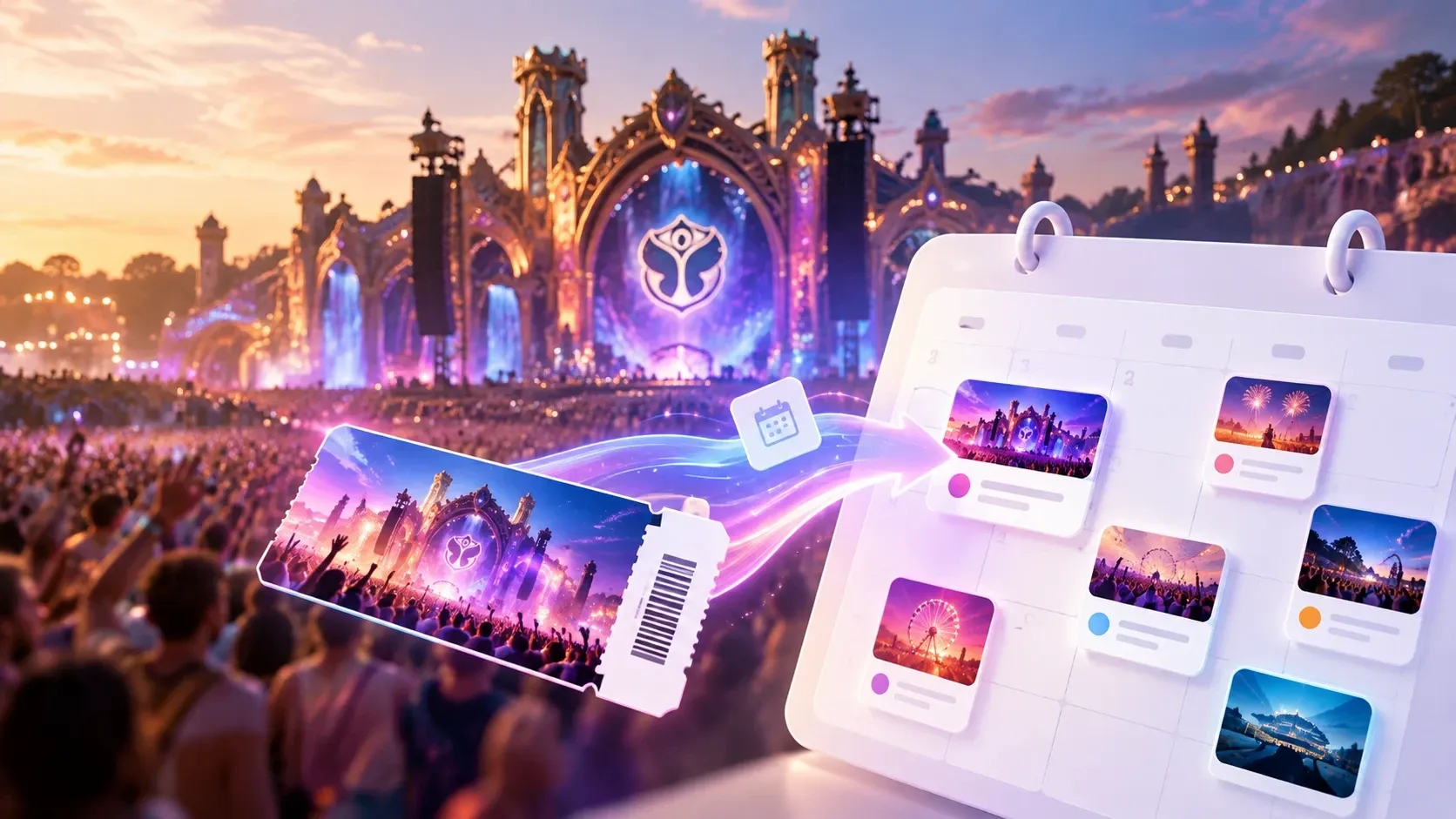
Ticketmaster, a new source for your app's calendar
The short version. Ticketmaster is an extension of GoodBarber, the no-code app builder, that fills a Calendar section with the upcoming events a venue sells on Ticketmaster. Each event arrives with its image, its description, its date and time, and a button to buy tickets on Ticketmaster; canceled events are not shown. You connect it with a free key from Ticketmaster's developer portal and your venue's ID. It is free for Content apps: each section counts as one of the extensions included in your plan.
Plenty of venues already sell there. Ticketmaster sold 346 million fee-bearing tickets in 2025, according to Live Nation's full-year results, published on February 19, 2026. Here is how the extension plays out for a concert hall that sells all its shows on Ticketmaster.
What happens when a new date goes on sale on Ticketmaster?
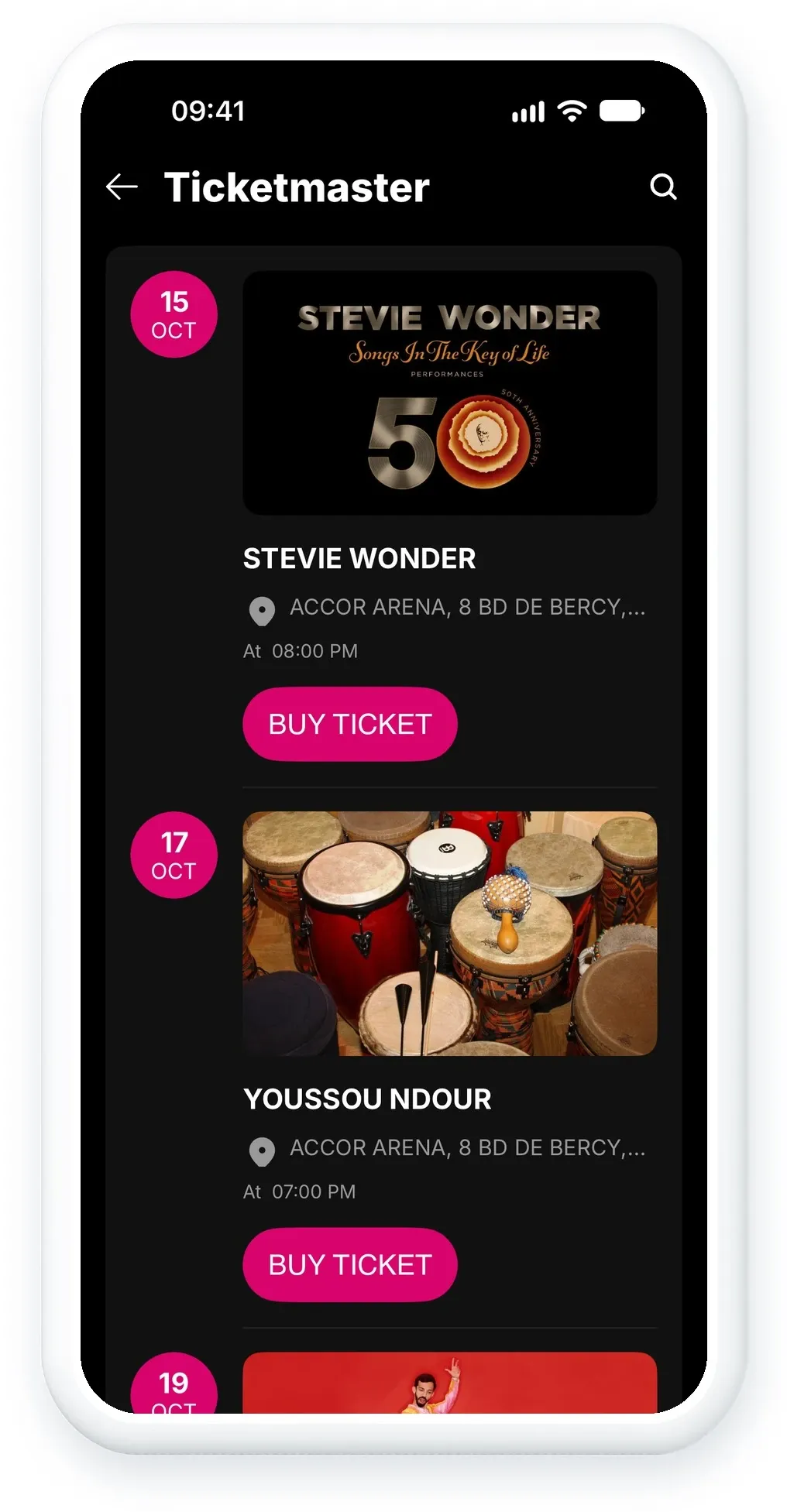
On Monday morning, the hall puts a November concert on sale on Ticketmaster. The concert joins the Ticketmaster section of the hall's GoodBarber app on its own, filed by date among the shows already announced, with its date and time at the hall's local time.
It arrives complete: the event's image, its description, its categories, the hall's address and location, and the price range when Ticketmaster publishes one. Nobody at the hall typed any of it.
The list only holds what is coming up. Canceled shows are not displayed, so the app never sends anyone to a concert that will not take place.
Can people buy tickets inside the app?
No, tickets are bought on Ticketmaster. Each event has a button that opens its page on Ticketmaster. That is where your audience chooses tickets and pays, in a checkout they already know. The app does not sell tickets: it takes people to the page that does, from the screen where they are reading about the show.
How do you get a Ticketmaster API key and venue ID?
The Ticketmaster section reads Ticketmaster's event data with your own key. Getting one is free:
- Create an account on the Ticketmaster developer portal.
- In My Apps, copy your application's Consumer Key. The Consumer Secret is not needed.
- Find your venue's ID: open the API Explorer, paste your key, choose Venue Search, search for your venue's name and copy its id.
- In your back office, add a Calendar section, choose Ticketmaster, and enter the key in the API Key field and the ID in the Venue ID field.
The venue ID is not the number in the address of your venue's page on the Ticketmaster website: use the one the API Explorer returns. As for volume, each key gets a default quota of 5,000 API calls a day, according to Ticketmaster's developer documentation, far more than one section needs.
How do you add Ticketmaster to your GoodBarber app?
The Ticketmaster extension is available for Content apps. It is free, like YouTube: each Ticketmaster section counts as one of the extensions included in your plan. Open your back office and add a Calendar section, or start from the Ticketmaster page of the Extension Store. Planning an app for your venue? Our event app page shows what else it can hold, and what an event app costs in 2026 compares the options and their prices.
If your venue needs something this version does not do, tell our support team from your back office, with your venue ID. That is what the next version will be built on.


