 eCommerce
 Memberships
 Chatbot
 Online Courses
 Bookings
 Travel guide
 Events
 Content Creators
 Pickup & Delivery
 Newspaper
 Radio
Radio Schools
 Faith
Faith Organizations
 Restaurant
 Grocery
 Custom apps
 Employee Communication

 NO CODE APP BUILDER
 TECHNOLOGY
 WHY GOODBARBER?
 Design
 PRODUCT RESOURCES
 TOPICS
 MOBILE APPS RESELLERS
 DISCOVER
Your Twitch live streams and videos, now in your app
GoodBarber apps can now show a Twitch channel in a Video section: the live stream at the top when the channel is on air, its past broadcasts, highlights and uploads the rest of the time. Videos play in Twitch's official player, with a link back to the channel under each one. For a creator who goes live every week, the app finally follows the stream.

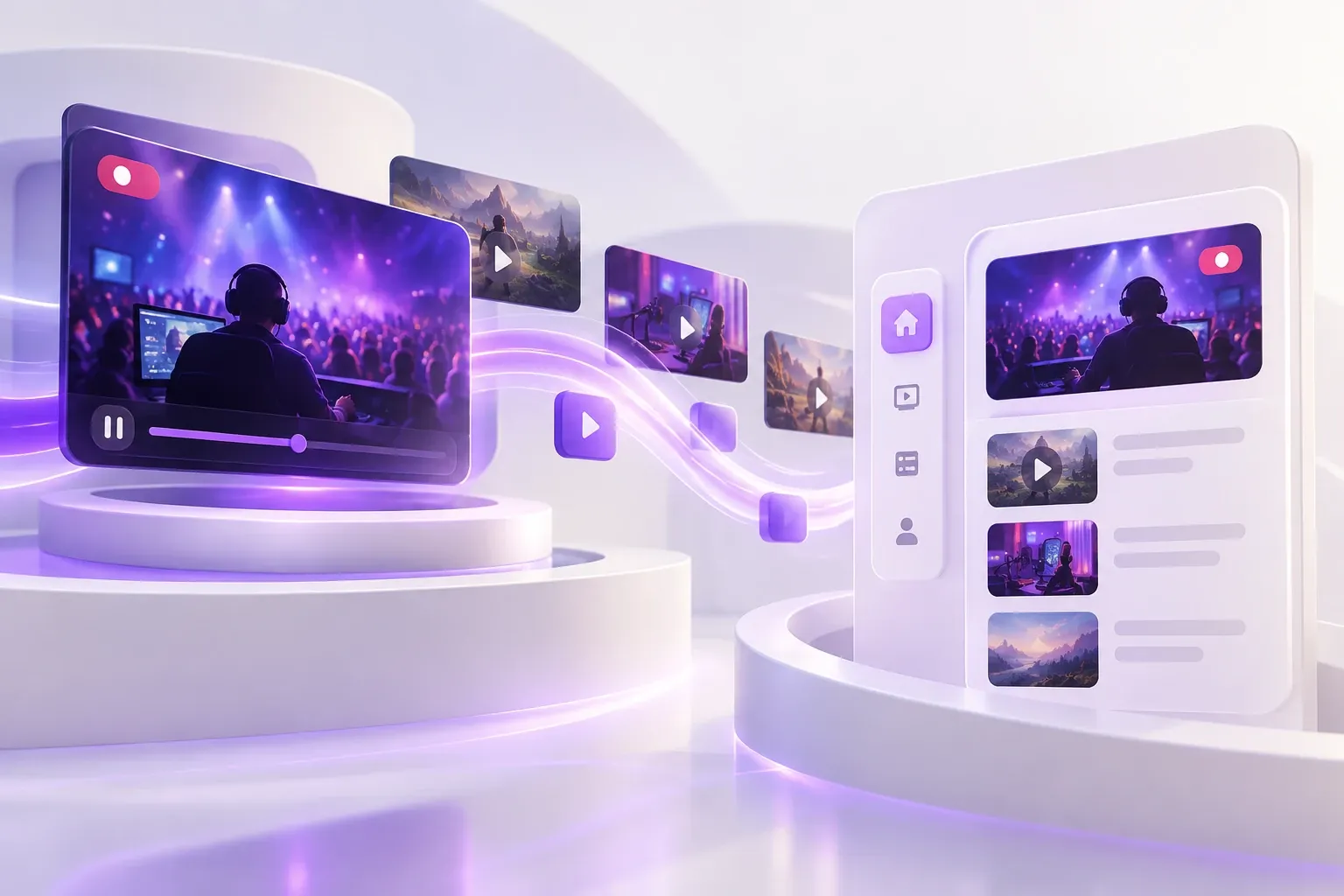
Twitch, a new source for your app's Video sections
The short version. Twitch is an extension of GoodBarber, the no-code app builder, that adds a Twitch channel as the source of a Video section. When the channel is live, the stream sits at the top of the section; the rest of the time, the section lists the channel's videos. You connect it once, with a Client ID and a Client Secret from Twitch's developer console. It is free for Content apps: each section counts as one of the extensions included in your plan.
The audience is on Twitch. In September 2026, viewers watched 1.51 billion hours of live streams there, with 2.1 million people watching at any given moment on average, according to TwitchTracker. Here is how the extension plays out for a creator who goes live every Tuesday at 8 pm.
What does your app show when you go live on Twitch?
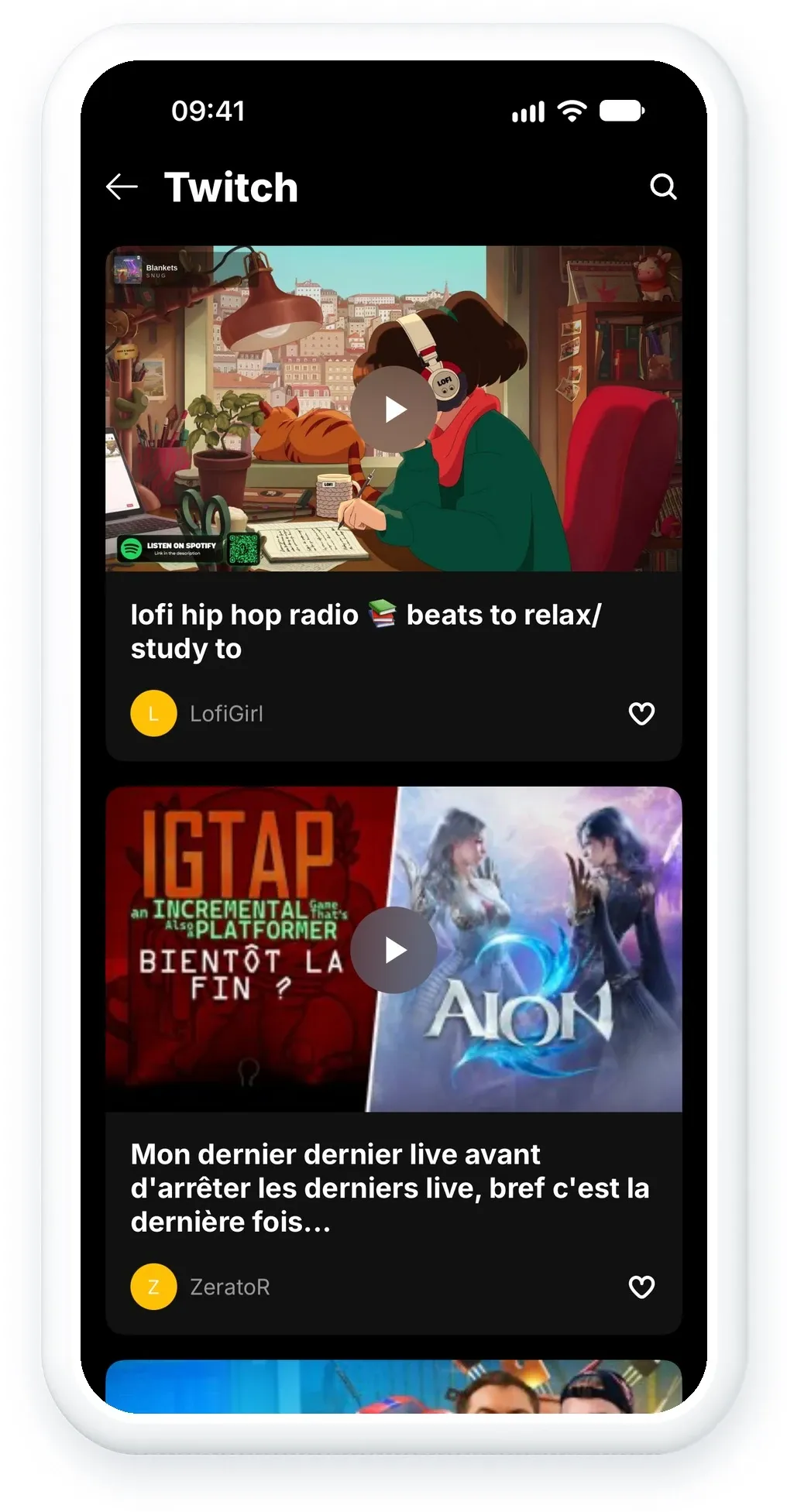
Take a creator who streams every Tuesday evening. On Tuesday afternoon, the Twitch section of her GoodBarber app lists her videos: last week's broadcast, a few highlights, the trailer she uploaded. Each one shows its title, its description, its duration and its view count.
At 8 pm, she goes live. The section refreshes its list about every 30 minutes, so within half an hour her stream takes the top of the list, and her viewers watch it in the app. When the stream ends, it leaves the top the same way.
To keep her streams once they are over, she turns on one setting in Twitch: Store past broadcasts, under Creator Dashboard > Settings > Stream. Each stream then comes back as a past broadcast, in the list with her other videos.
Do Twitch videos play inside the app?
Yes. Videos play inside the app, in Twitch's official player. Its controls stay on screen, as Twitch's terms require, and the player has no fullscreen button in the app.
Under each video, a link leads to Twitch, where viewers can follow the channel and join the chat. You write its text in your back office, in your app's language, in the field "Twitch link text, optional (e.g. Watch on Twitch)". Leave it empty, and the link shows the Twitch address of the video, or of the channel for a live stream.
How do you get a Twitch Client ID and Client Secret?
The Twitch section reads your channel through Twitch's API, with credentials that belong to you. You create them once:
- Log in to the Twitch developer console. Twitch requires two-factor authentication on your account to open it.
- Register a new application: OAuth redirect URL http://localhost, category Website Integration, client type Confidential.
- Copy the Client ID, then click New Secret and copy the Client Secret. Twitch shows the secret only once.
- In your back office, add a Video section, choose Twitch, and enter your channel name (the one in twitch.tv/name), the Client ID and the Client Secret.
Your credentials stay yours: the section runs on your application, not on a key shared between apps.
How do you add Twitch to your GoodBarber app?
The Twitch extension is available for Content apps. It is free, like YouTube: each Twitch section counts as one of the extensions included in your plan. Open your back office and add a Video section, or start from the Twitch page of the Extension Store, which lists everything the section does. Building an app around your channel? Our guide to creating an app for content creators covers the rest.
If your channel needs something this version does not do, tell our support team from your back office, with the name of your channel. That is what the next version will be built on.


