GBTC: Publish your app with easeDiscover GoodBarber Takes Care and simplify the app publication process for both the App Store and Google Play. Let us handle the technical details for you.Learn more about GBTC
We often receive questions from people who are interested in offering multiple language options in their app. So, today we’ve decided to cover this subject: how to create a multi-language app with our app builder. We don’t have a built-in feature to support multi-language at the moment, but there are options that you can work with in order to achieve a more global reach. Follow the guide!
Why do you need a multi-language app?
Just like you should ask yourself whether you need an app in the first place, even if it seems obvious to you, take the time to ask yourself why do you think you need a multi-language app. Making an app is a lot of work to start with, maintaining a multi-language app is twice the amount of work.
When you’ve made up your mind, here’s what you should consider before getting any further: - How do you want to achieve it? - What are your expectations in terms of user experience? - How do you intend to promote it?
How to achieve it
There are several ways you can achieve multi-language. Of course it all starts with a translation endeavor, which, depending on your app’s content can be quite time consuming. Once you have this covered, one of the options out there is localization. Thanks to that technology, the app can detect the native language of the user's device and automatically display it. This solution is optimal if you are looking to internationalize your app on a large scale, that is make your app available in say over 10 languages.
This feature isn’t supported by our app builder but, if you are looking to make your app multi-language friendly on a smaller scale we have two solutions you can work with:
- Create several content sections under one Menu section per language.
For teams managing app content across markets, tools like Lara Translate help translate articles, product information, and in-app content.
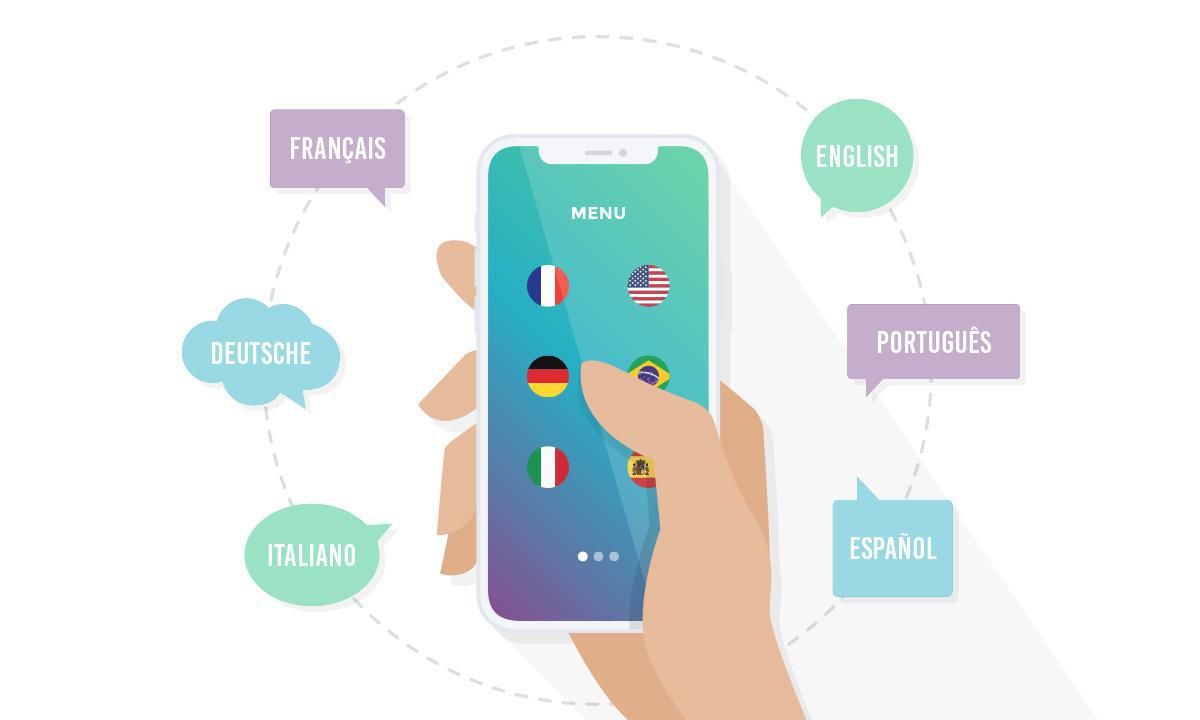
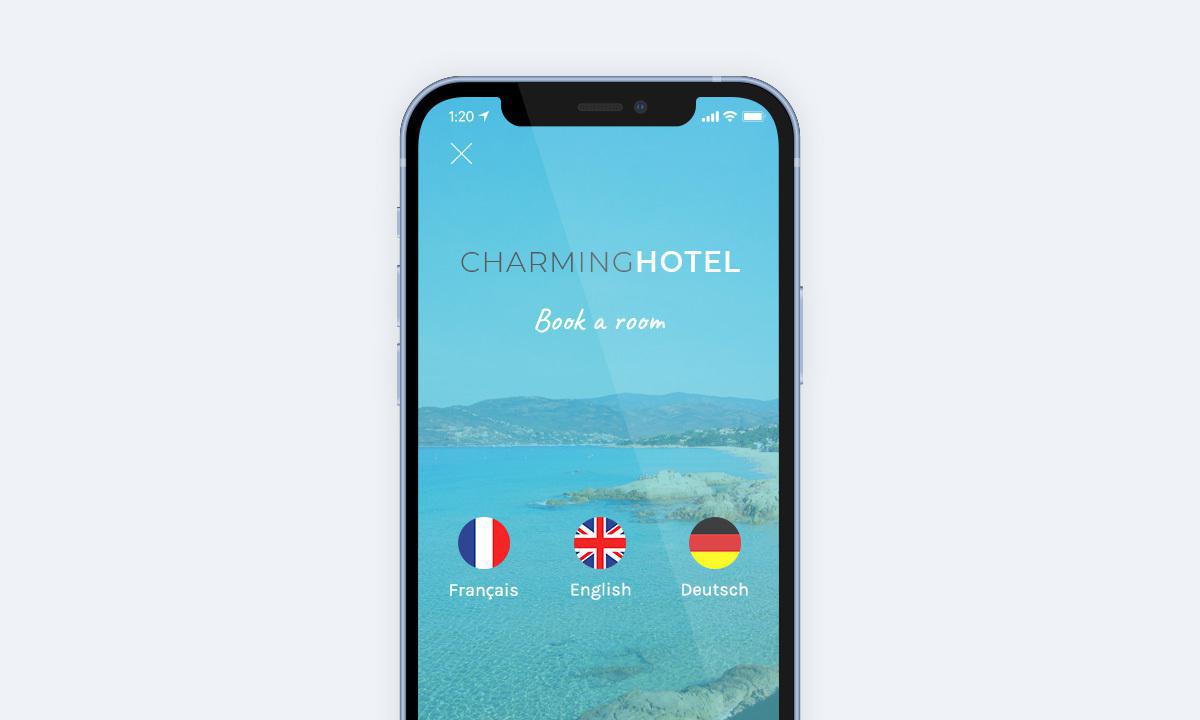
You can see that in one of our showcase app FlaminGo! With an app providing 3 or 4 language alternatives the user experience will remain flawless. The only imperative is that users immediately see upon opening your application that several languages are available. That is where one of our latest improvements come in handy. Make use of our new icons feature and customize yours , with flags for instance.
Just bear in mind that the language of your app will still be the one you set in the back office, in the general settings tab. If you set it to English for instance, all the navigation elements and automatic messages which will appear within the app, regardless of its content, will be in English (here, "My account" for example).
Example multi-language app
If you wish, and if you are familiar enough with HTML, you can customize even further your menu and the user experience, with a menu from scratch. In that case, the "flags" can direct users to given languages. The content for each language will still be listed under separate menus, but the UX has a different feel.
- Create one app per language
In terms of visibility and App Store Optimization , depending on your project, having one app per language can be an asset to better position yourself in the stores search engines. In that case, we grant a 50% discount on each language declination, on the basis of your initial subscription for your first application.
How to promote it
This topic kind of brings us back to our first point. It is one thing to have an app available in several languages, but it’s better to be able and promote it to all the markets you are targeting. This can be achieved if you have the knowledge or team to reach out in all the languages you are providing.
But, if you are relying on third-party services to translate your content, it will be more difficult to find the resources to market your app in the said languages. As a result, it might not get the exposure you were hoping for, at the risk of your efforts going unnoticed.
In the end, it all boils down to having a clear vision for your app. Whether you want to make your app multi-language is an aspect that you should have in mind from the start, before creating your app , since it will impact your decision when choosing an app builder , as well as your marketing strategy .
Original article: 12/08/2015 Article updated: 01/27/2021
In GoodBarber, each color of your theme plays a role. On one of our apps, changing a single color repainted 95 settings at once, without opening a screen.
The short version. Planning Center is an extension of GoodBarber, the no-code app builder, that fills a Calendar section with the events a church publishes on Church Center over the next six months. Recurring events appear once per date, at their public times, in the church's time zone, with their image, location and description. When an event has a sign-up, a button opens the form in the app. You connect it by signing in with a Planning Center Calendar administrator account: there is no key to copy. It is free for Content apps: each section counts as one of the extensions included in your plan.Many churches already run their calendar in Planning Center: it counts 78,000 active churches and 4 million active users, according to its About page, consulted in October 2026. Here is how the extension plays out for a church with a weekly service and a youth retreat.
The short version. HelloAsso Events and HelloAsso Campaigns are two extensions of GoodBarber, the no-code app builder, that read an association's public forms on HelloAsso. HelloAsso Events fills a Calendar section with upcoming events, with their date, venue and prices, and a button to register in the app. HelloAsso Campaigns fills an Article section with memberships, donation forms and fundraisers: memberships open in the app, donations open in the phone's browser. You connect them with your association's HelloAsso API credentials. Both are free for Content apps: each section counts as one of the extensions included in your plan.HelloAsso is where many French associations already sell their tickets and collect their memberships. In February 2025, it passed two billion euros collected for associations since 2009, half of it in the previous 18 months, and it counts 376,000 registered associations, according to Le Journal des Entreprises on March 6, 2025. Here is how the two extensions play out for a neighborhood sports club.
 eCommerce
 Memberships
 Chatbot
 Online Courses
 Bookings
 Travel guide
 Events
 Content Creators
 Pickup & Delivery
 Newspaper
 Radio
Radio Schools
 Faith
Faith Organizations
 Restaurant
 Grocery
 Custom apps
 Employee Communication

 NO CODE APP BUILDER
 TECHNOLOGY
 WHY GOODBARBER?
 Design
 PRODUCT RESOURCES
 TOPICS
 MOBILE APPS RESELLERS
 DISCOVER