 eCommerce
 Memberships
 Chatbot
 Online Courses
 Bookings
 Travel guide
 Events
 Content Creators
 Pickup & Delivery
 Newspaper
 Radio
Radio Schools
 Faith
Faith Organizations
 Restaurant
 Grocery
 Custom apps
 Employee Communication

 NO CODE APP BUILDER
 TECHNOLOGY
 WHY GOODBARBER?
 Design
 PRODUCT RESOURCES
 TOPICS
 MOBILE APPS RESELLERS
 DISCOVER
Your Meta real estate catalog now shows up in your agency's app
GoodBarber apps can now show the properties of the catalog an estate agency already sends to Meta for its real estate ads, on a map or as a list of listings. The feed that runs your ads on Facebook and Instagram now keeps your app up to date as well.

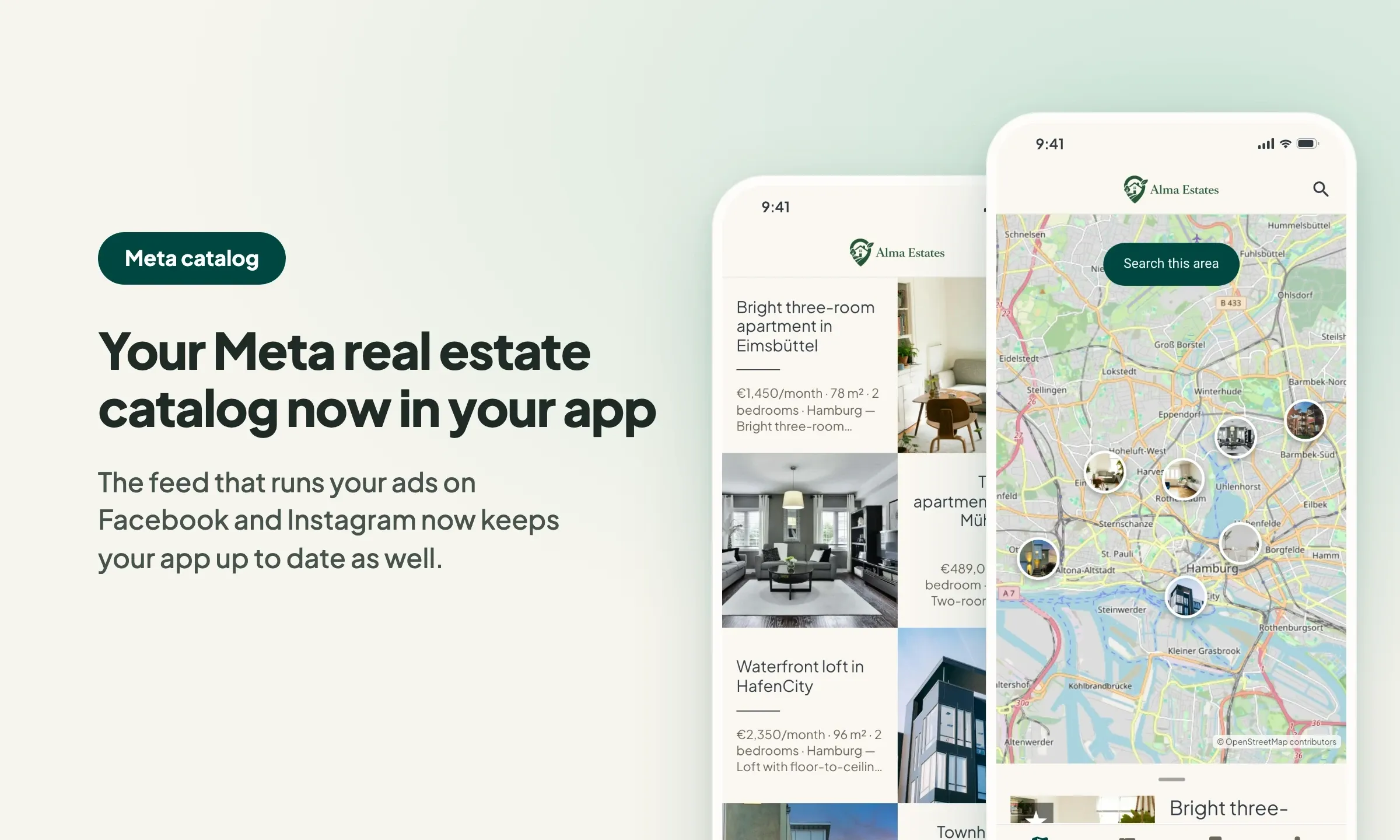
Meta catalog, two new sources for your agency's app
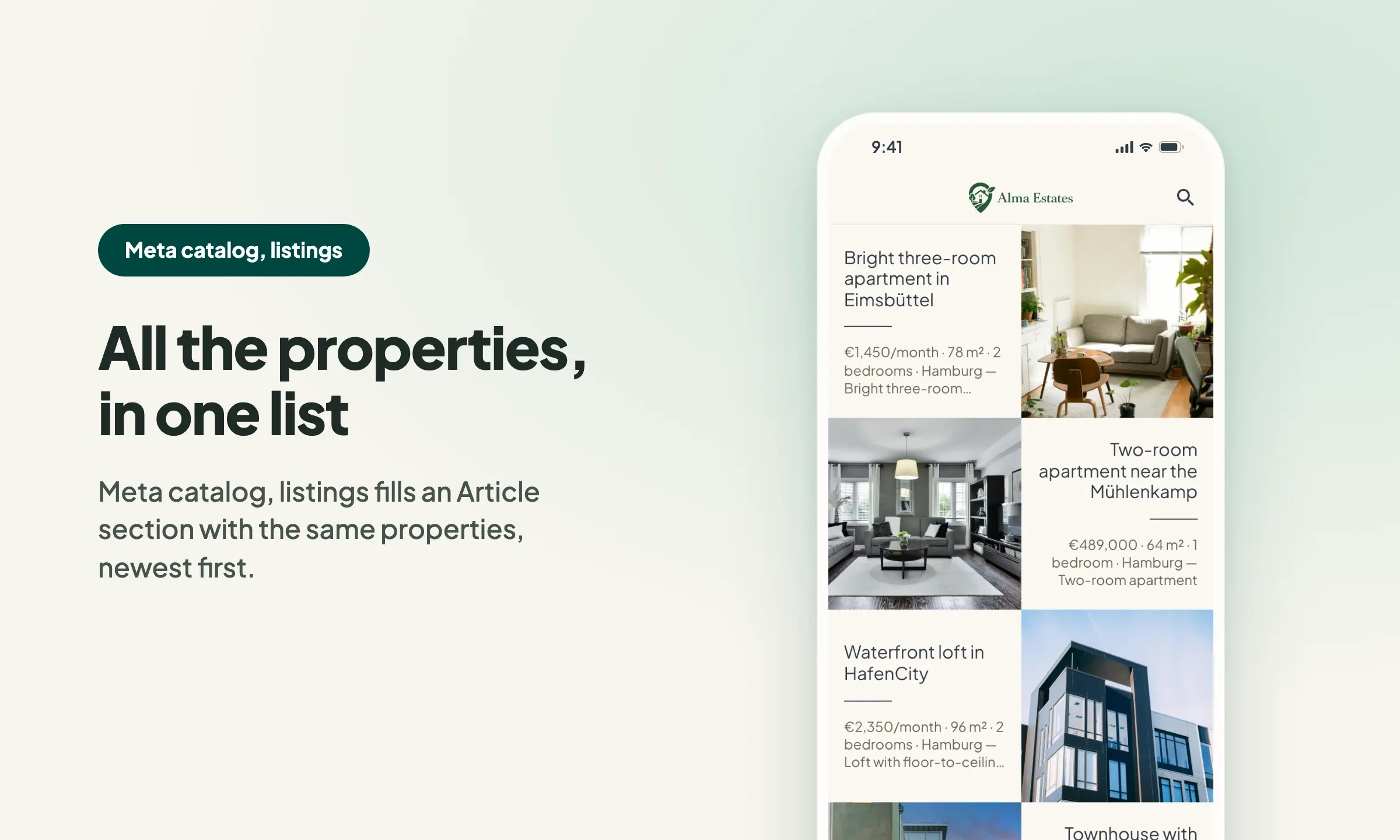
The short version. Meta catalog, map and Meta catalog, listings are two extensions of GoodBarber, the no-code app builder, that read an agency's "Home listings" catalog, the XML feed it gives Meta for its real estate ads. Meta catalog, map fills a Map section: each property with a known position becomes a pin with its own page, sorted by distance when the app knows where the user is. Meta catalog, listings fills an Article section with the same properties, newest first. You connect them with the link to your catalog feed. Both are free for Content apps.
Agencies build this catalog to reach buyers and tenants where they spend their time. Meta's apps were used by 3.60 billion people a day on average in June 2026, up 3% in a year, according to Meta's second quarter 2026 results published on July 29, 2026. Here is how the two extensions play out for an agency in Hamburg.
What happens when the agency publishes a new apartment?
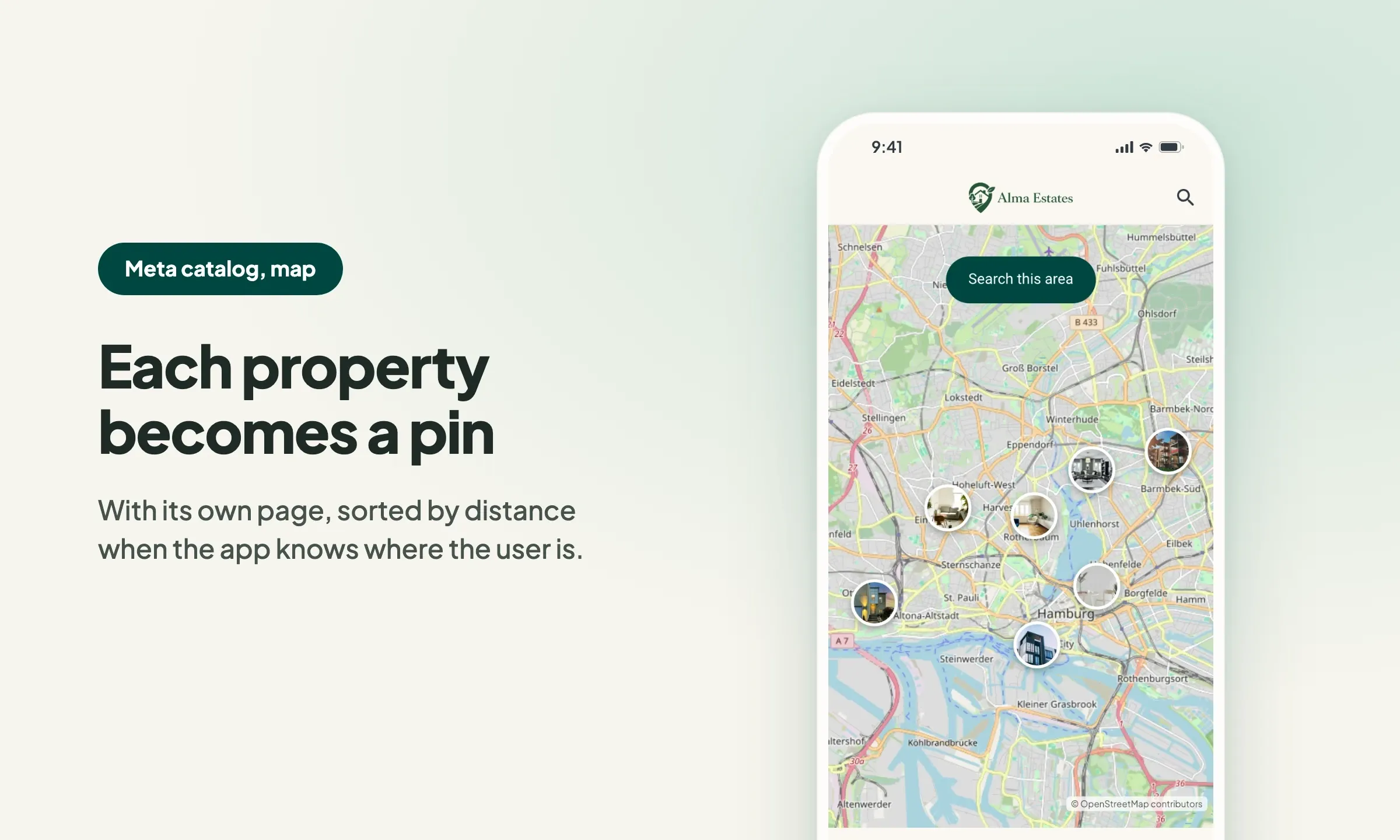
On Tuesday, the agency adds a three-room apartment for rent to its WordPress site with WP-ImmoMakler. The plugin updates the catalog Meta reads for the agency's ads, and GoodBarber reads the same feed about every 15 minutes: the apartment appears in the app as a pin on the map and at the top of the listings.
Meta requires each property's coordinates, so in practice every listing gets its pin; a property whose feed lacks them still appears in Meta catalog, listings, but not on the map. Its page shows the monthly rent, the photos, the living area, bedrooms and bathrooms, and the description. It also shows the agency's phone number and email address when the catalog includes them, and a link to the listing on the agency's website. Once the apartment is rented and leaves the market in the catalog, it leaves the app on its own.
Why build your app on the catalog you already have?
Because your agency already keeps this catalog up to date for its ads. An agency that runs real estate ads on Facebook and Instagram maintains it anyway, often generated by its website plugin, such as WP-ImmoMakler, or by a feed tool, such as Channable. Your app reuses that work instead of adding one more export to set up and watch.
Two details are worth knowing. Meta catalogs carry no publication date: GoodBarber dates each listing on the day it first appears in your feed, so new properties always come first. And the optional language setting of the section sets the language of labels such as "Bedrooms" or "Bathrooms": English, French, Spanish, German, Italian, Portuguese or Dutch. The descriptions stay as written in your catalog.
How do you connect your Meta catalog to your app?
The Meta catalog sections read the XML feed of your "Home listings" catalog, the one you already give Meta. Meta also accepts CSV and TSV feeds, but the extensions only read the XML one.
- In the tool that generates your catalog (WP-ImmoMakler, Channable…), copy the link to the XML feed of your "Home listings" catalog.
- In your back office, add a section and choose Meta catalog, map or Meta catalog, listings in the "Bring your content from…" block.
- Paste the link into "Link to the agency's Meta real estate catalog feed".
- Optionally, choose the language of the listings, then save the section.
The extensions only read the feed: your ads and your catalog in Meta's tools stay exactly as they are.
How do you add the Meta catalog to your GoodBarber app?
Open your back office and add a section, or start from the Meta catalog, map and Meta catalog, listings pages of the Extension Store. Building an app for your agency? Our real estate agency app page shows what else it can hold, and our template for the details of map sections shows how each property page can look.
These two extensions are part of four we released together for estate agencies: the other two read the Kyero feed that agencies selling to buyers from abroad often publish.
If your agency needs something this version does not do, tell our support team from your back office.


