 eCommerce
 Memberships
 RAG Chatbot
 Online Courses
 Bookings
 Travel guide
 Events
 Content Creators
 Pickup & Delivery
 Newspaper
 Radio
Radio Schools
 Faith
Faith Organizations
 Restaurant
 Grocery
 Custom apps
 Employee Communication

 NO CODE APP BUILDER
 TECHNOLOGY
 WHY GOODBARBER?
 Design
 PRODUCT RESOURCES
 TOPICS
 MOBILE APPS RESELLERS
 DISCOVER
Do you need a website, an app, or both? Your PWA is quietly both
Written by Pierre-Laurent Medori on · Last update:
Sooner or later, every project hits the same fork in the road, whether you run a business, a media, a community or a club: everyone says you need a website, your audience keeps asking for an app, and the budget says pick one. There is a third object that settles the debate, and almost nobody explains it in plain words: the Progressive Web App, a website and an app at the same time. Here is how it works, and when it is all you need.
Website or app? The question is rigged
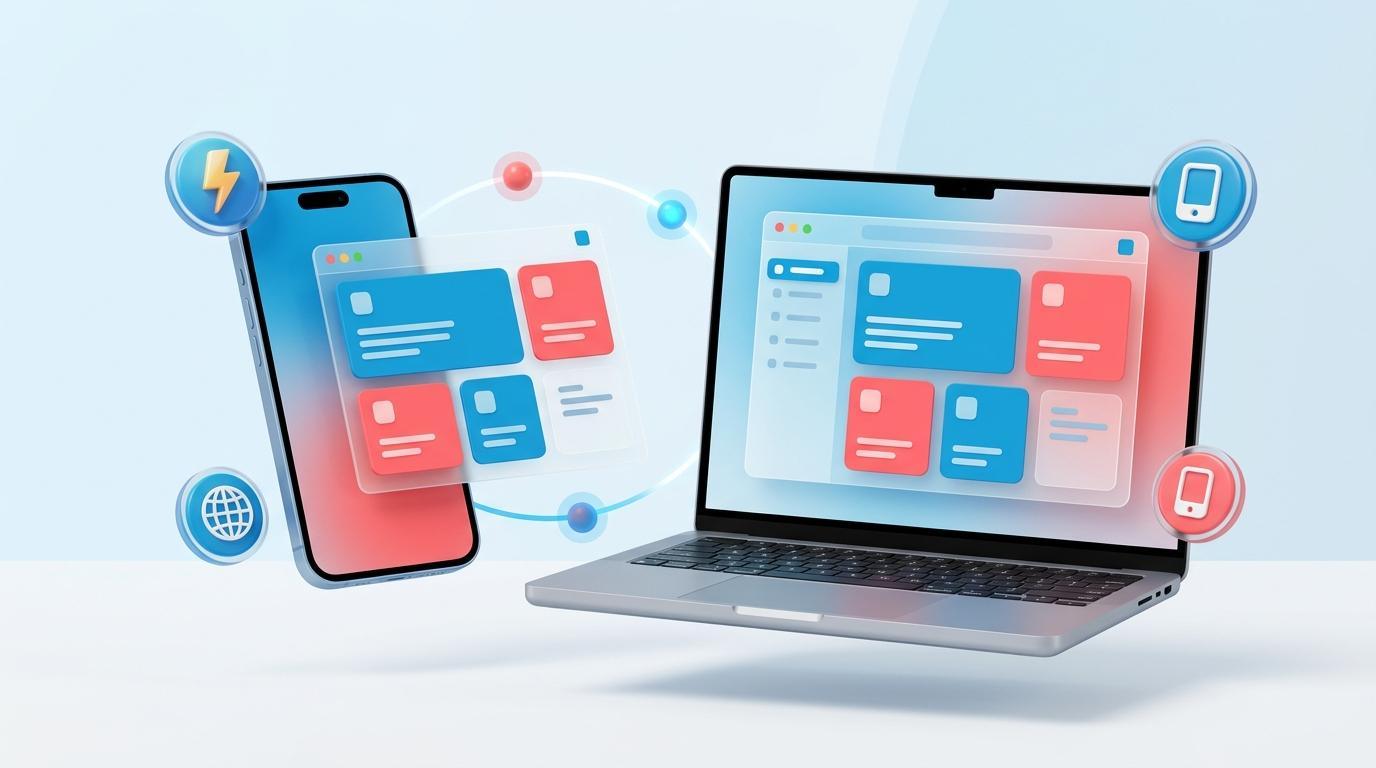
The short version. A website lives in a browser. A native app installs from the App Store and Google Play. A PWA (Progressive Web App) is a website that also installs like an app: home screen icon, offline mode, push notifications, no store required. A GoodBarber PWA is rendered server-side, so Google indexes it like any website. And GoodBarber generates native iOS, native Android, and a PWA from one single configuration. For most projects, that PWA is the website and the app in one.
Type “do I need a website or an app” into any search bar and you will find the same advice everywhere: a website is for being found, an app is for engaging loyal customers, and if you can afford it, get both. The framing sounds reasonable. It is also rigged, because it assumes two separate purchases: one project for the web, another for the stores, two budgets, two tools to keep alive.
For a bakery, a local newspaper, a creator, an association or a sports club, that assumption is exactly what makes the decision feel impossible. You do not have two budgets. You have one, and something to run. The part nobody explains: one of the three objects on the market is quietly both at once.
Website vs native app vs PWA: the three objects in plain words
Before deciding anything, get the vocabulary straight. Three sentences each.
- A website is a set of pages that live in a browser. People find them through Google, click, read, book or buy, then leave. Nothing to install, nothing left on the customer's phone afterwards.
- A native app is a program installed from the App Store or Google Play. It gets an icon on the home screen, sends push notifications, and uses the full power of the phone. It is also a real project: a build to produce, a store review to pass, updates to publish for as long as the app lives, plus a developer account ($99/year at Apple, $25 one-time at Google).
- A PWA (Progressive Web App) is a website that behaves like an app. It opens with a URL like any site, and it can also be added to the home screen, work offline and send push notifications, all without going through a store.
We wrote a full explainer on how PWAs work under the hood; this article is about making the decision.
Your PWA is your website. It just learned new tricks
Here is the part that changes the decision. A PWA opens with a URL, in any browser, on any device: phone, tablet, computer. It can sit in your Instagram bio, travel in a WhatsApp message, print as a QR code on your window, and come up in a Google search. That is not “like” a web presence. That is a web presence, the power of a plain URL included.
The difference with a classic website shows up after the first visit. A returning customer can install your PWA on their home screen, next to Instagram and WhatsApp. It loads fast, keeps working on a bad connection, and can send a push notification when you have something to say. Try asking a classic website to do that.
Installation moves real numbers, too. When the Japanese retailer Rakuten 24 made its store installable as a PWA, Google's case study measured a 310% higher visit frequency and a 450% jump in visitor retention compared to its regular web flow (web.dev, Rakuten 24 case study).
So for a lot of projects, the honest answer to “website or app?” is: one PWA. There is no separate website to buy, host and keep in sync, because the PWA already covers that job, and adds the app layer on top.
A PWA is not a website's rival. It is a website that grew app superpowers.
One configuration, three deliverables: how GoodBarber plays it
GoodBarber has been building mobile apps since 2011, and its answer to the website-or-app dilemma is structural: you do not choose. One configuration, made in one back office, generates three deliverables: a native iOS app for the App Store, a native Android app for Google Play, and a PWA for the web, desktop included.
Take the classic case: a service business that needs a contact page, a way to take appointment bookings and a channel to reach its regulars. On GoodBarber, that is one project, a Content app. The PWA is the website where new clients find you and book; the native apps live on your regulars' phones; the calendar, the content and the push notifications are managed once, in the same back office. Selling physical products is a different job, and GoodBarber keeps it separate: that is the GoodBarber eCommerce App, a second product line with its own catalog, cart and checkout, and 0% GoodBarber commission on sales.
The all-in-one part is literal. Hosting, database, CMS, push infrastructure and analytics are included in the subscription: no separate hosting contract for the “website part”, no third-party push service for the “app part”. Every plan includes the PWA; the native apps and the Booking module come with the Premium tier and up (see pricing).
And if you started out searching for a website builder: yes, for a showcase-plus-bookings project, the PWA does that job. The precision matters, because GoodBarber usually gets filed under “app builders only”. The PWA is the part of the product that quietly does the website work.
Is a PWA good for SEO? Yes. Time to kill the myth
The classic objection: “if my website is actually an app, will Google still find me?” It deserves a straight answer.
A GoodBarber PWA is rendered server-side and built to be indexed like any website. Every page has its own clean URL, served over HTTPS by default, with meta titles, meta descriptions, sitemap and Search Console managed from the back office (the technology behind it). Being an app costs you nothing in search. We have been publishing on PWA and SEO since 2019: this is not a recent bet, it is how the engine was designed.
Being indexable is one thing; being indexed quickly is another. From the same SEO panel, one toggle turns on IndexNow: instead of waiting for a search engine to come back on its own, your PWA tells it the moment a page is published, updated or removed. That is where the difference shows when your content moves: prices, listings, a newsroom publishing several times a day.
So where does the myth come from? From a real problem that belongs to a different object: single-page apps rendered client-side. There, the server sends a nearly empty shell and the content is injected by JavaScript in the browser. Crawlers can struggle with that: pages get indexed late, partially, or not at all. It is a well-known limitation, and it has nothing to do with a server-rendered PWA.
It matters in 2026 because client-rendered single-page apps are exactly what many AI website builders generate. The demo looks great; the indexation gaps surface later, when you wonder why the site never shows up. A GoodBarber PWA takes the opposite route: the server sends real, complete pages, and Google reads them like any website. It is the same line we keep drawing between building an app and running one.
Website, native app, or PWA: how to decide
The comparison in one table, then three honest rules.
| Classic website | Native app | PWA | |
|---|---|---|---|
| Installation | None, browser only | From the App Store and Google Play | From the browser, no store needed |
| Found on Google | Yes | Not by itself: people find it in the stores | Yes when server-rendered, like a GoodBarber PWA |
| Works offline | No | Yes | Yes |
| Push notifications | No | Yes | Yes |
| Cost and maintenance | A project of its own: design, hosting, updates | The heaviest: build, store publication, regular updates | Light: a website and an app in one project |
| Ideal for | An editorial showcase with an established audience | Maximum engagement with your regulars | A web presence and an app experience in one move |
Three rules to decide:
- Keep a classic website if you already run one with years of authority and backlinks, or if you want a fully bespoke marketing showcase. Keep it, and let a PWA and native apps carry the app side.
- Prioritize the native app if everything rides on your regulars: presence in the stores, an icon on their phone, push as your loyalty channel.
- Prioritize the PWA if you need a web presence and an app experience on one budget. On GoodBarber you do not actually have to choose: the same configuration ships the PWA and, from Premium up, the native apps.
One honest caveat to close. The good reasons to keep a separate website are strategic, not technical: an established site whose SEO authority you do not want to touch, or a fully custom showcase no builder should constrain. “A PWA cannot be indexed” is not one of the good reasons.
Running a small service business and wondering whether you even need those eight pages? That debate, and the right-sized answer for salons, practices and repair shops, has its own article.
FAQ
Is a PWA a website?
Yes. A PWA is a website: it opens with a URL in any browser and is served like any other site. The “progressive” part is what it adds on top: installation on the home screen, offline mode and push notifications, without going through the app stores.
Is a PWA good for SEO? Can Google index it?
Yes, provided its pages are rendered server-side. Google then indexes the PWA like any website. GoodBarber PWAs are rendered server-side, with one URL per page, HTTPS, meta tags, sitemap and Search Console support. The SEO problems attributed to PWAs actually concern single-page apps rendered client-side.
Do I need both a website and an app?
You need both jobs done: being found on the web, and living on your customers' phones. That does not mean two projects. A PWA covers the website job and the app job at once, and on GoodBarber the same configuration also produces the native iOS and Android apps.
Does GoodBarber give me a website?
Yes. Every GoodBarber plan includes a PWA, which is a full website: your pages, your domain name, indexed by Google, plus installation, offline mode and push. Native iOS and Android apps are included from the Premium tier.
Website or app: which should come first?
Start with the PWA: it is live immediately, findable on Google, and available from the entry-level plan. Add the native apps when presence on the App Store and Google Play becomes a goal. On GoodBarber both come out of the same configuration, so “first” is a publishing decision, not a rebuild.
Your website and your app are one configuration away.Create your app with GoodBarber: design it once, publish the PWA as your web presence, add the native apps when you are ready, and compare plans to size your project.
A PWA is also the only thing you can publish for free: see what free app builders really include.