 eCommerce
 Memberships
 Chatbot
 Online Courses
 Bookings
 Travel guide
 Events
 Content Creators
 Pickup & Delivery
 Newspaper
 Radio
Radio Schools
 Faith
Faith Organizations
 Restaurant
 Grocery
 Custom apps
 Employee Communication

 NO CODE APP BUILDER
 TECHNOLOGY
 WHY GOODBARBER?
 Design
 PRODUCT RESOURCES
 TOPICS
 MOBILE APPS RESELLERS
 DISCOVER
Siri Actions: the MCP of your iOS app
A new interface for your iOS app

What your app can answer
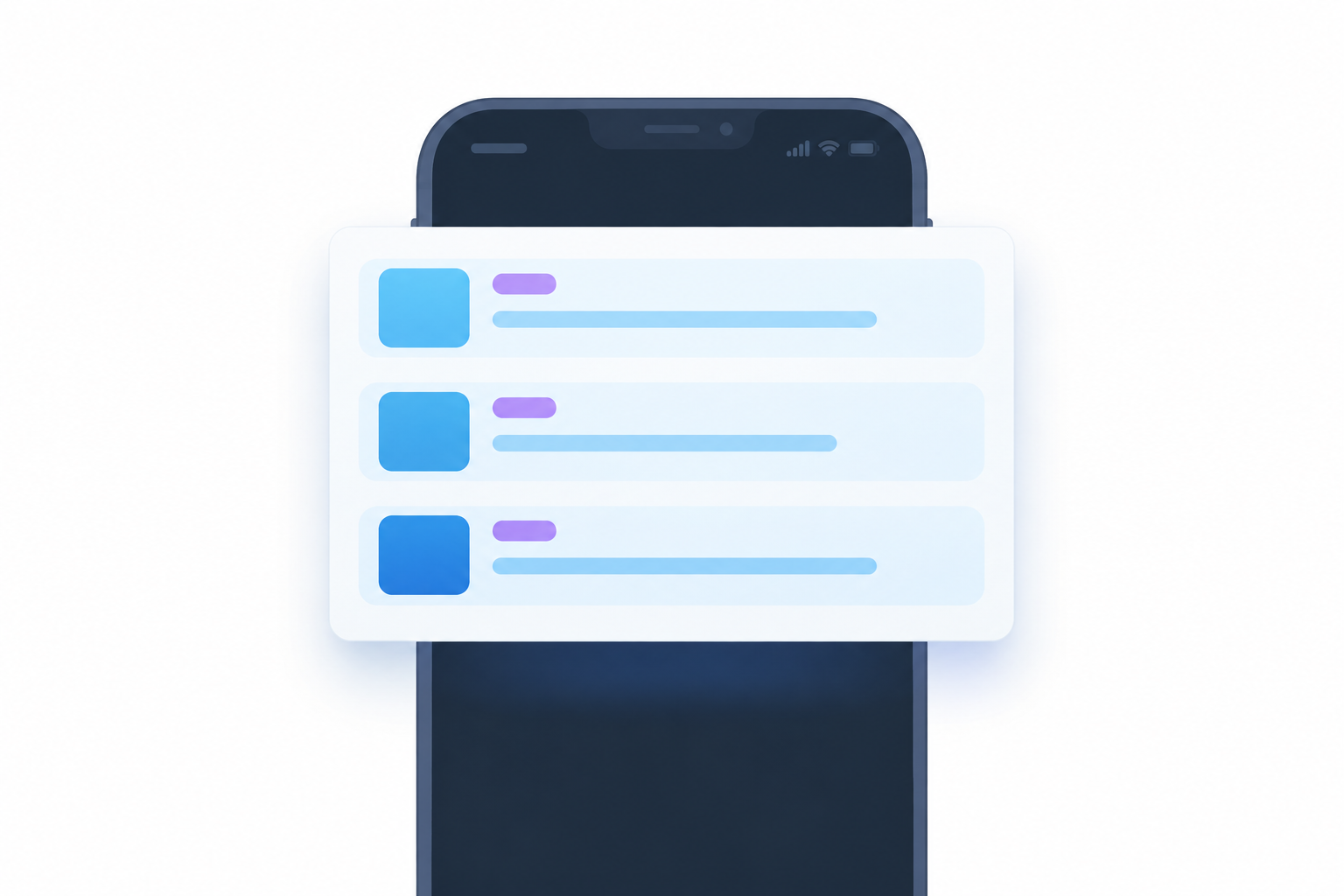
Siri Actions is a set of questions your app can answer out loud. Someone says "Hey Siri, what's new on GoodBarber News?", and Siri replies with how many new items there are, names the most recent one and the section it came from, then draws a card: thumbnail, section badge, headline, a line of summary, up to five rows. The app does not have to be running, or to have been opened that week. It works on iPhones running iOS 17 or later, and it draws on the content widgets of your app's home screen. Siri is Apple's assistant, so this release is iOS only; your Android app is unchanged.
Underneath is Apple's App Intents framework, the modern way for an app to make its actions and content available outside the app itself: you declare what the app can do in a structured form, and the system makes it discoverable to Siri. Siri Actions asks nothing from your Apple Developer account and nothing from you in the back-office.
What it means for your app
Your app gets Siri Actions without any work on your side, because every GoodBarber iOS app is compiled from the same native engine. You design your app in the back-office, that design becomes a configuration, and a single native iOS engine renders it. A capability built into the engine is not an extension you buy or a plugin you install: it is in your next build, included in the subscription you already pay. You change nothing and the app starts answering.
That is the part a local newspaper, a radio station or a sports club could not buy separately. Siri integration needs native iOS development, familiarity with App Intents, testing on physical devices, and separate work on the phrases people actually say out loud. The last one is the expensive part and the least visible: a trigger phrase is matched against a real voice, so if it is grammatically correct but nobody would say it out loud, Siri never matches it.
Where the answer comes from, and what it deliberately does not do
Siri reads the content widgets on your app's home screen, merges them, removes duplicates, sorts the result newest first and filters it by the reader's subscription. Querying everything and sorting by date was the obvious answer; reading your home screen was the right one, because it is the one place where you have already said what matters. You arranged it and you decided what leads, and a second ranking built beside it would overrule a decision you already made. An article featured in two widgets is mentioned once. Subscriber-only content is filtered against whoever is holding the phone: a subscriber hears about what they pay for, and a non-subscriber is not told about an article they would hit a paywall on.
The rest of the work went into restraint. When there is nothing new, Siri says so in one sentence and stops, with no follow-up question and no offer to try again. Articles, videos, photos and podcasts are included; events and map points are not, because an event's date is when the thing happens rather than when it was published, and sorting a "what's new" list by that date would make next summer's festival today's freshest news. Events need their own question, closer to "what's on this weekend?", and that is separate work.
Two limits of Siri itself shaped the rest. Siri does not remember what it just told you: ask what's new, hear the answer, then say "open the third one", and nothing happens, because every request starts from zero. And when the card appears after a voice request, it is there to be read, not tapped. Both pushed the design the same way: one exchange, complete on its own, with nothing left hanging on a follow-up that will not work.
Not the same thing as your MCP server

Siri Actions is for your audience; the MCP server is for you. Since the MCP server launched in May 2026, the assistant you already use can operate your app: publish an article, schedule a push, check an order or pull last week's numbers, with you reviewing what it did. Connecting it is a search rather than a URL to paste now that GoodBarber is listed in Claude's connectors directory and in ChatGPT's app directory. That surface is you talking to an assistant about your app, the one that turns the app you already run into an AI backend. The other is Siri Actions: your audience talking to their phone about your app.
The two rest on the same idea from opposite directions: an application as a list of actions that something else can discover and call. Apple defines App Intents; Anthropic defined the Model Context Protocol, now governed under the Linux Foundation. With App Intents the app itself publishes its actions, compiled into the binary; with MCP a service publishes them through a hosted server. Siri, Spotlight and the Shortcuts app call the first; any MCP-aware assistant, Claude or ChatGPT among others, calls the second.
Both turn an app into something that can be asked, which is the sense in which Siri Actions is the MCP of your iOS app. The back-office answered to conversation first; the published app now does too. It is the same bet our Head of Frontend Engineering, Mathieu Poli, described when he wrote about staying native while the industry left and came back: build on the layer the platform maintains itself, and your app is within reach of whatever the platform builds on top of it next.
When your app gets it, and what comes next
The feature is built, and it reaches apps in stages. App Shortcuts are compiled into the binary, so Siri learns an app's phrases at install time from data baked into the build. There is no remote switch to flip: each app is compiled either with the feature or without it, which means your app gets it through a store update, not overnight.
The first app to answer is our own. GoodBarber News is the news app we publish on the App Store, and it gets the feature before anyone's business depends on it. Phase one then goes to a pilot group of apps, and phase two moves the choice into the back-office so you decide for yourself, with a build and a store submission behind it.
More questions are on the way. The next is already in development: "What's the latest article in [section]?", which adds section-level targeting and a confirmation step so the item can be opened by voice. Beyond it, the content types this first release leaves out are the ones we most want to bring in. Events have their own natural questions, "what's on this weekend?" and "what's on near me?", and answering those properly means treating an event's date and place as what they are, rather than folding them into a list sorted by publication.
One thing we cannot finish alone: the phrases. What your audience actually says to their phone will differ from what we guessed, and once the feature lands in your app, that is what we most want back from you.
What to check when you choose an app builder
Ask what the app exposes to an assistant, because there are two separate answers and a platform can have one without the other. Voice answers on iOS come from App Intents compiled into the binary. Operating the app by conversation comes from an MCP server on the platform side, and not all MCP servers sit at the same altitude. "Has an MCP server" says little on its own, which is why the useful form of the question is a five-point test for agent-readiness.
If you already run a GoodBarber app, there is nothing to do yet: it arrives with the rollout above, and we will say so when your build is ready. To hear it before then, install GoodBarber News; the feature arrives with its next update. If you do not run one yet, start a free trial, build a first version of your app and install it on your phone; when the feature reaches the platform, it reaches that app too.
Frequently asked questions about Siri Actions
Do I have to configure anything to enable Siri Actions in my app?
No. Siri Actions is compiled into the GoodBarber native engine, so it arrives with your app's next build and store update. During the pilot, GoodBarber enables it; once the option is in the back-office, you choose whether your app answers Siri.
Does Siri Actions need anything from my Apple Developer account?
No. Siri Actions uses Apple's App Intents framework, which needs no special permission from your account. Your app stays published under your own Apple Developer account, exactly as before.
Will Siri read my paid content to readers who have not subscribed?
No. Siri Actions filters the answer against the subscription of the person holding the phone. A subscriber hears about the content they pay for; a non-subscriber is not told about an article they would hit a paywall on.
Does Siri Actions work on Android?
No. Siri and App Intents are Apple technologies, so Siri Actions works on iPhones running iOS 17 or later. Your Android app is unchanged.
What is the difference between Siri Actions and the GoodBarber MCP server?
Who asks. Siri Actions lets your readers ask your published app a question by voice on their iPhone. The GoodBarber MCP server lets you, the app owner, operate your app from an AI assistant such as Claude or ChatGPT: publishing content, scheduling a push, checking an order. One is for your audience, the other is for you.


