 eCommerce
 Memberships
 Chatbot
 Online Courses
 Bookings
 Travel guide
 Events
 Content Creators
 Pickup & Delivery
 Newspaper
 Radio
Radio Schools
 Faith
Faith Organizations
 Restaurant
 Grocery
 Custom apps
 Employee Communication

 NO CODE APP BUILDER
 TECHNOLOGY
 WHY GOODBARBER?
 Design
 PRODUCT RESOURCES
 TOPICS
 MOBILE APPS RESELLERS
 DISCOVER
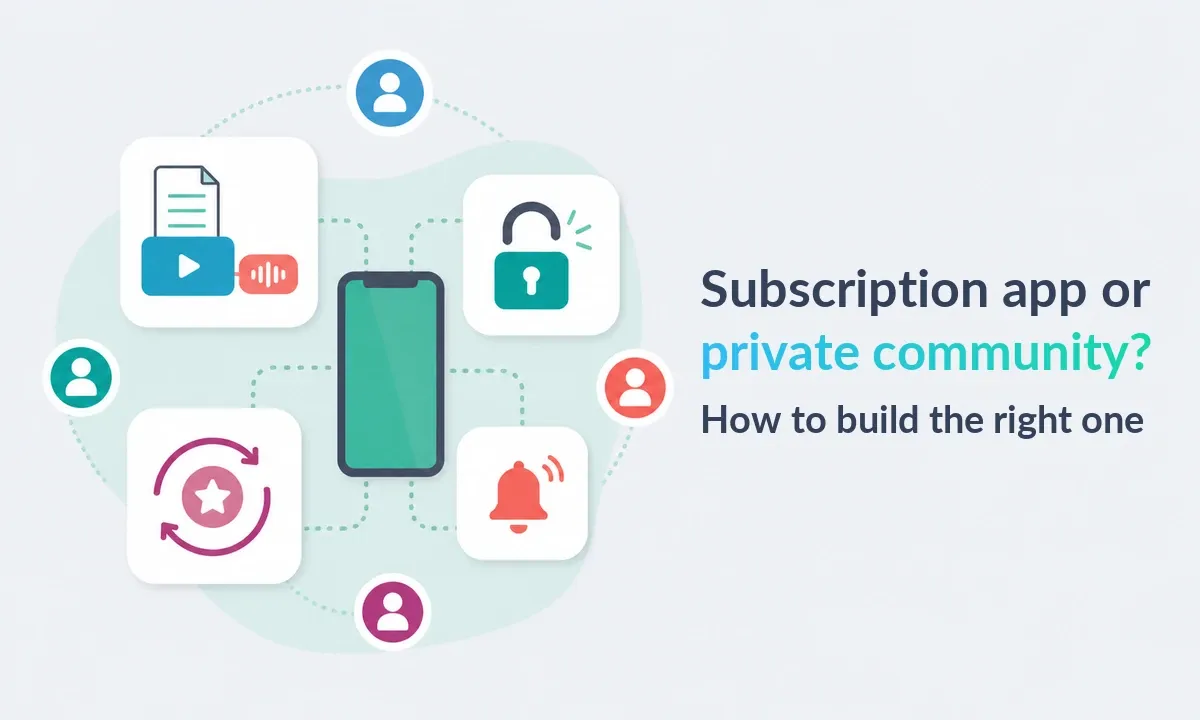
Subscription app or private community? How to build the right one
A running coach says, “I need a membership app.” Do they want to sell a recurring training program or organize a private club? GoodBarber supports both—but through different access models: Memberships for paid subscriptions, or Authentication and User groups for a private community.

Start with the access model, not the feature list
The short version. Choose a subscription app when payment through Apple or Google decides who gets premium content. Choose a private community app when an administrator assigns people to groups and spaces. In GoodBarber, these are separate authentication flows: Memberships cannot be combined with Community, User groups or Chat in the same app.
One model sells access to premium content. The other organizes access around people, groups and private spaces. The screens may look similar, but the rule that creates access is different.
Start with the rule that turns a visitor into an authorized user. Everything else follows.
Subscription app or private community? The difference
| Subscription app | Private community app | |
|---|---|---|
| What creates access? | An active auto-renewable subscription | An account and one or more groups assigned by an administrator |
| What is restricted? | Premium content and sections; public content stays open | The whole app or selected sections, with different rights by group |
| How does payment work? | In-app purchase through Apple or Google in the native apps | No built-in store subscription attached to group membership |
| How granular is access? | One status: subscribed or not subscribed | Several groups can see different sections or navigation |
| Community features | Community, User groups and Chat are unavailable in this configuration | Member directory, Community and Chat can be added |
| Push targeting | Active, expired or non-subscribers | One or more user groups |
| Best fit | Creators, publishers, courses, podcasts and premium media | Associations, clubs, schools, teams and private networks |
Choose the subscription model when the promise is “pay and unlock the full library.” Choose the community model when it is “join the right space and participate with the right people.”
In GoodBarber, this choice is also a product boundary: an app follows the Memberships path for paid subscriptions or the User groups and community path.
Step 1: Build the content promise before the access rule
A paywall is only a door. People still need a reason to cross it and return.
For a subscription app, plan three layers:
- Public proof: useful articles, videos or podcast extracts that demonstrate the value.
- A clear preview: enough of a premium item to make the offer concrete.
- A recurring habit: a format people can name, such as a weekly plan, daily briefing or monthly guide.
For a private community, content helps members act together: shared announcements, resources by group, an event calendar and a private organizer area. Each section should serve a real audience.
GoodBarber's CMS manages articles, videos, audio, photos, maps and live content from one back office. The technology supports the mix; the editorial promise gives people a reason to use it.
The benefit is not “exclusive content.” It is a useful outcome delivered on schedule.
Step 2: Keep the access rule simple
In a subscription app, access is binary. Subscribers see public and premium content; non-subscribers see the public area. You can mark premium items, show a preview and remove advertising for subscribers.
The GoodBarber Memberships extension does not create Bronze, Silver and Gold libraries with different entitlements. One paid access level is easier to explain and support, but it is not a multi-tier permission engine.
In a private community app, authentication and groups provide more granularity. You can restrict the whole app or selected sections, place one member in several groups, and give each audience a different navigation structure.
These flows cannot run together in one GoodBarber app. If paid tiers and group-based community features are both essential, this configuration is not the right fit.
Step 3: Make subscriptions easy to buy
Users subscribe inside the native iOS or Android app. Apple and Google present the checkout and manage the auto-renewing payment; GoodBarber validates the purchase and unlocks the premium content.
You can offer monthly and annual billing for the same access level. Once someone subscribes in the native app, the same account can log in to the Progressive Web App and use the restricted content on the web. The PWA extends access across devices; it does not initiate the subscription.
This flow does not sell a one-time page unlock or assign different content to several paid tiers. Identify either requirement before store submission.
A smooth checkout only helps when the offer behind it stays simple.
Step 4: Give every push a job
Subscription status gives each message a purpose:
- Non-subscribers: promote a useful public preview and the benefit behind it.
- Active subscribers: deliver the new program, episode or live session they paid for.
- Expired subscribers: explain what changed since they left.
In a private community, groups provide the context. Send the route change to volunteers, the new schedule to coaches and the general reminder to everyone.
GoodBarber can send push notifications immediately, schedule them or trigger them when content is published. Target by subscription status in a subscription app or by user group in a community app. Geography, platform and operating system can refine a message when they genuinely matter.
“Your week-three plan is ready” gives the user an action. “Check out our latest content” does not. See how Memberships and push notifications work together for the full lifecycle.
Step 5: Plan the first four weeks
An app can be technically complete and editorially empty. Plan its opening month before store submission.
A subscription app might publish one premium core format, one public proof item and one premium follow-up each week. A community app might combine one shared announcement with group-specific updates around its calendar and events.
The exact frequency matters less than reliability. A realistic rhythm sets member expectations, gives push notifications a legitimate reason to exist and exposes an unsustainable promise before customers do.
Retention begins in the editorial calendar, not in the notification composer.
How GoodBarber turns the plan into one Content app
A GoodBarber Content app brings the CMS, hosting, user data, push notifications and analytics into one back office. One configuration produces a native iOS app, a native Android app and a Progressive Web App.
For a paid publisher or creator, add Memberships, define public and premium sections, configure the subscription offers and prepare status-based push campaigns. To put this into practice, follow the GoodBarber Academy course Charging for access to your content.
For an association, school or club, activate Authentication, organize members into groups, assign section access and add the Community or Chat features the project needs. The Academy course Building a community with your app walks through authentication, the user list, groups and chat. For the broader engagement strategy, see How to build a community around your app.
This works when content is the product or the organizing layer: a course, publication, podcast, professional network, club or member portal. It is not a shortcut to a complex marketplace, a custom entitlement engine or paid tiers combined with group-specific community features.
No-code removes the engineering project. The access rule, content promise and operating rhythm remain the product decisions.
Launch checklist
Before submission, make sure you can answer each question in one sentence:
- Does payment or assigned group access authorize the user?
- What remains public?
- What recurring outcome does the authorized user receive?
- Which sections are premium or restricted by group?
- If subscriptions are enabled, is there one clear access level?
- What will publish during the first four weeks?
- Which push belongs to each subscriber status or group?
- Have you tested every access state with separate accounts?
Simple rules are easier for users to understand and for your team to operate.
FAQ
What do people mean by a membership app?
The phrase commonly covers two products: an app where a paid subscription unlocks premium content, and a private community app where accounts and groups control access. GoodBarber treats these as separate architectures. Memberships is the name of its in-app subscription feature, not an umbrella term for both.
Can I build a subscription app without coding?
Yes. GoodBarber provides the CMS, native apps, PWA, subscription flow and push notifications from one back office. You still define the offer, prepare the content and submit the native apps to Apple and Google.
Can I sell different subscription tiers with different content?
Not with GoodBarber's Memberships extension. It uses one paid entitlement, with monthly and annual billing. It does not create separate Bronze, Silver and Gold content levels.
Can subscribers also use User groups, Community and Chat?
Not in the same GoodBarber app. The subscription authentication flow is incompatible with standard Authentication, User groups, Community and Chat. Choose the architecture before you build.
Can subscribers access premium content on the web?
Yes. After subscribing through the native iOS or Android app, a user can sign in to the PWA with the same account. The initial purchase happens through Apple or Google in the native app.
How do push notifications support these apps?
A subscription app can adapt messages to active, expired and non-subscribers. A private community app can target user groups. In both cases, link every push to a concrete action inside the app.
Choose the access model first. Then build the app once.Create your app with GoodBarber, map the public and restricted content, and test every access state before you publish. You can also compare the Content app plans when you are ready to size the project.


