 eCommerce
 Memberships
 Chatbot
 Online Courses
 Bookings
 Travel guide
 Events
 Content Creators
 Pickup & Delivery
 Newspaper
 Radio
Radio Schools
 Faith
Faith Organizations
 Restaurant
 Grocery
 Custom apps
 Employee Communication

 NO CODE APP BUILDER
 TECHNOLOGY
 WHY GOODBARBER?
 Design
 PRODUCT RESOURCES
 TOPICS
 MOBILE APPS RESELLERS
 DISCOVER

Image carousel
 Built by GoodBarber
Several visuals in the space of one
The images take up the full width of the screen, each with its title and its caption laid over it. The text stays readable whatever the photo, a dark scrim rising from the bottom of the image to carry it. The section moves on to the next one every four seconds, with no one having to touch anything, and when your user leaves the section, it stops cycling with no one watching.
A hotel shows its rooms, a caterer its tiered cakes, a concert hall its lineup for the month. You replace the five original visuals with your own, by asking the agent or by editing the code, and there is nothing else to prepare.
The swipe really follows the finger: the image moves during the gesture, and it comes back into place if the slide is too short to change frame. On the first one as on the last, it resists instead of sliding into nothing. And if their phone is set to reduce motion, the section doesn't start advancing: it waits for their gesture.
 Arrows, dots and autoplay provided, you only bring the images
- Your user takes over, the autoplay gives them six seconds
- No more article where five photos scroll by in a row
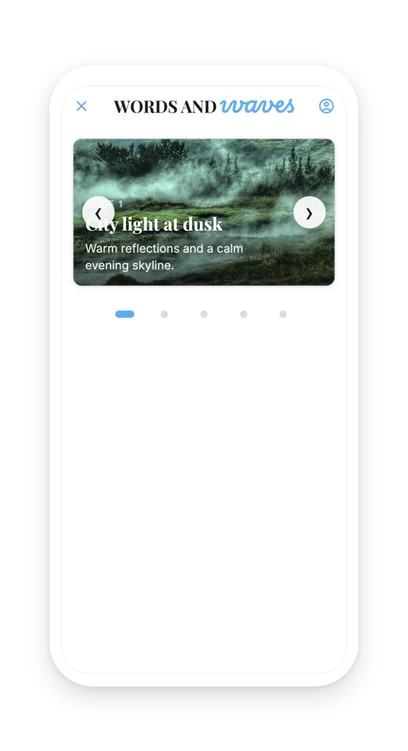
Your section lives in your app
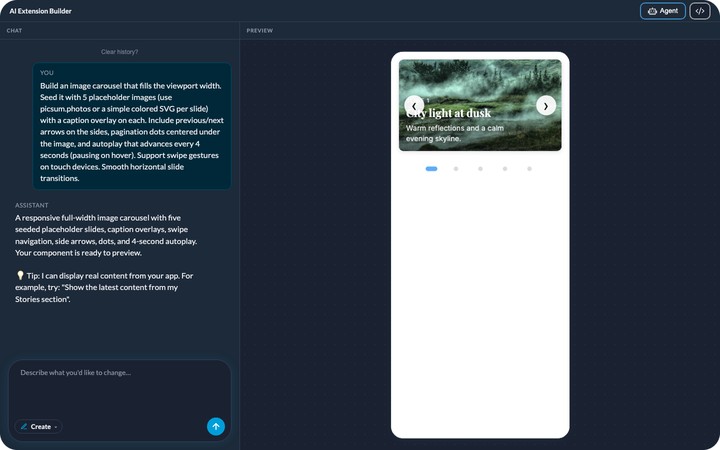
You describe it, the agent builds it, and it shows up in your app's menu. It picks up your app's colors with nothing to set, like any other section. You can rename it, move it in the menu, change its design.
And it keeps evolving with you: ask for a change in plain language, or edit the generated code directly.


